
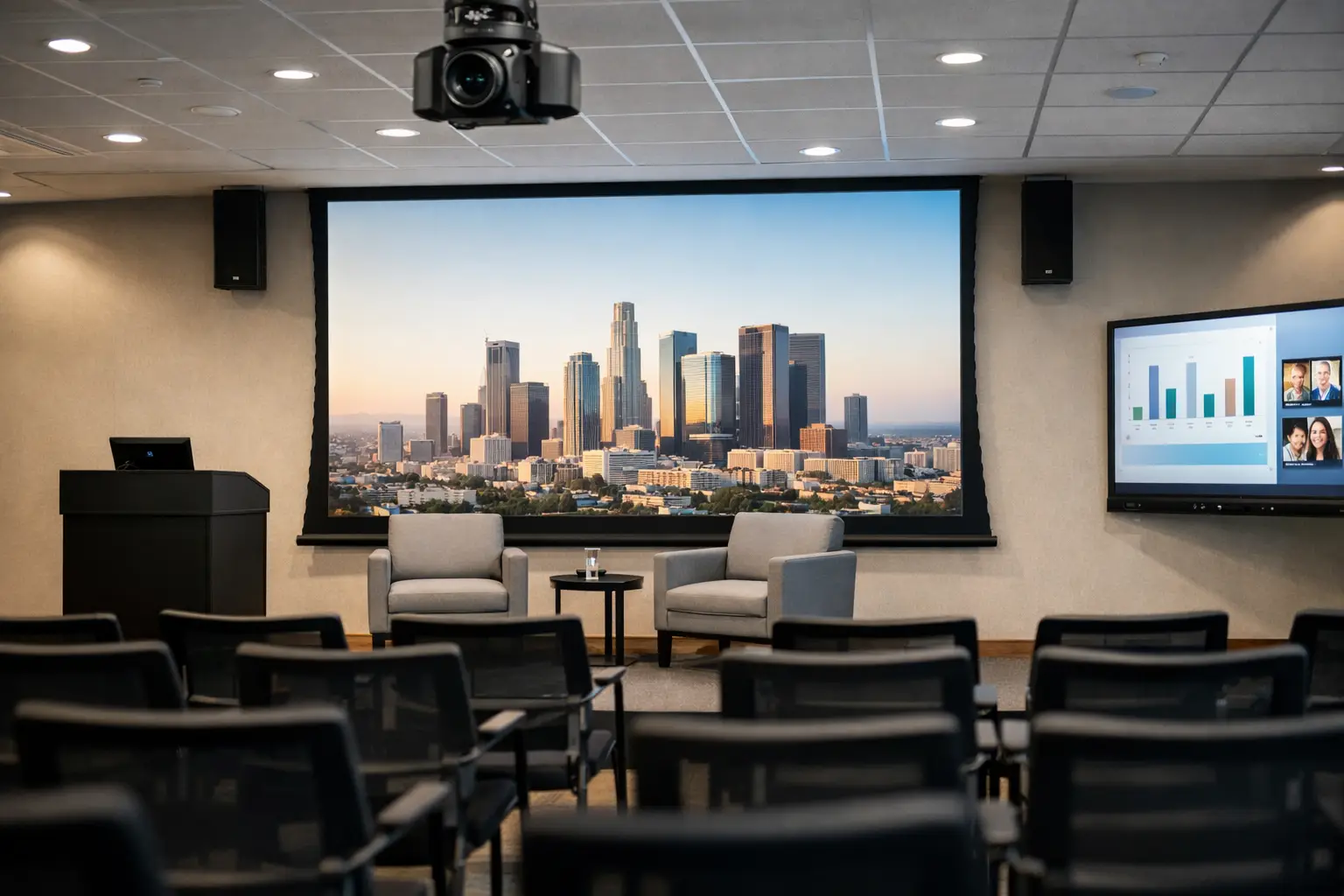
When a town hall starts five minutes late because nobody can get the microphones, screen feed or video call working, the problem is not the event team. It is the system. Office auditorium AV systems need to support high-pressure moments without turning every presentation into a technical exercise.
In most organisations, the auditorium is asked to do more than one job. It hosts all-hands updates, leadership briefings, client presentations, training sessions, panel discussions and hybrid broadcasts. That mix creates a different set of requirements from a standard meeting room. A setup that looks impressive on paper can still fail in practice if audio is inconsistent, controls are confusing or remote participants feel like an afterthought.
What office auditorium AV systems need to do
A good auditorium system is not defined by the number of components in the rack. It is defined by how reliably it supports the room’s purpose. For some businesses, that means polished internal communications for hundreds of staff. For others, it means flexible use across presentations, live Q&A and streamed events. The right answer depends on room size, acoustics, audience layout and how often the space changes format.
At a minimum, office auditorium AV systems should deliver clear speech, consistent visuals, simple source switching and dependable hybrid connectivity. If users need three remotes, a laminated cheat sheet and a call to IT before every event, the room has been designed around the equipment rather than the people using it.
That is why planning should start with operational use. Who will run events day to day? Will presenters bring their own laptops? Is the room used weekly or only for major occasions? Will senior leaders expect one-touch access to Microsoft Teams or Zoom? These details shape the design far more than brand preference alone.
Audio is usually the first point of failure
In auditoriums, poor audio causes more disruption than poor video. A slightly dim image is frustrating. A presenter who cannot be heard clearly makes the entire session ineffective. Speech intelligibility has to come first.
That usually means thinking beyond basic loudspeakers and handheld microphones. Room acoustics, ceiling height, seating depth and wall finishes all affect how speech travels. In some spaces, distributed speaker systems create better coverage than relying on a few high-output units at the front. In others, wireless lapel and headset microphones are more practical than handheld options, especially when presenters move around the stage.
Microphone strategy also matters for audience participation. If the space is used for Q&A, panel sessions or staff forums, the design should account for roving microphones, lectern microphones or audience capture for hybrid calls and recordings. There is rarely one universal solution. The right setup depends on how formal or interactive the room needs to be.
A properly designed digital signal processing layer helps bring those elements together. It manages levels, echo control and routing in the background, so the room behaves predictably. Users should notice the result, not the processing behind it.
Visual performance is about sightlines, brightness and content type
The display choice in an auditorium is often treated as the headline decision, but it should follow the practical realities of the room. A projector may still be the right fit in some larger spaces, especially where image size is the priority and lighting can be controlled. In other environments, direct view LED offers stronger brightness, better contrast and more impact for branded events or high-traffic multipurpose spaces.
The question is not which technology is more advanced. It is which one suits the room and the way it will be used. If the auditorium hosts frequent presentations with detailed spreadsheets and live demos, clarity matters as much as scale. If it doubles as a showcase environment for visitors, visual impact may carry more weight. If windows cannot be fully managed, ambient light performance becomes a serious consideration.
Sightlines also need careful attention. Screen height, stage layout and seating rake all affect audience experience. The back row should not feel disconnected from what is on display, and presenters should be able to reference content naturally without blocking it.
Hybrid events have changed auditorium design
The biggest shift in recent years is that the audience is no longer only in the room. Office auditorium AV systems now need to support people joining remotely with the same level of confidence as those seated in front of the stage.
That changes the design brief. It is no longer enough to reinforce sound locally and put slides on a big screen. Cameras, content capture, audio mix-minus, platform integration and presenter confidence monitoring become part of the core system. A hybrid auditorium needs to make remote attendees feel included rather than merely present.
This is where many organisations run into trouble. They add a USB camera and assume the room is hybrid-ready. In reality, larger spaces need more thoughtful camera positioning, better microphone pickup and clear routing between in-room and remote participants. If someone in the back of the auditorium asks a question and remote attendees cannot hear it, the event quickly becomes one-sided.
There is also a usability question. Staff should not need specialist broadcast knowledge to run an executive update or training session. The system should offer straightforward workflows for common scenarios such as presentation mode, video call mode, panel discussion mode and recording mode.
Control should be simple, even when the system is not
A well-designed auditorium may contain substantial technical infrastructure, but the user experience should stay simple. That means intuitive touch panel control, logical presets and automation where it genuinely helps.
For example, starting an event might trigger screen power, audio routing, camera presets and lighting adjustments from a single command. That reduces setup time and lowers the risk of user error. It also gives facilities and IT teams more consistency across events.
Simplicity matters because auditoriums are often used by a wide mix of people. One day it may be the internal communications team, the next day a visiting speaker, then a department lead running staff training. Not all users will be technically confident, and they should not need to be.
This is where a consultative design approach makes the difference. The best systems are not just engineered to function. They are planned around real user behaviour, local support requirements and the pressure of live events.
Support, training and resilience matter as much as specification
It is easy to focus on equipment lists and overlook operational support. Yet for many organisations, the real value of an auditorium system is measured in confidence. Can the room be relied upon when leadership is presenting to the whole business? Can support teams resolve issues quickly? Can new staff be shown how to use it without a long handover?
Resilience should be built in from the start. That may include fallback input options, managed wireless microphone charging, remote monitoring or clearly defined support arrangements. Some spaces also benefit from staged levels of access, where everyday users see only essential controls while advanced settings remain protected.
Training is equally important. Even the best-designed system benefits from proper onboarding for the people who will use it most. Short, role-based training often works better than generic technical walkthroughs. Presenters, room coordinators and IT support teams all need slightly different guidance.
For UK organisations balancing employee experience with operational pressure, this is often the deciding factor. A sophisticated room that creates regular support tickets is not an asset. It is an extra burden.
Planning office auditorium AV systems for long-term value
The strongest auditorium projects look beyond day-one installation. They account for future platform changes, evolving hybrid expectations and the likelihood that the room’s use will expand over time.
That does not always mean over-specifying. In fact, overbuilding can create unnecessary complexity and cost. The better approach is to design with flexibility where it matters, whether that is spare signal paths, scalable control, adaptable camera coverage or infrastructure that supports later upgrades.
This is particularly relevant for businesses investing in workplace transformation. An auditorium is rarely a standalone space. It forms part of the wider office experience and should align with meeting rooms, collaboration platforms, support processes and user standards across the estate. Providers such as TecInteractive are often brought in for that reason – not simply to install equipment, but to create a room that fits the wider workplace technology strategy.
Office auditorium AV systems work best when they are easy to run, forgiving under pressure and designed around how people actually communicate. If the room helps presenters focus on the message rather than the mechanics, it is doing its job properly.