
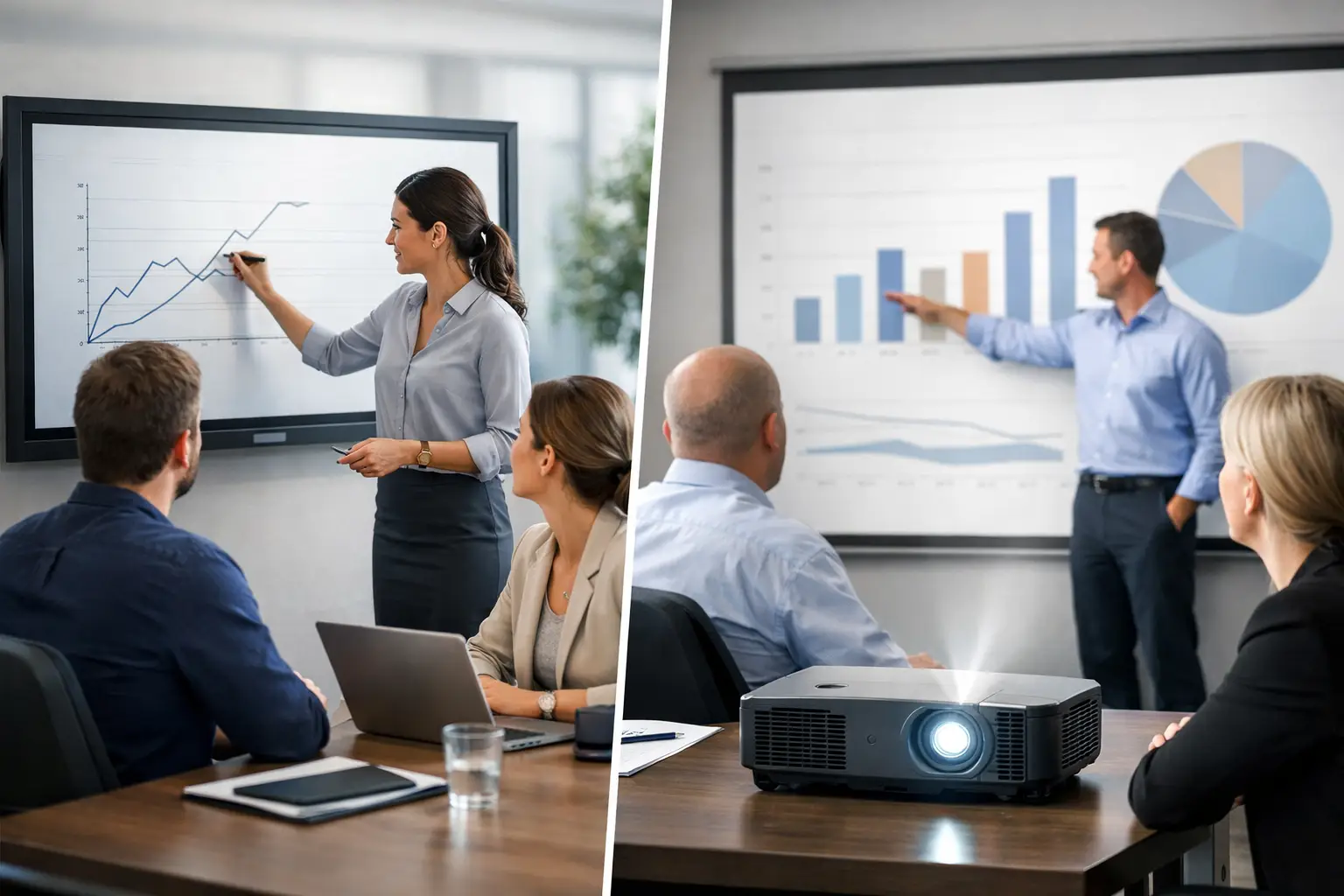
A meeting room can have the best video platform, camera and microphones available, yet still frustrate staff if people cannot clearly see shared content or work together at the screen. That is why the decision around interactive displays vs projectors should begin with how each room is actually used, not simply with screen size or purchase price.
For many UK organisations, interactive displays are becoming the default choice for standard meeting rooms and collaboration spaces. Projectors still have a valid role, particularly where very large images, architectural constraints or auditorium-style layouts are involved. The right answer depends on the room, the users and the level of support the technology will require over its working life.
Interactive displays vs projectors: start with the room
An interactive display is an all-in-one, flat-panel screen with touch capability. It can be used for presentations, annotation, digital whiteboarding and video meetings, often with a connected room PC or a bring-your-own-device setup. It is designed to be viewed in normal office lighting and gives users a familiar, immediate experience.
A projector creates an image on a wall or projection screen. This can be a highly effective way to deliver a large image, especially in training rooms, lecture theatres and presentation spaces. However, its success relies more heavily on room conditions. Ambient light, projection distance, screen quality, mounting position and sightlines all affect the result.
The key question is not whether one technology is universally better. It is whether the display method supports the behaviours expected in that space. A six-person huddle room used for impromptu Teams calls has very different needs from a 40-seat training room where an instructor presents to a large audience.
Where interactive displays are the stronger choice
Interactive displays work particularly well in meeting rooms where people need to share, discuss and make decisions quickly. Because the screen is bright and self-contained, users can walk in, connect a laptop or start a scheduled meeting without waiting for blinds to be lowered or a projector lamp to warm up.
Better visibility in everyday office conditions
Most meeting rooms have windows, overhead lighting and changing levels of daylight. Flat-panel interactive displays maintain a clear, consistent image in these conditions. Projected images can appear washed out where lighting cannot be controlled, making spreadsheets, detailed drawings and video-call participant views harder to read.
This matters in hybrid meetings. Remote participants are already managing the limitations of a camera view and compressed audio. If people in the room cannot comfortably see shared information, meetings become slower and less inclusive.
Natural collaboration at the screen
Touch functionality gives teams a practical way to mark up documents, sketch ideas and capture workshop outputs. For project teams, design reviews, planning sessions and client-facing discussions, this can reduce the dependence on flipcharts and photographs of handwritten notes.
Touch capability is not valuable simply because it is available. It must suit the workflow. A boardroom used mainly for formal presentations may gain more from a high-quality non-touch display than an interactive panel. But in spaces built for active participation, a well-configured interactive display can make the room feel easier to use from day one.
Lower day-to-day operational burden
Modern commercial displays have a predictable image quality and do not need lamp replacements. They also avoid issues such as shadows cast by presenters, misaligned projected images and regular refocusing. Laser projectors have reduced some traditional maintenance concerns, but they still need careful placement, periodic cleaning and a suitable projection surface.
For IT and facilities teams supporting numerous rooms, consistency matters. A standardised display-led room design can reduce the number of variables staff need to diagnose when a meeting starts badly.
When projectors remain the right answer
Projectors should not be dismissed as legacy technology. In the right setting, they offer advantages that even large-format displays cannot always match economically or practically.
Very large viewing areas
A projector can create a much larger image than a typical meeting room display at a lower initial equipment cost. This makes it a sensible option for large training rooms, town halls, classrooms and auditoriums, where attendees may be seated far from the screen.
The calculation must include more than the projector itself. A suitable screen, mounting, cabling, control, installation and lighting treatment may all be needed to produce a professional result. A poorly specified projector in a bright room can look inexpensive for the wrong reason.
Rooms with specialist layouts
Some spaces require unusual screen sizes, multiple projected surfaces or images that need to fit around architectural features. Projection can provide flexibility where a single flat panel would be too small or visually intrusive.
Ultra-short-throw projectors can also be considered where shadowing is a concern. They sit close to the wall or screen, though installation precision becomes especially important. Uneven walls, poor screen surfaces and minor alignment errors are more visible at close range.
A familiar presentation environment
In established training or lecture spaces, users may already be comfortable with a projector-led setup. If the room has controlled lighting, a good screen and a clear operational need for a large image, replacing the projector with a display may offer limited additional value. The decision should be based on improved outcomes, not change for its own sake.
Compare the total cost, not just the equipment price
An interactive display often has a higher upfront cost than a basic projector. Yet that comparison can be misleading. A display may include the screen, touch capability, speakers and sometimes computing functions in one unit. A projector solution may require separate components to provide equivalent functionality.
Projector costs can also rise over time through lamp or laser-engine maintenance, filter cleaning, screen replacement, recalibration and callouts related to image quality. Interactive displays have their own lifecycle considerations, including commercial-grade warranties, panel lifespan, firmware updates and eventual replacement, but they generally have fewer moving parts and fewer environmental dependencies.
Energy use should be assessed against expected operating hours and display size rather than assumed. The more useful financial measure is total cost of ownership over the intended lifecycle, including installation, support, user training and likely downtime.
For multi-site organisations, standardisation can carry real value. Using a limited number of room designs, controls and support processes makes it easier to train staff, maintain spares and provide consistent help across locations.
The decision also depends on hybrid meeting design
Neither an interactive display nor a projector fixes a poorly designed hybrid meeting room. The display is one part of a wider experience that includes camera framing, microphone coverage, loudspeaker placement, content sharing and the meeting platform itself.
A screen that is too small makes remote participants difficult to see. A projector with insufficient brightness can make shared content unreadable. A large display mounted too high can force uncomfortable viewing angles. These issues affect adoption because employees judge a room by whether their meeting works, not by the specification of its individual components.
Consider the following questions during planning:
- How many people normally use the room, and how far will the furthest participant sit from the screen?
- Is the space mainly for video meetings, presentations, workshops or training?
- Can daylight and overhead lighting be controlled reliably?
- Do users need to annotate content and use digital whiteboarding?
- Who will support the room when something needs attention?
The answers should guide the technology choice and the wider room design. They should also shape the user interface. A room that asks users to select sources, alter audio settings and troubleshoot connections before every meeting will create avoidable support demand, regardless of the display technology chosen.
Make usability part of the specification
The most successful collaboration spaces are designed around repeatable user journeys. Staff should know where to plug in, how to start a video call and how to share content without needing specialist knowledge. Clear room controls, sensible cable management and a consistent layout often matter more than adding another feature.
This is where an experienced AV partner adds value. TecInteractive assesses room conditions, user requirements and operational constraints before recommending a solution, then supports installation, training and ongoing service. That approach helps avoid a common mistake: selecting equipment first and discovering later that it does not suit the room or the people using it.
For standard meeting rooms with frequent hybrid collaboration, an interactive display will usually provide the clearest, simplest and most reliable experience. For large presentation spaces with controlled lighting and a need for an expansive image, a projector may be the better fit. The worthwhile investment is the one that lets people enter the room, focus on the conversation and leave technology out of the way.