
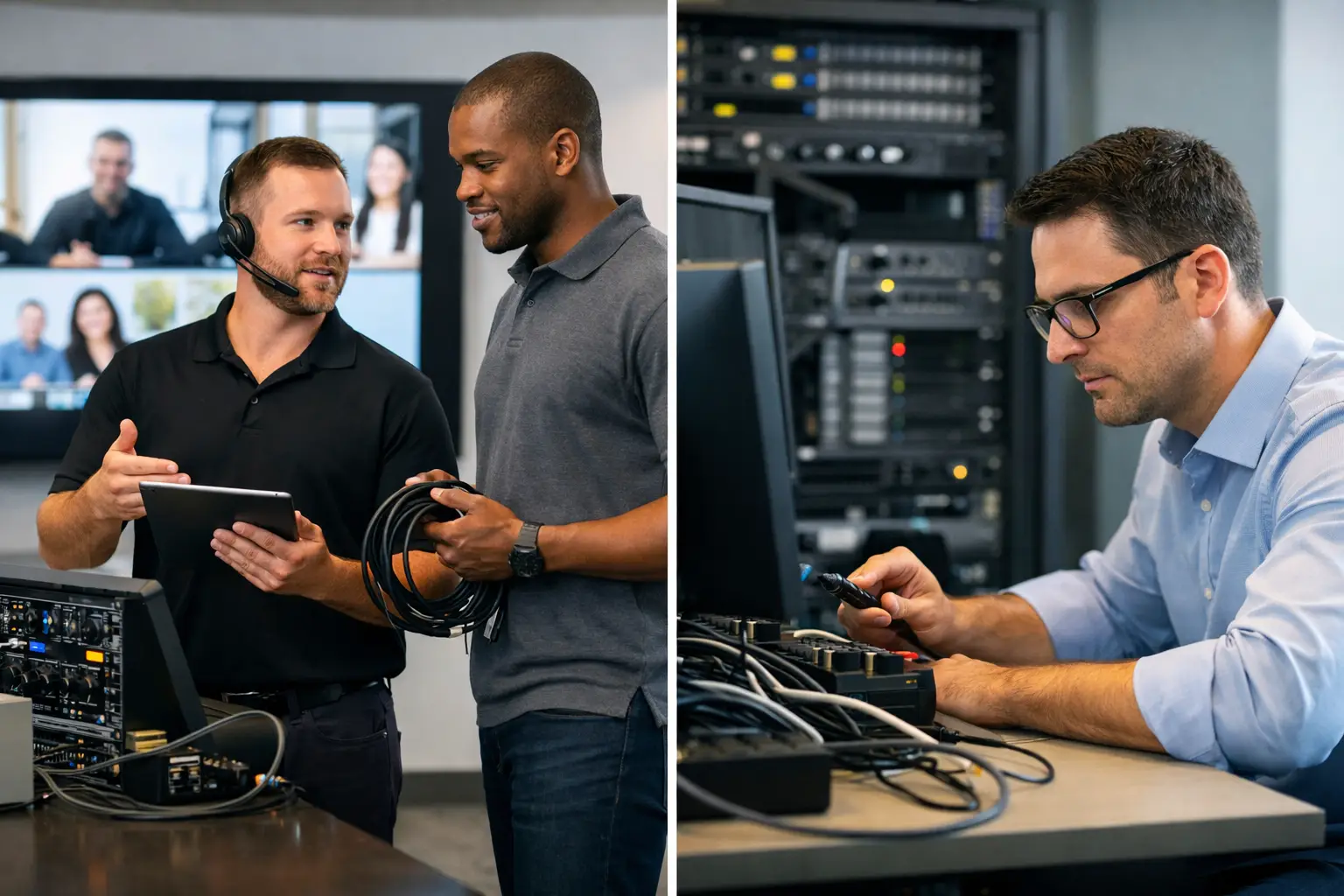
A video call fails five minutes before a client presentation. The room display will not wake up, the camera is pointed at the ceiling, and the person expected to help is resolving a network issue elsewhere. This is where the managed AV support vs in-house decision becomes a practical operational question, not simply a procurement exercise.
For UK organisations with hybrid meeting rooms, boardrooms and collaboration spaces, AV is now part of everyday business infrastructure. When it works, people barely notice it. When it does not, meetings start late, remote colleagues are excluded and internal IT teams inherit another urgent task outside their core workload.
Neither support model is automatically right. The best choice depends on the number and complexity of spaces, the skills available internally, the required response times and how consistently the organisation needs its workplace technology to perform.
What is in-house AV support?
In-house AV support means that responsibility sits with internal IT, facilities or a dedicated workplace technology team. They may manage room checks, user queries, device configuration, fault diagnosis, supplier escalation and replacement planning.
For organisations with an established AV team, this can provide close control. Internal colleagues understand the workplace, its users and its priorities. They can also respond informally to issues that do not warrant a formal service request, such as helping a new starter use a room or changing a display layout before an executive meeting.
The challenge is capacity. AV support is rarely limited to replacing a cable or restarting a room system. A fault may involve the video conferencing platform, network access, control system, audio DSP, USB connectivity, firmware or the way several technologies interact. As estates expand, maintaining this knowledge across multiple rooms and locations can become a significant burden.
What managed AV support provides
Managed AV support places ongoing responsibility with a specialist service partner. The provider monitors agreed systems where appropriate, receives and manages incidents, performs preventative maintenance and coordinates repairs or replacements. Depending on the service arrangement, support may include remote helpdesk assistance, on-site attendance, user guidance, reporting and strategic recommendations.
The value is not simply having someone to call when a meeting room stops working. A well-designed managed service gives an organisation a defined support process, clear ownership and access to specialist expertise without needing to build every capability internally.
For a multi-site business, standardised support can be particularly valuable. A user in Manchester should have a similarly reliable experience to a colleague in London or Glasgow, even where there is no local IT presence. Managed support can establish consistent fault logging, triage and resolution processes across the estate.
Managed AV support vs in-house: the key differences
The most useful comparison is not about whether external support is better than internal support. It is about where each model creates the strongest operational outcome.
Skills and technical depth
An internal team may be highly capable, particularly where it has dedicated AV specialists. However, AV platforms, room devices and collaboration tools evolve quickly. Maintaining current expertise across conferencing hardware, control interfaces, audio systems, room booking and management platforms requires ongoing investment.
A managed AV partner works with these technologies every day. This can make diagnosis faster, especially when a fault sits between systems. The partner should also understand the specific solution installed, rather than treating the room as a collection of unrelated devices.
Availability and response
In-house teams offer proximity, but proximity does not always equal availability. A facilities manager may be able to reach a boardroom quickly, yet may not have the access or technical knowledge to resolve a conferencing issue. An IT team may have the knowledge, but competing priorities can delay attendance.
Managed support creates agreed service levels and escalation routes. The practical question is whether those commitments match the business need. A customer-facing demo suite and executive boardroom may require faster on-site support than a lightly used huddle space. Support should be aligned to the importance of each room, rather than applying one response model everywhere.
Cost and budget certainty
In-house support can appear less expensive because staff costs already sit within the organisation. That calculation can be misleading if AV tasks are taking time from cybersecurity, infrastructure, service desk or transformation work. It should also account for training, software administration, spares, call-outs and the cost of extended room downtime.
Managed AV support typically turns more of those costs into a predictable service charge. It is not necessarily the lowest-cost option in every case, particularly for a small office with a handful of straightforward rooms. Its commercial value is usually strongest when reliability, specialist access and reduced pressure on internal teams have a clear business benefit.
Control and accountability
Some organisations worry that outsourcing support means losing control. In practice, the right managed service should make accountability more visible. It should define who owns incidents, how faults are prioritised, when updates are provided and what happens when a third-party manufacturer or platform provider is involved.
Internal teams should still retain oversight of standards, security requirements and workplace priorities. Managed support works best as an extension of IT and facilities, not as a disconnected service operating in isolation.
When in-house support makes sense
An in-house model can be the right fit where an organisation has a dedicated, adequately resourced workplace technology team and a relatively stable, standardised AV estate. It can also suit businesses where immediate physical presence is essential and internal staff already have the authority, tools and knowledge to resolve common faults.
This approach needs discipline. Room documentation must be current, support staff need ongoing manufacturer and platform training, and there should be cover for holidays, sickness and peak periods. Without those safeguards, support can become dependent on one or two knowledgeable individuals.
It is also worth separating first-line help from deeper technical support. A local office team may be well placed to assist users with basic meeting room checks, while an internal specialist or external partner handles configuration, firmware, network-related issues and complex failures.
When managed AV support is the stronger option
Managed support is often the better route for organisations with multiple sites, a growing number of collaboration spaces or internal IT teams already stretched across business-critical priorities. It is particularly relevant where meeting rooms support client activity, senior leadership, training, public engagement or hybrid working at scale.
It can also improve outcomes after a new AV installation. Many organisations invest in well-designed rooms, then rely on informal support arrangements once the project is complete. Over time, settings change, equipment ages, users develop workarounds and small faults become accepted as normal. Preventative maintenance and regular service reviews help protect the original investment and identify recurring problems before they affect a high-profile meeting.
TecInteractive approaches support as part of the wider workplace technology lifecycle. That means considering how people use the rooms, how systems are maintained and how future changes to the workplace or conferencing platform may affect the installed environment.
A hybrid model is often the practical answer
The choice does not have to be absolute. Many organisations benefit from a hybrid arrangement: internal teams manage user relationships, first-line checks and local priorities, while a managed AV partner provides specialist escalation, remote diagnostics, preventative maintenance and on-site engineering when required.
This model keeps internal teams close to the user experience while avoiding the need to maintain every technical skill in-house. It is also useful for organisations moving from a reactive support approach to a more structured service without changing everything at once.
For it to work, responsibilities must be explicit. Users need one clear route for reporting problems. Internal IT, facilities and the support provider need agreed handovers. Documentation, room standards and asset records should be shared, not held separately by different teams.
Questions to ask before choosing a model
Start with the operational reality rather than the preferred structure. How many AV-enabled rooms are in use, and how critical are they? Which issues occur repeatedly? How much time do internal teams currently spend on AV support, including work that is never formally logged?
Then assess the consequences of downtime. A failed room in a small office may be inconvenient. A failed boardroom during an investor call, interview panel or customer demonstration can have a much greater cost. This helps determine the response times, spares strategy and engineering coverage the organisation genuinely needs.
Finally, look beyond faults. A support model should help maintain usability as the workplace changes. That may include room health checks, user training, reporting on recurring incidents, software and firmware planning, and recommendations for spaces that are consistently underperforming.
The right support arrangement gives employees confidence that a room will work when they walk into it, while giving IT and facilities teams a clear, manageable path when it does not.