
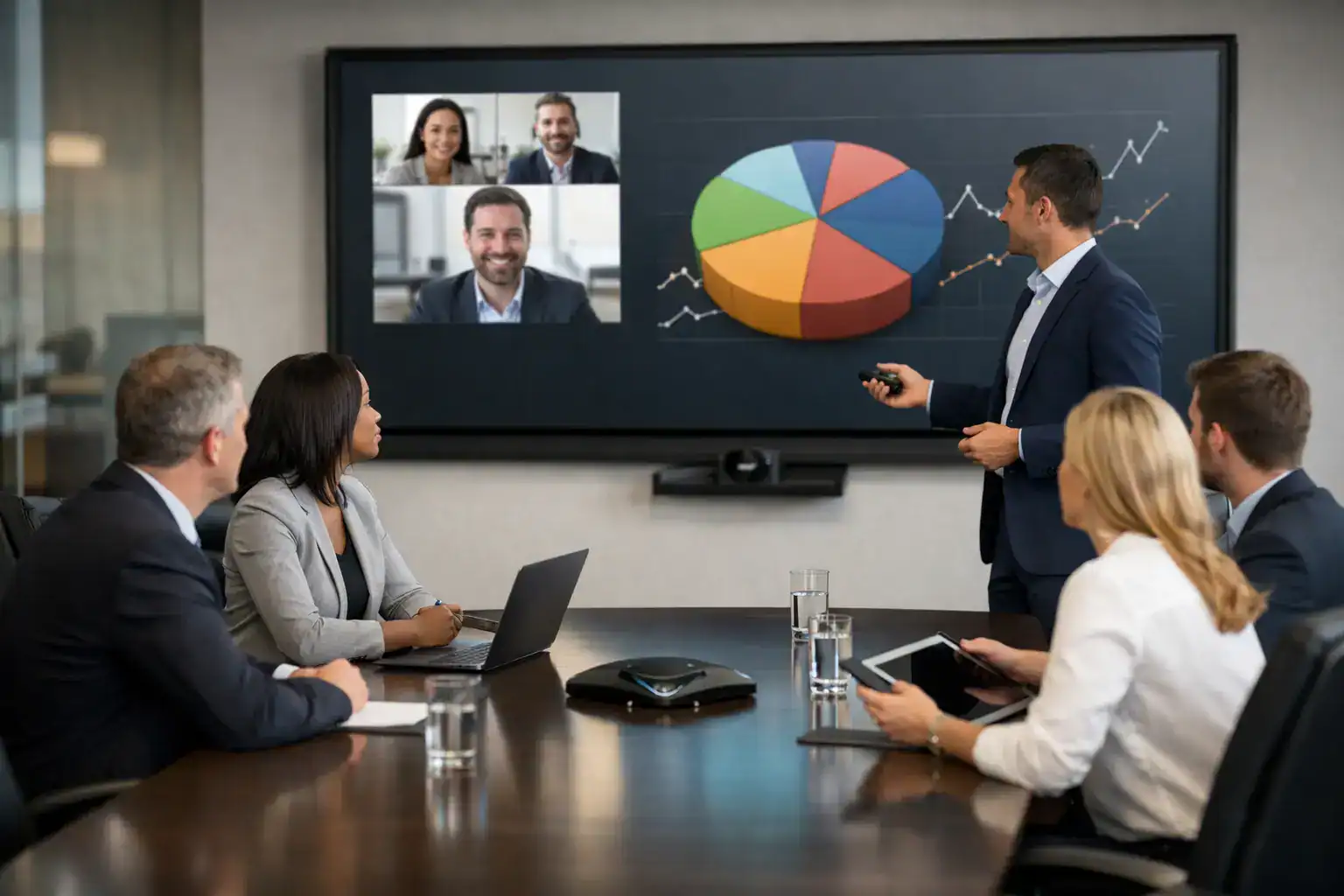
A board meeting starts late, the display will not connect, remote attendees cannot hear the discussion at one end of the table, and the person meant to present spends the first ten minutes swapping cables. That is usually the moment organisations realise boardroom audio visual solutions are not really about screens and speakers. They are about decision-making, credibility, and whether important conversations can happen without friction.
Boardrooms carry a different level of expectation from standard meeting rooms. Senior leadership meetings, client presentations, investor discussions, governance sessions and confidential hybrid calls all happen in the same space. The technology therefore has to do more than switch on. It needs to be intuitive, reliable, and suited to the way the room is actually used.
What good boardroom audio visual solutions should achieve
The best systems make the room feel ready before anyone walks in. A user should be able to enter, start a meeting, share content, join a video call and control the environment without needing technical support. That sounds straightforward, but it depends on several parts working together properly.
Audio has a direct effect on meeting quality. If people strain to hear, repeat themselves, or talk over remote participants, decision-making slows down. In a boardroom, speech clarity matters more than volume. Microphone pickup needs to suit the table shape, room finishes and expected number of participants. Speaker placement needs to deliver even coverage without echo or feedback. In hybrid meetings, the far-end experience is just as important as what people in the room hear.
Visual performance matters for the same reason. A display that is too small, badly positioned or washed out by daylight makes content harder to absorb. If the room is used for financial reviews, detailed presentations or video conferencing, resolution and sightlines become especially important. Larger rooms may need dual displays, wider presentation options or more advanced switching so content and participants can be seen at the same time.
Control is often overlooked until it goes wrong. Multiple remotes, awkward input switching and unclear interface design create hesitation in rooms where people expect things to work first time. A simple, consistent control experience across the estate can remove a surprising amount of friction.
Why boardroom AV projects often underperform
In many cases, the issue is not the equipment itself. It is a mismatch between the design and the room’s real purpose.
A boardroom can look impressive on paper and still fail in practice. An oversized display may dominate the room but leave participants at the back unable to read detailed content because of poor viewing angles. High-spec microphones may be installed, yet the acoustics of hard surfaces and glass walls can still reduce intelligibility. A platform may support every major video conferencing service, but if joining a call takes too many steps, users will avoid the room or call IT every time.
Another common issue is designing around a preferred product rather than a working outcome. Technology decisions should come after questions about room use, user behaviour, support requirements and future change. A leadership boardroom used twice a day for confidential hybrid meetings needs a different approach from a multi-purpose executive room that also hosts presentations, workshops and external visitors.
This is where a consultative design process makes the difference. The brief should start with how the organisation meets, who uses the space, what platforms are standard, what level of support is available internally, and what operational risks need to be avoided.
The core elements of an effective solution
Every boardroom is different, but most successful boardroom audio visual solutions are built around the same fundamentals.
Displays and visual layout
The first question is not which screen to buy, but what the room needs to show. If the boardroom is used mainly for presentations and video calls, a large commercial display may be enough. If detailed spreadsheets, dashboards or multi-source content are common, dual displays can improve visibility and reduce the need to switch constantly between presentation material and remote participants.
Room dimensions, table position, ambient light and viewer distance all affect the right choice. In some spaces, an LED solution may be appropriate. In others, a well-specified flat panel will deliver a better balance of performance and cost. The right answer depends on the environment, not fashion.
Audio capture and speech clarity
In boardrooms, poor audio is usually more damaging than poor video. People can tolerate a less polished image for a short time. They are far less patient when key voices are missed or speech sounds distant.
Microphone strategy needs careful consideration. Table microphones, ceiling microphones and integrated soundbars can all work well, but each has trade-offs. Table microphones are often predictable and strong for formal meeting layouts, though they affect table aesthetics and cable management. Ceiling microphones create a cleaner look and can perform very well when designed correctly, but room acoustics and installation quality matter more. Soundbars may suit smaller executive spaces, but larger rooms generally need a more deliberate approach.
Video conferencing integration
Most organisations now work across more than one platform, even if they have a preferred standard. That means the room should support the primary platform cleanly while making guest access and alternative calls manageable. The objective is not just compatibility. It is ease of use.
Camera design also deserves attention. A fixed front-of-room camera may be enough for some rooms. Others benefit from speaker tracking, auto-framing or multi-camera setups, especially where large tables or formal discussions are common. The camera should support natural interaction, not distract from it.
Control and user experience
If a room requires explanation every time someone enters it, the system has failed at a practical level. Touch panel control, one-touch meeting start, automatic source switching and a consistent room interface all help reduce training requirements.
This matters beyond convenience. Senior meeting spaces are often used by visitors, executives and teams with little appetite for trial and error. A clear, repeatable user experience protects meeting time and reduces avoidable support calls.
Design for support, not just installation
A well-installed boardroom can still become unreliable if nobody considers how it will be supported six months later. Firmware updates, platform changes, user turnover, cable wear, and evolving hybrid working needs all affect long-term performance.
This is why organisations increasingly look for more than a one-off install. They need a partner who can design the room, manage the implementation with minimal disruption, train users properly and provide responsive support afterwards. For internal IT teams already dealing with networks, devices, security and business systems, AV should not become another drain on time.
Support also includes standardisation. If an organisation has several meeting spaces across one site or multiple offices, consistency matters. Similar control logic, shared conferencing standards and repeatable room types make support more efficient and user adoption stronger.
What buyers should ask before approving a project
The most useful conversations happen before the specification is finalised. Buyers should ask how the room will be used in reality, not just how it should function on a floorplan.
Will the boardroom host formal hybrid meetings, presentations, collaborative sessions, or all three? Are remote participants expected to contribute actively or simply observe? Is the table fixed, and does the room layout support clear sightlines? How will external guests connect? Who supports the system internally, and what happens when something stops working at 8.45 before a 9am leadership meeting?
It is also worth asking what has been left out. Acoustic treatment, cable management, lighting interaction, user training and support cover are often treated as secondary details, yet they shape the day-to-day experience more than headline equipment choices.
For many organisations, value is not about buying the cheapest package or the most feature-rich one. It is about investing in a room that people trust. That trust shows up in faster starts, fewer disrupted meetings, stronger hybrid participation and less pressure on support teams.
At TecInteractive, that is typically the difference between an AV project that looks complete on handover day and one that continues to perform as the workplace changes.
A boardroom should reflect how your business operates
The right system is rarely the one with the longest specification sheet. It is the one that fits your room, your people and the way decisions actually get made. When boardroom technology is planned with usability, support and long-term performance in mind, the room stops being a source of delay and becomes what it should have been all along – a dependable place to meet, present and move things forward.