
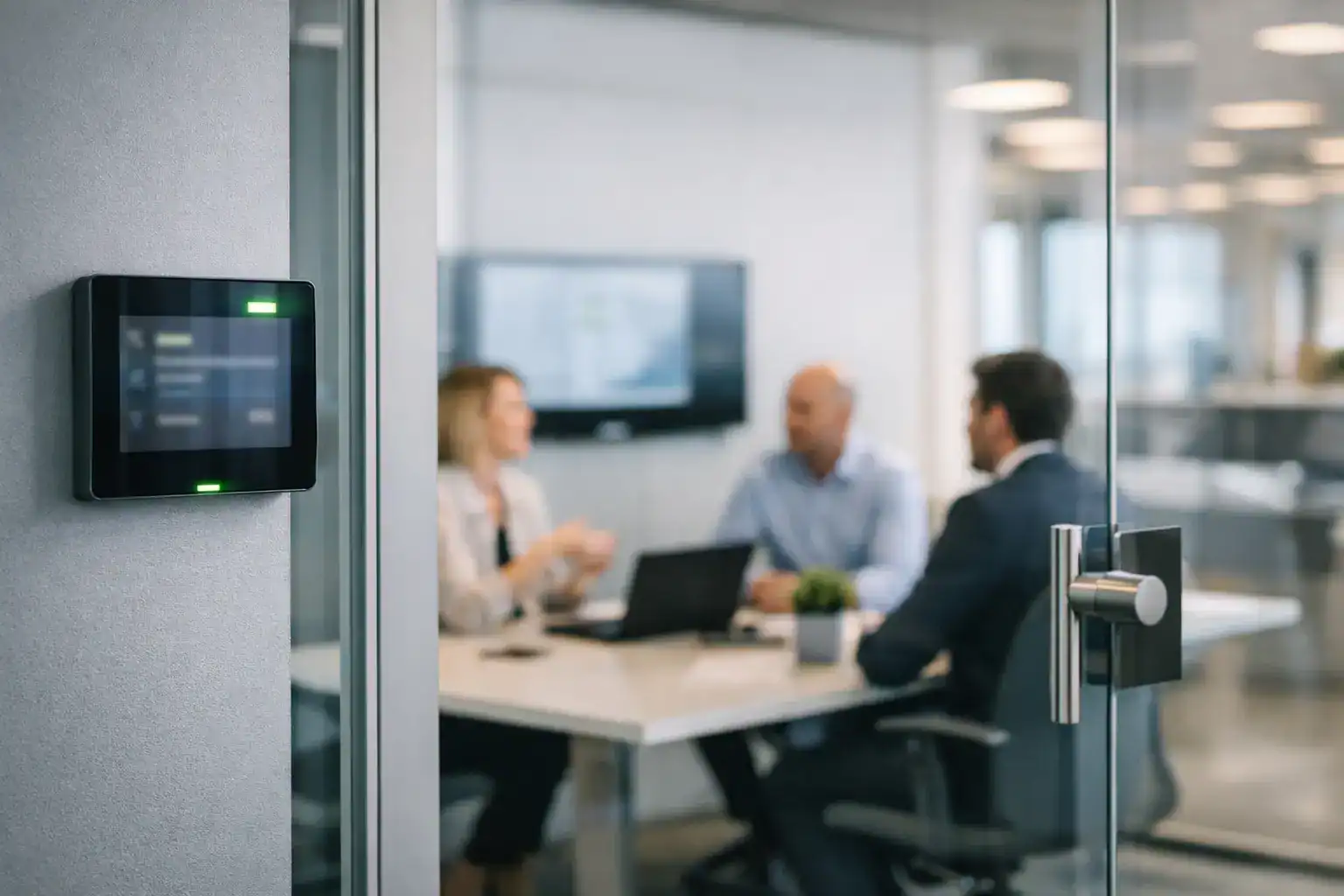
At 9am, the room is empty, but the calendar says it is booked until noon. By 9:10, a project team is hunting for a space, a client call starts late, and facilities gets another complaint about meeting rooms. This is exactly where a room booking system for offices stops being a nice-to-have and starts becoming operational infrastructure.
For most organisations, the problem is not a lack of rooms. It is a lack of clarity. People cannot tell what is available, bookings are duplicated across different tools, and no one has a reliable picture of how office space is really being used. In hybrid workplaces, that confusion becomes more expensive. Teams come into the office expecting productive collaboration and lose time dealing with avoidable friction.
Why a room booking system for offices matters
A good booking platform does more than put a schedule on a screen outside a meeting room. It creates a single, trusted way to find, reserve and release shared space. That sounds simple, but the value is practical and immediate.
First, it reduces wasted time. When staff can book the right space quickly, meetings start on time and ad hoc collaboration becomes easier. Second, it improves utilisation. Empty rooms that remain booked for hours are a common issue in offices using basic calendar processes. A purpose-built system can identify no-shows, allow quick release of unused spaces and provide better visibility across the estate.
It also helps teams make better property and workplace decisions. If your medium-sized rooms are always full but your boardroom sits empty most of the week, that tells you something useful about demand. The same applies across multiple sites. Without dependable data, space planning becomes guesswork.
There is also a support benefit. Internal IT and facilities teams are often left dealing with room technology complaints that are not really technology faults. They are process faults. The easier it is for users to understand whether a room is free, how to reserve it and what equipment is in it, the fewer support tickets those teams need to absorb.
What good looks like in practice
The best room booking system for offices is the one people actually use without needing explanation every time. That means the user experience matters as much as the feature list.
In practical terms, staff should be able to see room availability from their desk, mobile device or room panel. They should understand immediately whether a space is free now, available later or equipped for a specific task such as hybrid meetings or presentations. If a booking is cancelled, the room should become available straight away. If someone books a room and never turns up, the system should be able to release it according to the rules your business sets.
Visibility is equally important for managers and support teams. Reporting should show how rooms are used, when demand peaks, and where there are recurring inefficiencies. That information helps justify investment and improve workplace planning.
A booking system also needs to reflect how your organisation works. Some businesses need simple meeting room reservations across one office. Others need zoning, permissions, visitor workflows, usage analytics and integration with broader workplace systems. There is no single best setup for every office, which is why design and consultation matter before anything is installed.
Features worth prioritising
It is easy to get distracted by long specification sheets. In most office environments, the essentials are more grounded.
Calendar integration is near the top of the list. If the system does not work cleanly with the platforms your teams already use, adoption will suffer. Room panels are also valuable because they remove doubt at the door. Staff can confirm availability at a glance rather than opening a laptop or querying another system.
Check-in and auto-release functions can make a substantial difference in busy offices. They help prevent rooms being blocked out by abandoned bookings. Search filters are another practical feature. If users can find spaces by capacity, location or equipment, they are more likely to book rooms that fit the meeting rather than defaulting to the same few familiar spaces.
Analytics should not be treated as a bonus. For workplace leaders, reporting is what turns the system from a convenience tool into a decision-making asset. If you are considering changes to occupancy strategy, hybrid working policies or room design, usage data gives those conversations a much stronger foundation.
That said, more features do not automatically mean a better result. If a platform is overcomplicated for your environment, staff will work around it. A simpler system with the right integrations and a clear interface often delivers more value than a feature-heavy platform that feels difficult to manage.
Common mistakes when selecting a system
One of the most common mistakes is treating room booking as a standalone software purchase. In reality, it sits within a wider workplace experience that includes displays, room technology, calendars, user behaviour and support processes.
For example, if the booking platform says a room is available but the in-room technology is unreliable, users will still be frustrated. If there is no clear signage outside the room, double bookings and interruptions can continue. If no one has agreed ownership between IT, facilities and operations, even a strong platform can become difficult to maintain.
Another mistake is buying for the exception rather than the everyday. A niche feature may look impressive in a demonstration, but if your staff primarily need to reserve rooms quickly and trust that the booking is accurate, usability should come first.
It is also worth being realistic about rollout. Multi-site organisations, public sector estates and businesses with mixed room types often need a phased approach. Trying to standardise everything at once can create unnecessary disruption. In many cases, it is better to start with the highest-demand spaces, refine the user experience, and then extend the solution with a clear support model behind it.
How room booking fits into a better workplace
A room booking system for offices works best when it is part of a broader workplace strategy rather than an isolated fix. That is especially true in hybrid environments, where employees expect the office to support collaboration that cannot happen as effectively at home.
The booking journey should connect logically with the meeting experience itself. If someone reserves a room for a hybrid call, they should know the space is suitable for video conferencing, has the right display and audio setup, and is ready to use without a technical workaround. Booking confidence and meeting room performance are closely linked.
This is where a consultative approach adds value. Organisations often think they need more meeting rooms, when the real issue is poor visibility, unclear room purpose or inconsistent technology. A small huddle space with the right tools and a simple booking process can be more valuable than a larger room that is difficult to reserve and harder to use.
For many UK organisations, there is also a governance angle. Clear booking records, defined permissions and better utilisation reporting can support internal policy, estate planning and budget decisions. Facilities, IT and leadership teams all gain from having one version of the truth.
Implementation matters as much as the platform
Even the strongest technology can disappoint if implementation is rushed. Site surveys, user workflows, panel positioning, room naming conventions, permissions and training all influence whether the system succeeds.
Support after go-live matters too. Staff need confidence that the booking process will stay reliable, that issues will be resolved promptly and that the system can evolve as workplace needs change. This is one reason many organisations prefer a partner that can advise on the wider room environment, not simply supply software and leave internal teams to connect the dots.
TecInteractive often sees this in projects where room booking is introduced alongside meeting room upgrades or hybrid collaboration improvements. When the technology, signage, user journey and support model are aligned, adoption is quicker and operational pressure reduces.
How to judge whether your current setup is good enough
A simple test is to ask a few practical questions. Can employees book the right room in under a minute? Can they tell from outside the room whether it is free? Are no-shows and abandoned bookings being dealt with? Can you produce accurate utilisation data without manual effort? And when something goes wrong, is ownership clear?
If the answer to several of those is no, your current setup is probably creating hidden costs. Those costs show up in lost time, poor meeting experiences, support requests and underused office space.
The right system does not need to be complicated. It needs to be dependable, easy to understand and properly matched to how your organisation uses space. When that happens, meeting rooms stop being a source of friction and start supporting the kind of office experience people actually want to come in for.
If you are reviewing workplace technology, room booking is one of those areas where small improvements can have a disproportionate effect. Get it right, and the office feels more organised, more usable and better prepared for the way people work now.