
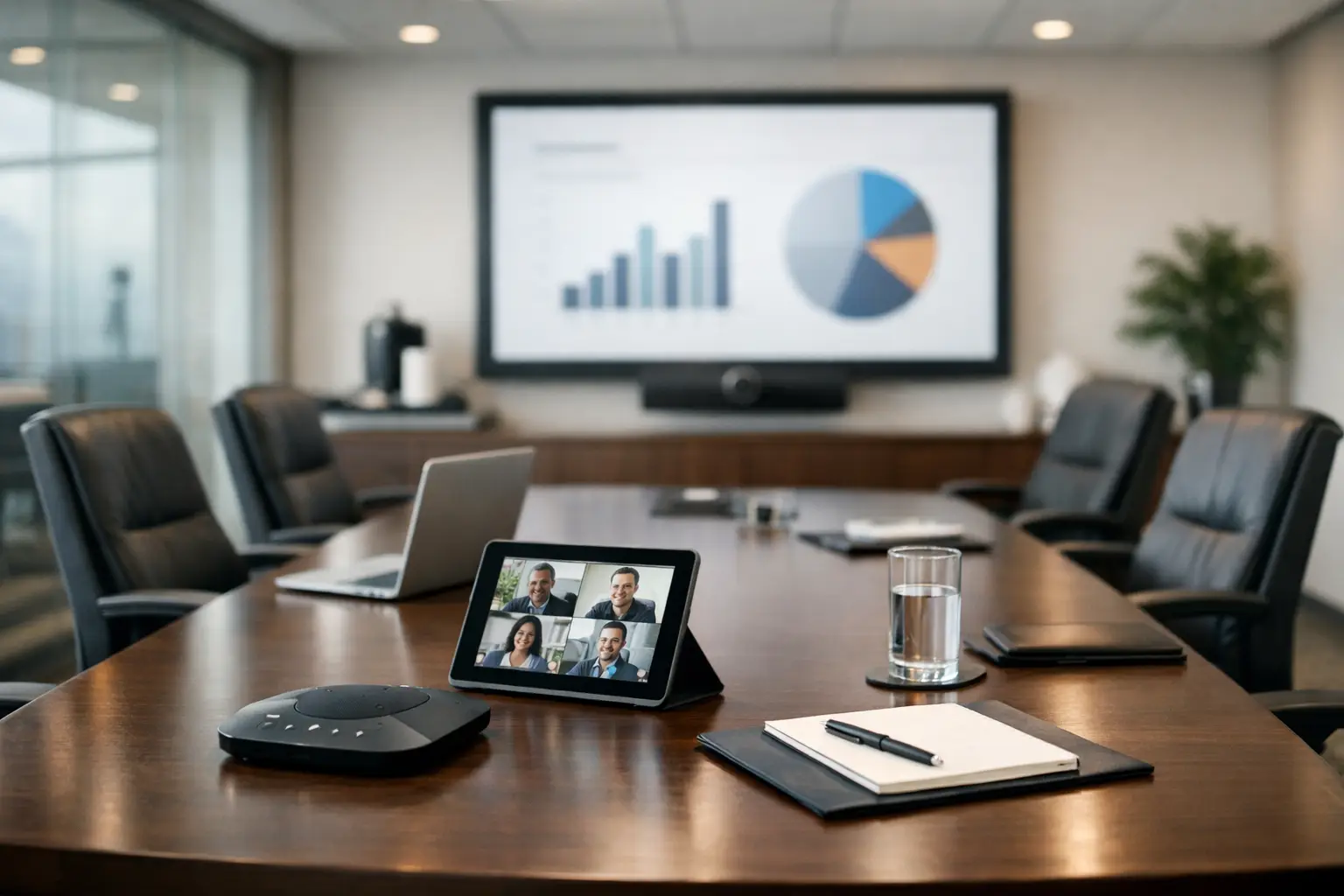
A boardroom is where decisions are tested, relationships are built and complex issues need clear discussion. When the room technology causes a delayed start, poor audio or a scramble for cables, it affects more than the meeting experience. It undermines confidence. Knowing how to equip a boardroom means designing around the people, meeting formats and operational demands the room must support, not simply selecting impressive-looking equipment.
For most organisations, the right answer is a dependable, easy-to-use environment that works equally well for executive meetings, client presentations, confidential discussions and hybrid collaboration. The specification will vary by room size and business need, but the principles remain consistent.
Start with the boardroom’s real purpose
Before discussing screens, cameras or microphones, establish how the boardroom is used. A room reserved for quarterly board meetings has different requirements from one used throughout the week for client pitches, leadership calls and project workshops. Usage determines the level of flexibility, the controls people need and how much support must sit behind the system.
Consider the number of regular participants, the typical meeting duration, whether remote attendees join frequently and whether external visitors need to present. Also consider who will operate the room. If senior leaders, visitors and non-technical users are expected to start meetings without assistance, the experience must be deliberately simple.
A useful design brief also accounts for the room itself. Table shape, ceiling height, daylight, acoustics, wall finishes and sightlines all influence performance. A well-specified display can still be difficult to read if it faces strong daylight, while an excellent video platform cannot overcome a highly reverberant room without suitable audio design.
Build the room around clear sight and sound
The core of a successful boardroom is simple: everyone should be able to see, hear and contribute naturally, whether they are sitting at the table or joining remotely.
Choose displays for the room, not the catalogue
The display should be large enough for participants at the furthest seats to read presentation content comfortably. In many boardrooms, this means a commercial-grade display rather than a domestic television, as it is designed for extended use, reliability and professional connectivity. Larger or more formal spaces may benefit from twin displays: one for shared content and one for remote participants. This prevents the familiar compromise of shrinking either the presentation or the video call gallery.
An LED video wall can be appropriate where the room is large, highly visible or used for premium client-facing presentations. It is not automatically the best choice. The additional investment should be justified by viewing distance, room design, operational use and the desired visual impact.
Screen placement matters as much as screen size. Position displays at a height that supports comfortable viewing and allows a camera to create natural eyelines. Avoid placing a screen where some seats have to turn sharply or where reflections will obscure content at key times of day.
Make speech intelligible, not merely audible
Poor sound is one of the quickest ways to make hybrid meetings unproductive. Participants can tolerate a modest video image more readily than they can tolerate muffled, echoing or inconsistent speech.
For a smaller boardroom, a well-positioned conferencing soundbar may provide suitable camera, speaker and microphone coverage. In a larger room, or one with a long table and multiple seating positions, ceiling microphones, table microphones or beamforming microphone arrays are usually more appropriate. These solutions capture voices across the room while reducing unwanted noise.
The choice depends on room layout and acoustic conditions. Ceiling microphones can keep the table clear and create a polished appearance, but they require careful placement and commissioning. Table microphones give strong local pickup, although they introduce hardware onto the furniture. Neither option should be selected without assessing reverberation, ventilation noise and potential sound leakage from adjacent spaces.
Frame remote participants properly
A boardroom camera should show the people in the room clearly, not just a distant view of the table. A high-quality PTZ camera can frame a wide room effectively and, where appropriate, use speaker tracking or intelligent framing to improve the remote experience.
However, automated camera features need sensible configuration. Constant movement can distract remote attendees, particularly in formal meetings. For board discussions, a stable wide shot may be more effective than frequent camera changes. The aim is natural communication, not technology for its own sake.
How to equip a boardroom for hybrid meetings
Hybrid capability should not be treated as an add-on. If remote attendance is common, video conferencing needs to be integrated into the room’s everyday workflow.
Choose a meeting platform approach that reflects the organisation’s established tools and governance. A dedicated room system for Microsoft Teams or Zoom can offer a consistent, one-touch joining experience. A bring-your-own-device setup provides flexibility for visitors and organisations using multiple platforms. Many boardrooms benefit from both: a native room system for standard meetings, with secure laptop connectivity available when a guest needs to use another service.
The trade-off is simplicity versus flexibility. Too many connection methods and control options can confuse users. Too little flexibility can create workarounds that defeat the purpose of the investment. A clear interface that presents only the options people genuinely need is normally the better outcome.
Wireless presentation can reduce cable clutter and make it easier for participants to share content. It should be implemented with appropriate security controls, particularly in rooms used for sensitive commercial, financial or public sector discussions. A wired connection remains valuable as a dependable fallback and for high-resolution content where required.
Keep control intuitive and consistent
The best boardroom technology often goes unnoticed because it works without explanation. Users should be able to enter the room, start or join a meeting, share content and adjust basic settings without calling IT.
A dedicated touch panel can bring video conferencing, display control, source selection and room functions into one clear interface. For simpler rooms, the touch controller supplied with the conferencing platform may be enough. The correct choice depends on how many systems need to be controlled and whether the organisation wants functions such as lighting, blinds or room modes incorporated into the same experience.
Avoid overcomplicating the interface. Most users need a small number of obvious actions: join, present, end meeting, volume and assistance. Advanced functions can remain available without occupying the main screen. Consistent controls across meeting spaces also reduce training needs and make adoption easier for colleagues moving between offices.
Do not overlook furniture, power and room conditions
Technology works best when the physical environment supports it. The boardroom table needs accessible power and charging without a tangle of trailing leads. Integrated cable management and discreet connection points protect the room’s appearance while making laptops easy to use.
Lighting should support both in-room discussion and camera visibility. Strong backlighting from windows can leave participants in shadow, while overly harsh ceiling lighting can make long meetings uncomfortable. Adjustable lighting and suitable window treatments can make a material difference to video quality.
Privacy deserves early attention. If confidential meetings take place, consider acoustic separation, display positioning, secure device connectivity and whether external participants can join only through approved methods. Boardroom design should support the organisation’s information security policies rather than create exceptions to them.
Include room booking and occupancy insight where it helps
A boardroom is often one of the most sought-after spaces in an office. A room booking panel outside the door helps people see availability, reserve the space and avoid interruptions. When integrated with the organisation’s calendar system, it can reduce double bookings and improve confidence that a meeting will start on time.
Occupancy data may also be useful for organisations reviewing workplace utilisation. It can reveal whether the boardroom is genuinely used for high-value meetings or routinely occupied by small groups that would be better served elsewhere. This insight should guide future space planning, not become monitoring for its own sake.
Plan installation, training and support from the outset
Boardroom projects can involve network requirements, electrical works, joinery, acoustics, furniture coordination and changes to room finishes. Treating AV as a final installation task often leads to avoidable compromises, such as poor cable routes, inaccessible equipment or microphones positioned around architectural constraints.
Involving an experienced AV partner early enables the design to address these dependencies before work begins. It also supports a managed installation process that minimises disruption to the workplace and provides a single point of accountability across the technology solution.
Training should be proportionate but practical. A short walkthrough for executive assistants, facilities teams and frequent room hosts can prevent many common issues. Clear in-room guidance and a defined support route provide reassurance when an unfamiliar guest or urgent meeting creates an exception.
Ongoing support is equally significant. Boardroom technology is business-critical when the room is needed for a client presentation, governance meeting or senior leadership call. Remote monitoring, responsive helpdesk support and planned maintenance help protect the investment and reduce the burden on internal IT teams. TecInteractive approaches this as an operational relationship, not simply an equipment handover.
A boardroom should make high-stakes meetings feel calmer, not more complicated. Specify the room around the conversations that need to happen there, then give users a straightforward way to make those conversations work, wherever participants are joining from.