
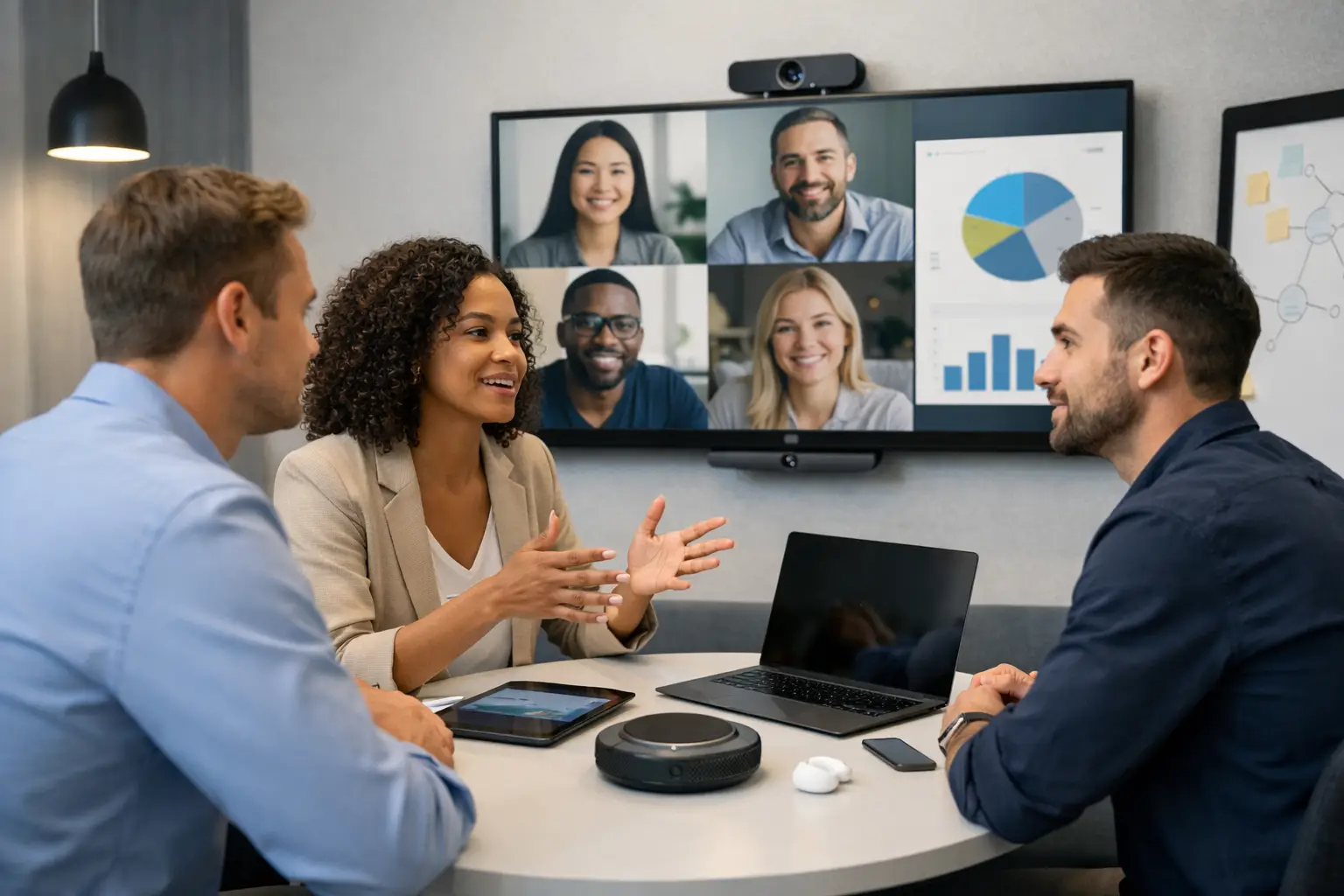
A huddle room should not need a user manual. If people walk in, fumble with cables, restart laptops, and lose the first ten minutes of a meeting, the space is not doing its job. The best huddle room technology ideas are not about filling a small room with more kit. They are about removing friction so people can meet, share, and decide things quickly.
For most organisations, that means thinking beyond a screen on the wall and a basic video call setup. Huddle spaces now carry a bigger workload. They support quick project check-ins, confidential one-to-ones, hybrid stand-ups, supplier calls, and impromptu team sessions. A room that works well for all of that needs the right balance of simplicity, reliability, and flexibility.
What good huddle room technology should solve
Before choosing products, it helps to be clear about the problem. In smaller meeting spaces, the same issues come up repeatedly. Staff cannot connect without help. Remote participants struggle to hear side conversations. The room is booked but unused. A platform update breaks the setup. IT teams end up firefighting rather than planning.
Good technology should solve those practical issues first. It should make the room intuitive for occasional users, consistent with the rest of the workplace, and straightforward to support over time. That often matters more than having the latest specification.
10 huddle room technology ideas worth considering
1. One-touch video conferencing
If your teams use Microsoft Teams, Zoom, or another core platform, the room should launch meetings with a single press. One-touch join cuts out the usual delays around dial-in details, login confusion, and device switching.
This matters most in huddle spaces because meetings are often short. Losing five minutes in a 20-minute meeting is not a minor irritation – it is a third of the session gone. Native room systems or properly integrated platform devices usually deliver a better experience than pieced-together setups.
2. Bring-your-own-device support
Standardisation is useful, but many businesses still need flexibility. Visiting staff, external partners, and teams using different applications may want to run calls from their own laptop. That is where bring-your-own-device functionality earns its place.
The key is making it simple. If users need three adapters and a set of written instructions, adoption will be poor. The better approach is a room that offers an easy USB-C or wireless connection while still keeping the in-room camera, microphone, and display available.
3. A display sized for the room, not the brochure
Small rooms are often fitted with screens that are either too small for detailed content or unnecessarily large for the viewing distance. In both cases, the experience suffers. People lean forward, spreadsheets become unreadable, or the room simply feels visually dominated by the display.
Choosing the right size depends on room depth, typical content, and seating layout. For many huddle spaces, clarity matters more than sheer scale. A properly positioned commercial display with good brightness and anti-glare performance will usually outperform a consumer screen that looked attractive on price.
4. Intelligent camera framing
Not every huddle room needs advanced tracking, but basic fixed cameras can make hybrid meetings feel detached. If remote attendees see a distant, awkward wide shot, they miss expressions and struggle to follow the conversation.
Auto-framing cameras can improve this without adding complexity for users. In small spaces, they help remote participants feel more included and make the room appear more professional. The trade-off is cost, and in some very compact rooms a well-placed fixed camera may still be enough. It depends on how often the space is used for external or client-facing calls.
5. Better microphones than the room came with
Audio is where many huddle rooms fail. People will tolerate a less-than-perfect picture for a while. Poor sound ends the meeting. Built-in display speakers and laptop microphones are rarely enough once more than two people are in the room.
Ceiling microphones, table mics, or integrated soundbars can all work well, depending on the space. The right choice comes down to room size, table layout, ceiling type, and how much flexibility is needed. What matters is clear pickup across the room without users having to lean in, repeat themselves, or pass a device around.
6. Wireless content sharing that people will actually use
Wireless sharing sounds simple, but many systems add unnecessary steps. If users have to install software, enter codes every time, or troubleshoot network permissions, they often go back to an HDMI cable.
The best huddle room technology ideas keep content sharing quick and familiar. That might mean native wireless casting, a dedicated sharing device, or a well-managed mixed approach with both cable and wireless options. In practice, having a fallback wired connection is still sensible. Convenience is important, but reliability wins when the room is under pressure.
7. Occupancy and room booking visibility
A small room that looks free but is booked creates friction across the office. Equally, rooms that are reserved and never used distort space planning. Booking panels and occupancy sensors help tackle both problems.
For facilities and workplace teams, this is not just about convenience. It gives a clearer picture of how huddle spaces are really being used. That data can inform future room design, estate decisions, and hybrid workplace planning. In busy offices, these tools often deliver operational value well beyond the room itself.
8. Acoustic treatment, not just technology
Some of the most effective huddle room improvements are not electronic. Hard surfaces, glass walls, exposed ceilings, and compact footprints can create echo and speech spill very quickly. Even good microphones struggle in a poor acoustic environment.
Acoustic panels, softer finishes, and sensible room layout can transform call quality. This is often overlooked because it is less visible than new hardware, but it can make a greater difference to the user experience. Technology should work with the room, not fight against it.
9. Simple room control
A huddle room should not require users to understand multiple remotes, input selections, and separate volume controls. A single touch panel or intuitive control interface keeps the space approachable and reduces support calls.
In many cases, the right answer is not a highly customised control system. It is a carefully designed, stripped-back interface that only shows what users need. Start meeting, share content, adjust volume, end call. Anything more should earn its place.
10. Remote monitoring and support readiness
This is one of the less visible huddle room technology ideas, but it often has the biggest long-term impact. A room may be easy to use on day one and frustrating six months later if no one is monitoring device health, firmware updates, or recurring faults.
Remote management tools allow issues to be spotted before users report them. They also reduce the burden on internal IT teams, especially across multiple sites. For organisations with a growing meeting room estate, supportability should be treated as part of the design, not an afterthought.
Choosing huddle room technology ideas that fit your workplace
Not every room needs every feature. A two-person focus space used mainly for internal catch-ups will have different requirements from a six-seat project room used for daily hybrid collaboration. The mistake is assuming one room type, one device bundle, and one budget approach will suit everything.
A better route is to define a small number of room standards based on real use cases. Consider who uses the room, which platforms matter, whether external guests attend, how often content is shared, and what level of support your internal team can realistically provide. This keeps procurement more disciplined and helps users move between rooms without relearning the setup.
There is also a commercial point here. Cheap solutions often shift cost elsewhere. If staff lose time in meetings, if senior people avoid certain rooms, or if IT is constantly called out to fix avoidable problems, the lower upfront spend quickly stops looking efficient. A well-designed room is not just an AV decision. It is a productivity decision.
Why integration matters more than individual devices
It is easy to focus on headline products – the camera, the screen, the touch panel. In practice, user experience comes from how those elements work together. A good camera will not rescue poor audio. A strong platform licence will not help if booking data is inaccurate. Wireless sharing is not much use if the display wakes slowly or the network policy blocks connection.
That is why consultative design matters. The most dependable results tend to come from environments planned as complete systems, with installation, testing, user guidance, and support considered from the outset. For organisations investing across multiple rooms or sites, that joined-up approach creates consistency and makes adoption much easier. It is also where a specialist partner such as TecInteractive can add value beyond product selection alone.
The best huddle rooms rarely draw attention to themselves. People walk in, start meeting, and get on with the work they came to do. That is usually the clearest sign the technology is right.