
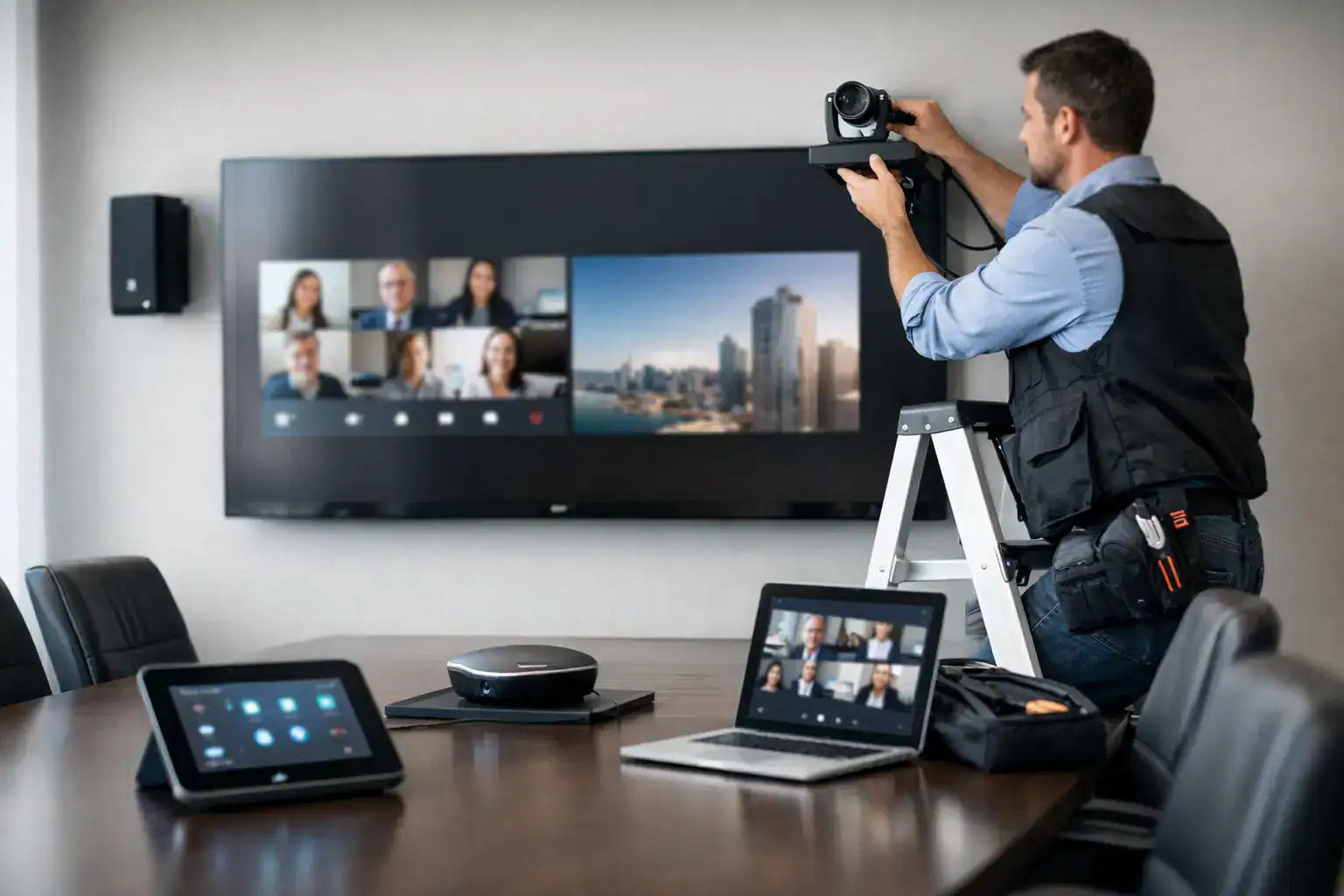
A meeting starts at 9.00. By 9.07, someone is still trying to share a screen, the far-end participants cannot hear clearly, and IT has been called in again. That is usually the point when organisations realise meeting room AV installation is not really about screens and cables. It is about whether the room works under pressure, for every user, every day.
For most businesses, the problem is not a lack of technology. It is a mismatch between the room, the users, and the way meetings actually happen. A boardroom used for client presentations needs something very different from a small huddle space used for quick hybrid check-ins. Good installation closes that gap. It makes the room intuitive, dependable and consistent across the workplace, so people can focus on the meeting rather than the kit.
What meeting room AV installation should achieve
At its best, AV installation creates a room that feels simple to use even when the underlying system is quite sophisticated. That means people can walk in, start a call, present content and be heard clearly without needing a manual or specialist support.
The business case is straightforward. If meeting rooms are hard to use, staff waste time, external meetings feel less professional, and internal IT teams spend too much time firefighting preventable issues. If rooms are well designed and properly installed, adoption improves, support tickets fall, and hybrid meetings become far less frustrating.
There is also a consistency point that matters more than many organisations expect. When each room behaves differently, users lose confidence. They second-guess the process, arrive early to test connections, or avoid certain spaces altogether. A sensible installation approach creates familiar user journeys across different room sizes, even when the technology specification changes.
Why projects fail before installation starts
Most poor outcomes are caused long before the first display is mounted. They usually begin with an equipment-first approach.
Buying a camera, soundbar and screen is not the same as designing a functioning meeting environment. The room may have awkward acoustics, glass walls, limited power, restricted mounting options or a table layout that works against sightlines. In hybrid spaces, microphone pickup and camera framing are often the first weak points. On paper, the system may look right. In practice, users still struggle.
The other common issue is designing around technical preference rather than operational reality. A facilities team may prioritise room aesthetics. IT may focus on platform compatibility and network control. Senior stakeholders may want a polished client-facing experience. All of those priorities are valid, but they need to be resolved into one coherent design. If they are not, compromises appear later as usability problems.
This is why consultancy matters. Before any installation begins, the room should be assessed in context – how it is used, who uses it, which platforms matter, what level of support is available internally, and how standardised the wider estate needs to be.
Meeting room AV installation for different room types
Not every room needs the same level of complexity, and overspecifying is almost as unhelpful as underspecifying.
Small meeting rooms and huddle spaces
In smaller rooms, the priority is usually speed and ease of use. Staff want to enter, join a call, and share content quickly. A compact all-in-one solution can work well here, provided the camera angle, microphone pickup and display size suit the room properly. The mistake is assuming every small room is automatically simple. Narrow layouts, poor lighting and hard surfaces can still create usability issues if they are ignored.
Medium-sized collaboration rooms
These spaces often carry the greatest day-to-day load and need a balanced approach. They may host team meetings, supplier calls, workshops and presentations in the same week. Installation here needs to support varied use cases without creating a complicated control experience. This is often where room control, wireless presentation, better audio coverage and platform consistency become more important.
Boardrooms and executive spaces
Boardrooms are usually judged more closely because they support senior decision-making, external meetings and high-value presentations. Reliability is critical, but so is the quality of the in-room experience. Sightlines, speech intelligibility, camera performance and room aesthetics all matter. In these rooms, installation quality is especially visible. Untidy cabling, poorly positioned displays or awkward controls quickly undermine the professional finish.
The design choices that make the biggest difference
A successful installation is rarely defined by one impressive device. It is usually the result of several sensible decisions made well.
Audio is one of the clearest examples. Organisations often focus on the display first because it is visible, but poor sound causes more frustration than almost anything else. If remote participants cannot hear clearly, the meeting breaks down. Microphone placement, speaker coverage, room acoustics and echo management all need proper attention.
Camera positioning matters in the same way. The aim is not simply to show the room. It is to make remote participants feel included and able to read the meeting naturally. That depends on framing, eye line, room depth and how people are seated. In some spaces, a single front-of-room camera is enough. In others, it is not.
Control should be simple and predictable. Most users do not want options for every possible scenario. They want a clear interface that helps them start the meeting and adjust only what they genuinely need. More functionality is not always better if it increases hesitation or mistakes.
Installation standards also have a direct effect on long-term performance. Cable management, equipment access, ventilation, power planning and network configuration are not glamorous, but they affect serviceability and reliability. A room that looks tidy on handover but is difficult to maintain can become costly over time.
Why integration matters more than individual products
Meeting rooms now sit within a wider workplace technology ecosystem. Video conferencing platforms, room booking systems, digital signage, occupancy data and support processes increasingly overlap. That means meeting room AV installation should not be treated as a standalone job.
For example, if staff book rooms through one system but start meetings through another inconsistent interface, friction appears immediately. If room usage data is unavailable, it becomes harder to plan future investment. If internal IT teams have limited visibility or no standard support model, minor faults can create disproportionate disruption.
An integrated approach reduces these problems. It aligns room technology with the platforms already in use, the support structure behind the scenes, and the standards expected across multiple sites. That is particularly important for organisations scaling hybrid working or refreshing rooms across a wider estate.
Installation is only one stage of the project
A well-run project protects the client from unnecessary disruption as much as it delivers the final room.
That starts with planning. Site surveys, stakeholder workshops, programme coordination and dependency management all shape the quality of delivery. In live office environments, access windows, health and safety requirements, and business continuity constraints need to be considered carefully. The practical question is not simply whether the system can be installed. It is whether it can be installed cleanly, safely and with minimal effect on daily operations.
Commissioning is equally important. The technology should be tested in real conditions, not just powered on and declared finished. That includes call quality, content sharing, audio tuning, control logic and user workflows. A room that technically functions but feels awkward in use is not ready.
Training should be part of the process as well. Even intuitive rooms benefit from a proper handover, especially for executive users, reception teams, facilities managers and IT support staff. Short, practical training often delivers more value than dense documentation.
The value of support after go-live
This is where many projects reveal their true quality. Once the room is in use, questions and edge cases appear. Platforms update. Spaces change. User expectations evolve.
Without support, even a good installation can lose momentum. Internal teams may revert to ad hoc fixes or inconsistent workarounds, which gradually erodes the original standard. With the right support model, issues are resolved quickly, users stay confident, and the room continues to perform as intended.
For many organisations, this is the difference between buying equipment and building a dependable collaboration environment. A partner such as TecInteractive is not there only to fit the system. The real value is in designing around workplace reality, delivering cleanly, and providing ongoing assurance once the room is live.
What to ask before approving a meeting room AV installation
Before moving ahead, it is worth asking a few commercially grounded questions. Will the room be easy for first-time users? Does the design suit the way meetings actually happen? Can the system be supported without adding strain to internal IT? Is the experience consistent with other rooms and sites? And if the business changes over the next two or three years, will the solution still make sense?
Those questions usually lead to better decisions than comparing product specifications in isolation. They keep the focus where it should be – on usability, resilience and value over time.
The best meeting rooms are not the ones with the most technology. They are the ones people trust enough to use without thinking twice.