
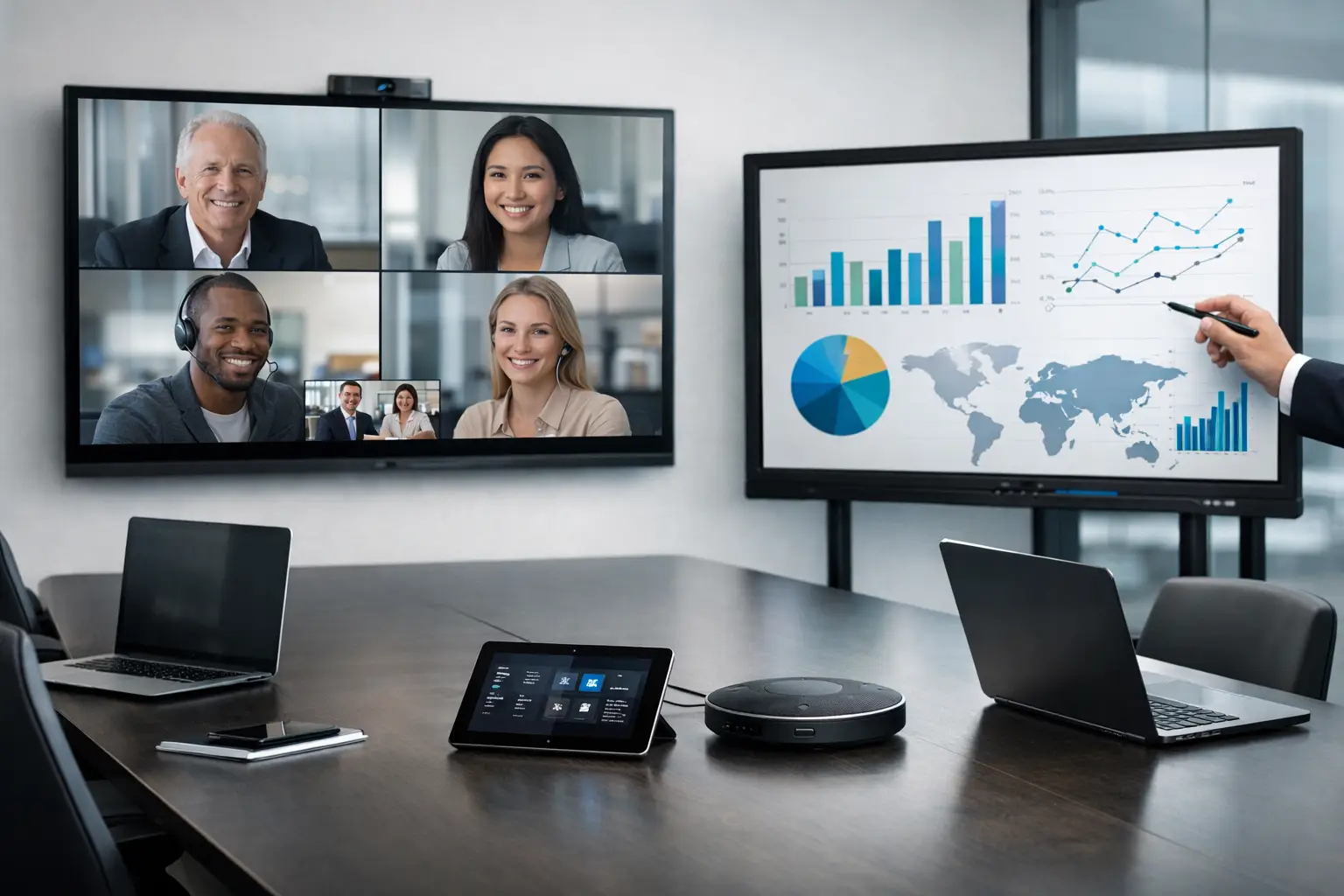
A meeting that starts three minutes late because no one can connect their laptop is not a minor irritation. Multiplied across a busy office, it drains time, undermines confidence in the workplace and pushes people back towards remote calls from their desks. The meeting room technology trends worth watching are therefore not simply about newer screens or more features. They are about making every room easier to use, more inclusive for hybrid participants and simpler to support.
For UK organisations managing a mix of office-based and remote employees, the priority is shifting from buying individual devices to creating dependable collaboration environments. The most effective investments connect room design, video platforms, user behaviour, network readiness and ongoing support.
Meeting room technology trends shaping better workplaces
Platform-native meeting rooms become the default
Microsoft Teams Rooms and Zoom Rooms have moved from specialist deployments to the expected foundation for many organisations. A dedicated room system gives users a familiar, one-touch route into scheduled meetings, rather than asking them to build a call from a laptop, select the correct camera and troubleshoot audio in front of colleagues.
The value lies in consistency. When a small huddle space, a standard meeting room and a boardroom follow the same basic joining experience, users need less training and IT receives fewer avoidable support calls. It also makes estate-wide management more practical, with administrators able to monitor devices, apply updates and identify faults before they disrupt a meeting.
That said, platform-native does not mean platform-exclusive. Many organisations work with clients, suppliers or partners using different conferencing platforms. A well-designed room should preserve the simplicity of the primary platform while providing a sensible, secure way to host guest meetings when needed. The right approach depends on how often external platforms are used and the level of control required by IT.
Better audio takes priority over bigger displays
Large displays and high-quality cameras remain important, particularly in boardrooms and training spaces. Yet poor audio is usually the reason hybrid meetings fail. If remote attendees cannot hear side conversations, distinguish speakers or contribute without interruption, the meeting quickly becomes unequal.
This is driving greater attention to microphone coverage, speaker placement and acoustic treatment. Intelligent microphones can focus on active speakers and reduce background noise, while speaker tracking and multi-camera systems help remote participants see who is talking. These tools can improve the experience, but they are not a substitute for proper room design. Hard surfaces, reverberation, air handling noise and unsuitable furniture layouts can all compromise even premium equipment.
For smaller rooms, an all-in-one video bar may provide an effective balance of quality, simplicity and cost. Larger or acoustically challenging spaces often benefit from separate cameras, ceiling or table microphones, DSP audio processing and carefully planned loudspeaker systems. The decision should follow a site survey and a clear understanding of how the room will actually be used, rather than a standard kit list.
Intelligent cameras support more inclusive hybrid meetings
Camera technology is becoming more purposeful. Framing no longer has to mean a wide shot of a room where in-person participants appear distant and unreadable. Speaker framing, group framing and multi-stream video can give remote attendees a clearer view of people and content.
The strongest use case is inclusion. In a workshop, client presentation or decision-making meeting, body language and facial expressions matter. A camera that follows the conversation can make remote participants feel less like observers. However, automatic framing needs to be configured with care. In rooms with frequent movement, whiteboards or informal collaboration, an overactive camera can become distracting.
Organisations should also consider privacy and governance. Camera analytics and people-counting features can provide useful room utilisation data, but staff should understand what is being collected, why it is collected and how long it is retained. Workplace technology works best when it supports people without making the workplace feel over-monitored.
Bring-your-own-device becomes a planned option
Employees still need to share content from their own laptops, and visiting users may not have access to a corporate room account. This is why BYOD remains part of modern room design. The difference is that it is increasingly being treated as a deliberate secondary workflow rather than the main way every meeting begins.
Wireless presentation can remove cables and make short, in-person sessions more fluid. USB-C connectivity offers a reliable fallback and supports users who need to run a call from their own device. In some spaces, a dedicated USB connection to the room camera, microphones and speakers is appropriate. In others, it introduces unnecessary complexity.
The key is to avoid confusing users with several competing ways to start a meeting. Clear room controls, sensible labelling and a consistent choice of connection methods matter as much as the technology itself. If users have to guess which cable, button or application to use, the room is not doing its job.
Room data informs workplace decisions
Room booking panels, occupancy sensors and management dashboards are producing a more accurate picture of how workplace space is used. This is particularly valuable for organisations that have adapted to hybrid patterns and are questioning whether their meeting room mix still reflects demand.
Data can reveal that a frequently booked 12-person room usually hosts four people, while small rooms are unavailable for much of the day. It can show recurring no-shows, identify devices with poor reliability or highlight spaces where calls regularly overrun. These findings can inform changes to room sizes, booking policies, cleaning schedules and future investment.
Numbers require interpretation, though. A booked room is not always occupied, and occupancy alone does not explain whether a space supported a productive meeting. Combine utilisation data with feedback from users, facilities teams and IT. The aim is not to maximise every room minute by minute, but to give people the right environment when it matters.
Management and support are part of the solution
As room technology estates grow, support cannot rely solely on someone checking a screen when a problem is reported. Remote monitoring, device management and proactive maintenance are becoming essential. They help support teams spot an offline room system, a failed peripheral or an expired certificate before the first meeting of the day.
This trend has commercial as well as technical importance. Internal IT teams are often responsible for networks, security, endpoints and business applications alongside workplace technology. A managed support arrangement can reduce the operational burden, provide a clear escalation path and keep room standards consistent across multiple sites.
Support should also include user adoption. A technically correct installation can still underperform if staff do not understand the controls or do not trust the room to work. Brief, role-appropriate training and accessible in-room guidance are often more valuable than a lengthy handover document.
Designing for reliability rather than novelty
New features are attractive, but the most successful meeting rooms are usually the least complicated to operate. Users should be able to enter, see the room schedule, join a meeting, share content and adjust basic controls without specialist knowledge. Everything else should sit behind that straightforward experience.
This calls for early collaboration between IT, facilities, workplace teams and the people who use the rooms every day. Network capacity, power, furniture, lighting, acoustics, accessibility and security all influence performance. Treating AV as an item to add at the end of a fit-out often creates expensive compromises later.
Standardisation is valuable, especially across multi-site estates, but it should not force every room into the same design. A two-person focus room, a client-facing boardroom and a divisible training suite have different needs. A consistent user journey can sit alongside technology choices that suit each setting.
Where to focus investment first
Before committing to the latest feature set, assess the friction employees experience now. Repeated issues with joining calls, hearing remote colleagues, finding an available room or getting help point to the areas that deserve attention first. A room audit can establish the condition of existing equipment, identify inconsistent setups and show where replacement or reconfiguration will have the greatest effect.
For many organisations, the immediate gains come from standardising core room systems, improving audio and putting proactive support in place. More advanced capabilities such as intelligent multi-camera production, immersive displays or detailed occupancy analytics can then be introduced where the business case is clear.
The best next step is not necessarily the most visible piece of technology. It is the change that lets people walk into a room, start collaborating and stay focused on the conversation rather than the equipment.