
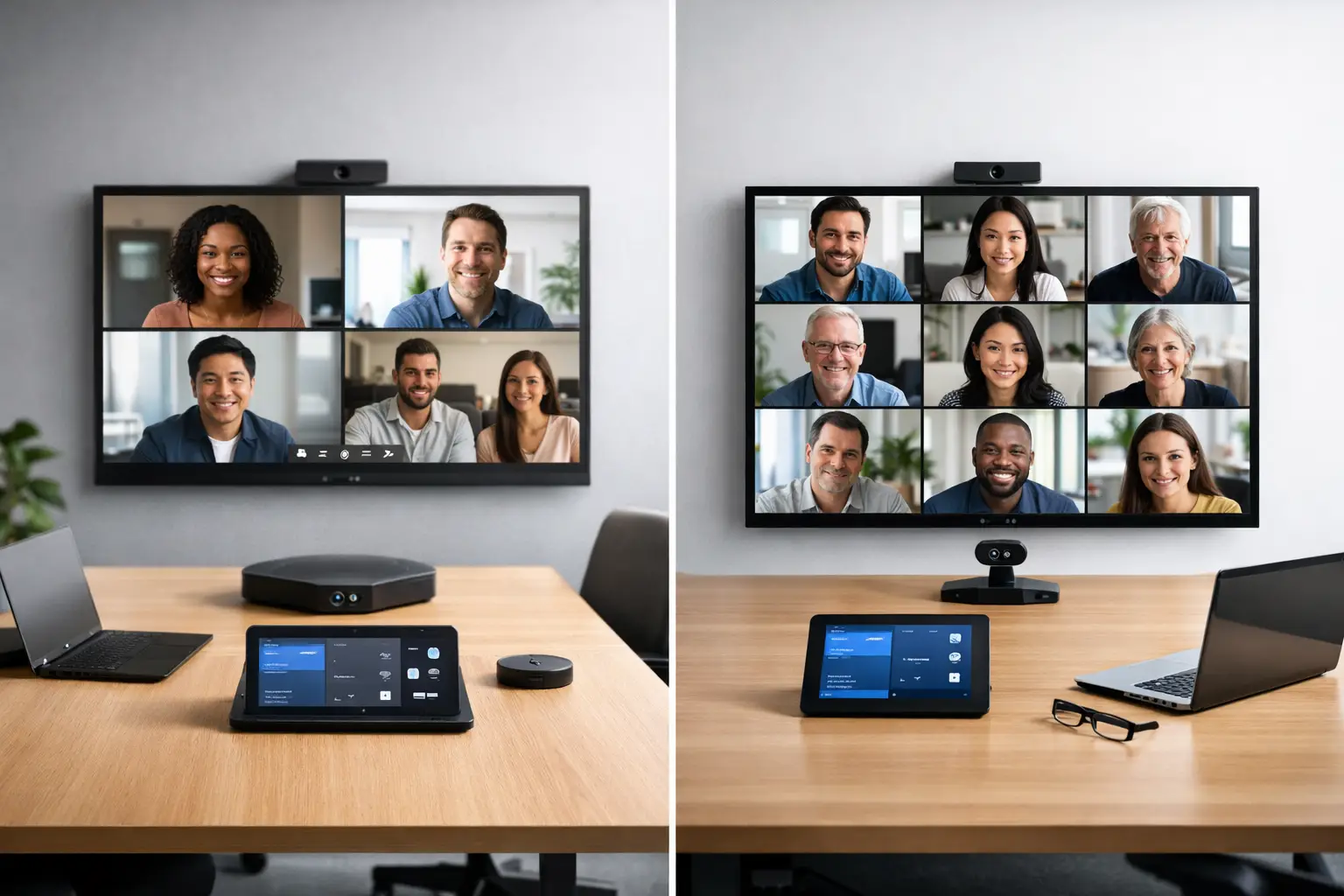
A meeting room that works perfectly at 9am and causes friction by 9.05 is not a technology problem alone. It is usually a platform choice problem. When organisations compare Microsoft Teams Rooms vs Zoom Rooms, they are rarely choosing between two screens and a camera. They are deciding how people will join meetings, how rooms will be managed, and how much strain day-to-day support will place on internal IT.
For most UK businesses, the right answer comes down to how work already happens across the organisation. Both platforms can deliver a polished meeting room experience when they are specified properly. The difference is in the details – licensing, interoperability, room control, user familiarity, and how well the system fits your wider workplace strategy.
Microsoft Teams Rooms vs Zoom Rooms: what is the real difference?
At a high level, both Microsoft Teams Rooms and Zoom Rooms turn a meeting space into a dedicated video conferencing environment. Instead of relying on a laptop balanced on a table and a speakerphone in the middle of the room, you get a purpose-built setup with touch control, room cameras, integrated audio, and one-touch join.
The practical distinction is that each platform is designed first and foremost around its own ecosystem. Microsoft Teams Rooms is at its best in organisations that already run heavily on Microsoft 365, Teams chat, Outlook calendars, and wider Microsoft security and identity policies. Zoom Rooms is strongest where Zoom is the default collaboration platform and the business values its meeting workflow, interface, and cross-organisational familiarity.
That sounds straightforward, but most workplaces are not that tidy. Many use Teams internally and Zoom externally. Some have inherited different platforms through acquisition. Others need rooms that can support clients, suppliers, and mixed user preferences without creating confusion on the day of a meeting.
User experience matters more than feature lists
In most projects, the best platform is the one people will use correctly without thinking about it. A room can have excellent hardware and still feel awkward if the on-screen workflow does not match what employees expect.
Microsoft Teams Rooms tends to feel natural for businesses already embedded in the Microsoft environment. Calendar integration is familiar, room booking is closely aligned with Outlook, and users who live in Teams every day usually adapt quickly. That reduces training time and helps standardise behaviour across meeting spaces.
Zoom Rooms is often praised for its simplicity. The interface is clean, joining meetings is straightforward, and many users find the in-room control experience easy to understand. In organisations where external meetings dominate, that simplicity can be a genuine advantage. If clients and partners commonly use Zoom, the room experience can feel more predictable.
This is where there is no universal winner. If your staff schedule, message, and collaborate inside Teams all day, forcing Zoom Rooms into every space may create unnecessary friction. If your commercial teams spend much of their time on Zoom with external stakeholders, a Teams-first room estate might not be the smoothest fit either.
Interoperability is better than it used to be, but still not identical
A common assumption is that platform choice matters less now because both systems can join other meeting types. That is partly true. Interoperability has improved significantly, and many modern room systems can support guest join experiences across platforms.
Even so, native meetings still offer the best experience. Features such as dual screen behaviour, content sharing, participant layout options, whiteboarding, chat visibility, and meeting controls are usually strongest within the platform the room was designed for. Cross-platform joining may work well enough, but it does not always feel equivalent.
That distinction matters in boardrooms, training spaces, and client-facing environments where reliability and confidence matter. If the room regularly joins non-native meetings, the design should account for that from the outset rather than treating it as an afterthought.
Room hardware choices are broad on both sides
From a hardware perspective, there is strong support for both platforms. Major manufacturers offer certified cameras, touch panels, compute units, audio bars, DSPs, microphones, and control accessories for Microsoft Teams Rooms and Zoom Rooms. That gives organisations flexibility across huddle rooms, medium spaces, divisible rooms, and large boardrooms.
The important point is that certification does not guarantee the same outcome in every room. A small meeting room can often perform well with an all-in-one bar. Larger or acoustically difficult spaces usually need a more considered design with proper microphone coverage, loudspeaker placement, camera framing, and display positioning.
This is where an integrator adds value. The platform decision is only one part of the equation. The room still needs to be designed around how people speak, present, and collaborate in that specific environment.
Microsoft Teams Rooms vs Zoom Rooms on management and support
For IT and facilities teams, operational management is often more important than the meeting itself. A room that is easy to deploy but difficult to monitor becomes expensive over time.
Microsoft Teams Rooms is a strong fit for organisations that already manage users, devices, identity, and security through Microsoft tooling. Policies, admin familiarity, and reporting can sit more comfortably within the existing estate. For businesses trying to simplify governance, that alignment can be persuasive.
Zoom Rooms also offers effective management tools, device monitoring, and remote administration. In the right environment, it is straightforward to support. The difference is less about technical capability and more about whether your team is already set up around that platform operationally.
Support burden should not be underestimated. If employees are confused by room controls, if meeting invites do not behave as expected, or if multiple join methods create inconsistency from space to space, internal teams end up dealing with avoidable tickets. Standardisation usually matters more than having every possible feature.
Licensing and cost are not just about the room licence
When buyers assess cost, they often focus first on room licences. That is necessary, but incomplete. The real cost includes platform alignment, hardware compatibility, support overhead, user training, and the hidden expense of rooms that people avoid because the experience is unreliable.
Microsoft Teams Rooms may appear to make sense financially if your organisation already has broad Microsoft investment and established procurement around Microsoft services. Zoom Rooms may represent better value where Zoom is already central to day-to-day communication and the business would otherwise duplicate platforms.
It is also worth considering the cost of compromise. Choosing one platform for commercial reasons while most users prefer another can lead to poor adoption, workarounds, and more frequent calls on support teams. The cheapest room on paper is not always the lowest-cost solution in practice.
Which platform suits different workplace scenarios?
For a Microsoft-first organisation, Teams Rooms is often the logical choice. If staff use Teams for chat, calling, meetings, file collaboration, and scheduling, the room becomes an extension of the wider digital workplace. That consistency is valuable, especially across multiple sites.
For a business that relies heavily on Zoom for client engagement, remote training, or external collaboration, Zoom Rooms may be the better operational fit. It can reduce the gap between desktop behaviour and room behaviour, which matters when meetings are frequent and time-sensitive.
In mixed estates, the answer may be more nuanced. Some organisations standardise on one platform for most rooms and keep a small number of specialist spaces configured around a second platform. Others design around native room technology but ensure alternative join workflows are simple and tested. There is no issue with a mixed strategy if it is intentional and clearly governed.
Public sector organisations, universities, and large enterprises often need to think about accessibility, long-term support, estate-wide consistency, and procurement rules as much as end-user preference. In those cases, the best decision usually comes from a combination of technical requirements, governance needs, and actual usage patterns rather than brand familiarity alone.
The decision should start with workflow, not product preference
Too many room projects start with a preferred badge rather than a clear operational brief. A better approach is to ask a few practical questions. Where are meetings actually being hosted? Which platform do employees use without hesitation? How often do rooms need to join third-party calls? Who will support the estate after installation? What level of standardisation is realistic across your sites?
Those answers usually make the platform choice much clearer. They also help shape the rest of the solution, from room types and hardware specification to management tools, training, and support cover.
At TecInteractive, that is often the turning point in a project. Once the conversation moves away from product comparison alone and towards workplace usability, the right route becomes easier to define.
A well-designed room should disappear into the background. If your people can walk in, press one button, and get on with the meeting, you have chosen well. If platform debates are still happening every time someone enters the room, the technology is solving the wrong problem.