
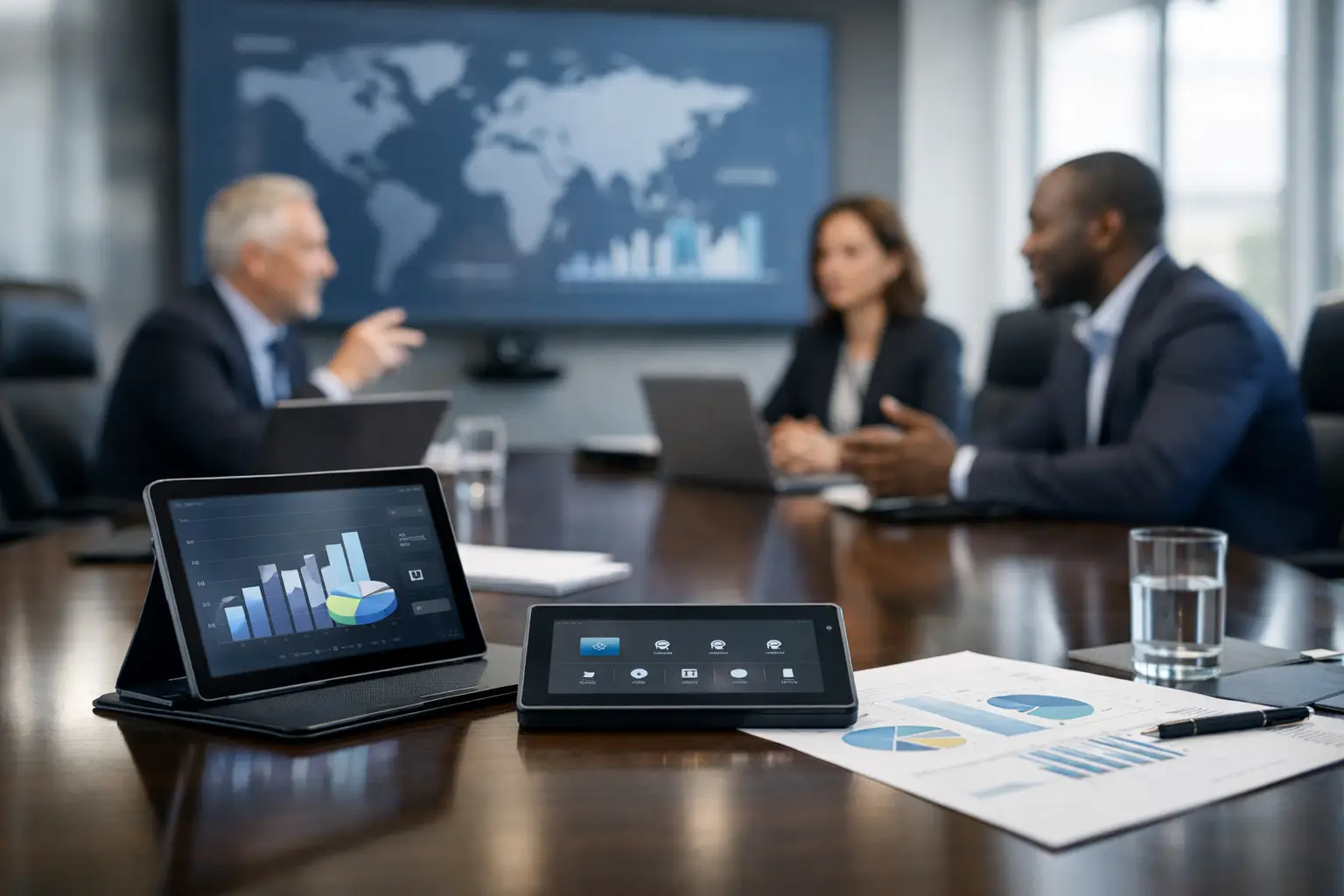
A boardroom failure is rarely caused by one dramatic technical fault. More often, it is the familiar accumulation of small frustrations: a visiting executive cannot connect, remote attendees cannot hear side conversations, the camera frames an empty wall, or the room starts five minutes late while someone searches for the right cable. A considered boardroom technology planning guide prevents these moments from becoming accepted parts of senior-level meetings.
For most organisations, the boardroom is not simply a larger meeting room. It is where leadership teams make decisions, present to clients, interview senior candidates and connect with colleagues across locations. The technology therefore needs to be dependable, discreet and simple enough to use under pressure. Planning should begin with the meeting experience required, not a shopping list of screens and devices.
Start with the purpose of the boardroom
The right solution depends on how the room is used. A boardroom used mainly for weekly leadership meetings has different requirements from one used for investor presentations, client workshops and hybrid all-hands sessions. The room may also need to support confidential discussions, visiting presenters and different video conferencing platforms.
Speak to the people who book, host and support meetings before defining the system. Ask how many people typically sit in the room, how many join remotely, whether presentations are shared regularly, and which platforms are used across the business. It is equally useful to understand what currently goes wrong. A recurring complaint about poor audio is often more significant than a request for a larger display.
Consider the likely life of the space as well. If the organisation is growing, changing its hybrid working policy or consolidating offices, a system designed only around current needs may become restrictive quickly. This does not always mean buying the most advanced technology available. It means selecting an architecture that can be adapted without unnecessary disruption or replacement.
Plan the room before selecting technology
Boardroom technology performs best when room design, furniture, acoustics and lighting are considered together. A high-quality camera cannot compensate fully for a poorly lit room, while premium microphones will struggle in a highly reverberant space with hard surfaces throughout.
Start with the layout. The shape and size of the table affect sightlines, camera positioning and microphone coverage. In a long room, attendees at either end need to see shared content and be seen clearly by remote participants. In a wide room, a single front-facing camera may not provide an effective view of everyone. The display position should allow all in-room attendees to view content comfortably, without turning meetings into a row of neck-craning exercises.
Lighting deserves particular attention. Strong daylight from behind participants can leave faces in shadow on video calls. Downlights positioned directly above the table can create unflattering shadows and glare on displays. Blinds, controllable lighting scenes and carefully positioned fittings can make a meaningful difference to video quality without adding complexity for users.
Acoustics should be assessed early, particularly in boardrooms with glass partitions, exposed ceilings, timber floors or feature finishes. These choices may look impressive but can make speech harder to understand. Acoustic treatment does not have to dominate the room visually. Discreet panels, ceiling solutions, soft furnishings and considered finishes can reduce reverberation and improve the experience for participants in the room and online.
Define the meeting experience first
A useful boardroom technology plan sets clear expectations for what should happen when a meeting begins. The most effective systems remove steps rather than adding them. A user should be able to enter the room, start or join a scheduled meeting, share content and adjust basic controls without calling IT.
For many organisations, this means a dedicated video conferencing room system aligned to the chosen platform, supported by one-touch join functionality. For others, particularly where external guests use different platforms, a flexible bring-your-own-device approach may be more appropriate. There is no universal answer. The key is to understand whether consistency, platform flexibility or guest access is the greater operational priority.
Content sharing is another decision point. Wireless presentation can reduce cable clutter and improve convenience, but it needs to work reliably across managed laptops, guest devices and different operating systems. Wired connectivity still has a place where certainty is essential, particularly for high-stakes presentations. A well-planned boardroom often provides both, while keeping the user journey straightforward.
The core experience should cover four areas:
- clear audio for every in-room and remote participant;
- camera coverage that presents people naturally, not just the table;
- legible content sharing for those in the room and online; and
- simple controls for starting meetings and managing the environment.
These elements should work as one system. A powerful display has limited value if remote participants cannot follow the conversation, and excellent audio is undermined if users cannot join meetings without assistance.
Choose audio and video for the room, not the brochure
Audio is often the most important part of hybrid meeting quality because it shapes whether people can contribute. Boardrooms may require ceiling microphones, table microphones, integrated soundbars or a combination of solutions. The choice depends on room dimensions, ceiling height, table design, expected occupancy and acoustic conditions.
Ceiling microphone arrays can keep the table clear and provide flexible coverage, which suits formal rooms where appearance matters. Table microphones can offer a more visible and familiar solution, but cable routing, placement and furniture design need careful consideration. In some smaller rooms, an integrated device may be sufficient. In larger or more complex spaces, separate microphones and loudspeakers usually offer greater control and better results.
Camera selection should follow the same principle. Automatic speaker tracking and framing can improve the remote experience, especially in larger boardrooms, but it needs to operate predictably. A camera that constantly shifts focus can be distracting. Fixed cameras may be the better choice where participants remain in consistent positions or where discretion is preferred.
Display size should be based on viewing distance and the type of content being shared. Financial tables, detailed drawings and presentation slides all place different demands on the screen. Dual displays can be valuable where teams need to see remote participants and shared content at the same time. However, they are not automatically necessary. A single, properly sized display may provide a cleaner and more cost-effective solution for a room with straightforward requirements.
Build security, resilience and support into the design
Boardrooms frequently host confidential conversations, so security cannot be treated as an afterthought. Work with IT and information security teams to establish how room systems will be connected, managed and updated. Consider network segmentation, account permissions, guest access, device management and the process for applying firmware updates.
Resilience also matters. A system may be technically excellent but still fail operationally if there is no clear ownership, no remote monitoring and no support route when an issue occurs shortly before a critical meeting. Define who can provide first-line assistance, what can be monitored remotely and what response is expected if on-site attendance is required.
This is where a long-term technology partner adds value beyond installation. TecInteractive can help organisations align room design, integration, user training and ongoing support, giving internal teams a clear route to resolution rather than a collection of separate suppliers.
Make adoption part of the project
The final test of any boardroom system is not whether it looks impressive on handover day. It is whether people use it confidently three months later. Senior stakeholders are unlikely to tolerate complicated workflows, and support teams should not be required to attend routine meetings simply to start a call.
Provide concise, role-relevant training for executive assistants, frequent hosts and IT support teams. A short in-room guide can help occasional users, but it should reinforce an intuitive design rather than compensate for a confusing one. Test real meeting scenarios before go-live, including a guest joining externally, a presentation from a personal device and a call involving both remote and in-room participants.
Plan for review after launch. Usage patterns, feedback and support requests reveal whether adjustments are needed to camera framing, microphone settings, room controls or user guidance. Small refinements at this stage can have a substantial effect on confidence and adoption.
A boardroom should allow leaders to focus on decisions, relationships and the agenda in front of them. When technology is planned around that outcome, it becomes almost invisible – exactly as it should be.