
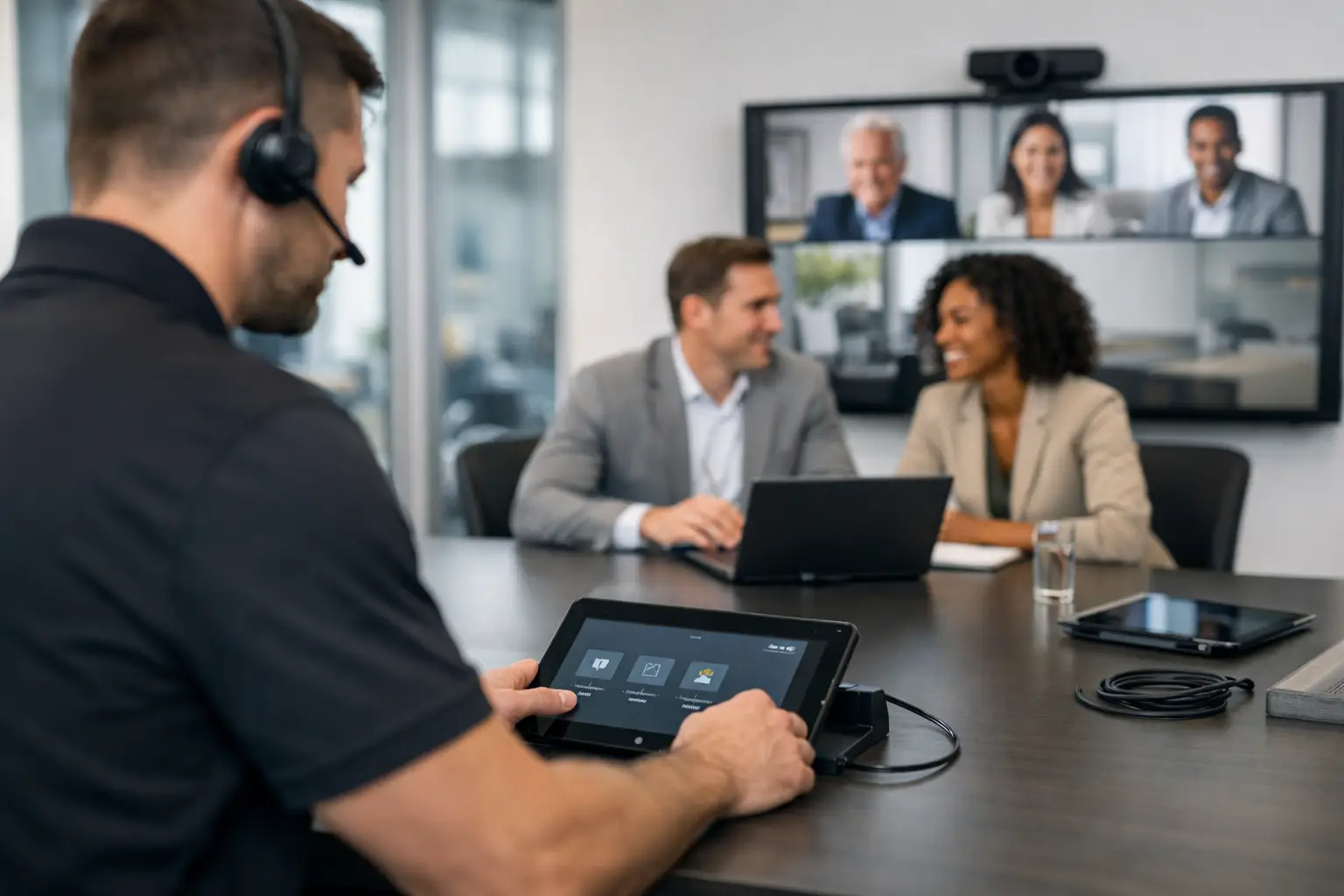
A meeting that starts with five minutes of cable checks, login prompts and calls to IT does more than frustrate the people in the room. It reduces confidence in the workplace itself. Effective meeting room support services prevent those small failures from becoming routine, giving employees a reliable way to share content, join remote colleagues and make decisions without technology taking centre stage.
For organisations with hybrid teams, multiple offices or a growing estate of collaboration spaces, support is not simply a break-fix arrangement. It is the operational layer that keeps rooms useful after installation day. The right service protects investment in AV technology while reducing the daily burden on internal IT, facilities and workplace teams.
Why meeting room technology needs ongoing support
A well-designed meeting room should feel straightforward to use. A user walks in, connects or starts a scheduled call, and the room does the rest. Yet even intuitive systems rely on a combination of network connectivity, software, peripherals, control interfaces and user behaviour. Any one of those elements can affect the meeting experience.
Video conferencing platforms change regularly. Security policies can alter device access. A display may be working perfectly while a loose HDMI connection, an uncharged wireless presentation device or a camera configuration issue causes the apparent fault. In larger estates, room-to-room inconsistencies add another layer of difficulty. A staff member who can use one space easily should not have to learn a different process in every room.
This is why support needs to be planned around the real working environment, rather than treated as an afterthought. It should account for the rooms in use, the platforms the organisation relies on, the level of internal technical resource and the cost of a failed meeting. A boardroom hosting client presentations may need a different response model from a lightly used huddle room, but both should deliver a dependable experience.
What effective meeting room support services cover
The strongest support arrangements combine proactive care with responsive help when it is needed. They focus on maintaining availability, resolving issues quickly and making sure users know how to get value from the technology already in place.
Proactive monitoring and preventative maintenance
Many room issues are identifiable before a user reports them. Remote monitoring can flag devices that have gone offline, software that requires attention or signs that a peripheral is not responding as expected. This gives support teams an opportunity to investigate before an important meeting is affected.
Preventative maintenance also matters. Periodic room health checks can identify worn cables, display performance concerns, misaligned cameras, changes to room layouts and equipment that no longer suits the way a space is being used. This is particularly valuable where rooms are heavily booked or where a business has expanded its hybrid working model quickly.
Not every fault can be fixed remotely. On-site support remains important for physical equipment, integrated audio, cabling, room control systems and issues that require a technician to test the space as a user would. The practical value lies in choosing a provider that can distinguish between a simple user query and an issue requiring a site visit, without creating unnecessary delays.
Responsive incident resolution
When a room fails shortly before a meeting, speed and clear ownership matter. Employees should know where to go for help, and internal teams should not be left coordinating separate manufacturers, software providers and installers to find the cause.
A single accountable support partner can triage an incident, determine whether it is related to the room system, network, platform or user setup, and manage the next action. That does not mean every issue is an AV fault. It means the user receives a helpful response and the organisation has a clear record of recurring problems.
Response expectations should reflect business priorities. A senior meeting space, executive boardroom or customer demonstration suite may justify accelerated response and defined escalation. For other rooms, remote assistance and planned attendance may be more proportionate. The aim is not to apply the same service level everywhere, but to align support with operational impact.
User assistance and adoption
Technology can be technically sound and still fail to deliver value if people are unsure how to use it. This often appears as a support ticket, but the underlying issue may be unclear instructions, inconsistent room controls or a lack of confidence with video conferencing etiquette.
Ongoing user support helps close that gap. It may include quick guidance for common tasks, refresher training after a platform update, support for meeting hosts and clear processes for reporting faults. For a multi-site organisation, this is especially useful when new starters, visiting teams and different departments share the same rooms.
The best approach is usability-led. If a particular task repeatedly generates help requests, it should prompt a review of the room experience. The answer may be additional training, but it may also be a simpler control interface, clearer room signage or a change to the meeting workflow.
The operational benefits for IT, facilities and workplace teams
Meeting room support is often purchased to fix faults, but its wider value is in reducing disruption across the organisation. IT teams gain clearer visibility of what is happening in collaboration spaces and avoid spending disproportionate time on peripheral issues during high-pressure meetings. Facilities teams have a defined route for faults that affect room availability, while workplace leaders can use support data to understand how spaces perform.
Recurring incident patterns can be particularly revealing. If one room experiences frequent audio issues, the cause could be equipment, acoustics, room layout or user behaviour. If users repeatedly struggle to join calls, there may be a platform configuration issue or an inconsistent joining experience between rooms. Good support turns this information into practical improvement rather than allowing the same frustrations to continue.
This has commercial value as well. Rooms that employees do not trust are often avoided, even when they appear available in the booking system. Teams then default to personal devices, unsuitable spaces or unnecessary travel. Keeping rooms operational supports better use of office space and helps organisations realise the value of their workplace technology investment.
Choosing the right support model
There is no single support model that suits every organisation. A small office with a handful of standard meeting spaces may need remote assistance, scheduled maintenance and access to specialist help when required. A multi-site business with boardrooms, divisible spaces, room booking systems and integrated video conferencing will usually need a more structured service, with monitoring, agreed service levels and regular performance reviews.
When comparing providers, consider whether they understand the complete room environment rather than only individual products. A meeting room is a joined-up system: display, camera, microphones, speakers, control panel, network, furniture, lighting and conferencing platform all influence the experience. Support that only covers a narrow part of that system can leave gaps when a problem crosses technical boundaries.
It is also worth asking how the provider will report on service activity. Useful reporting should show incident volumes, response and resolution performance, recurring issues and recommended actions. It should help decision-makers see whether rooms are improving, where investment is needed and whether agreed service levels remain appropriate.
For organisations planning refurbishment, expansion or a wider workplace transformation, a long-term partner has another advantage. Lessons from support can inform future room designs. If staff value a particular room type, or if a certain configuration creates avoidable support demand, that knowledge can shape better decisions before the next installation begins.
Support should protect the meeting experience
The most effective support is rarely visible to the average employee. Meetings start on time. Remote participants can hear and be heard. Presenters share content without searching for adapters. When something does go wrong, help is available and the issue is resolved with minimum disruption.
That outcome requires more than a helpline. It requires a service built around the organisation’s rooms, people and working priorities. TecInteractive approaches meeting room support as part of a wider workplace technology partnership, connecting technical expertise with practical accountability.
A reliable meeting room gives people one less thing to think about. When support keeps that experience consistent, teams can focus their attention where it belongs: on the conversation, the decision and the work that follows.