
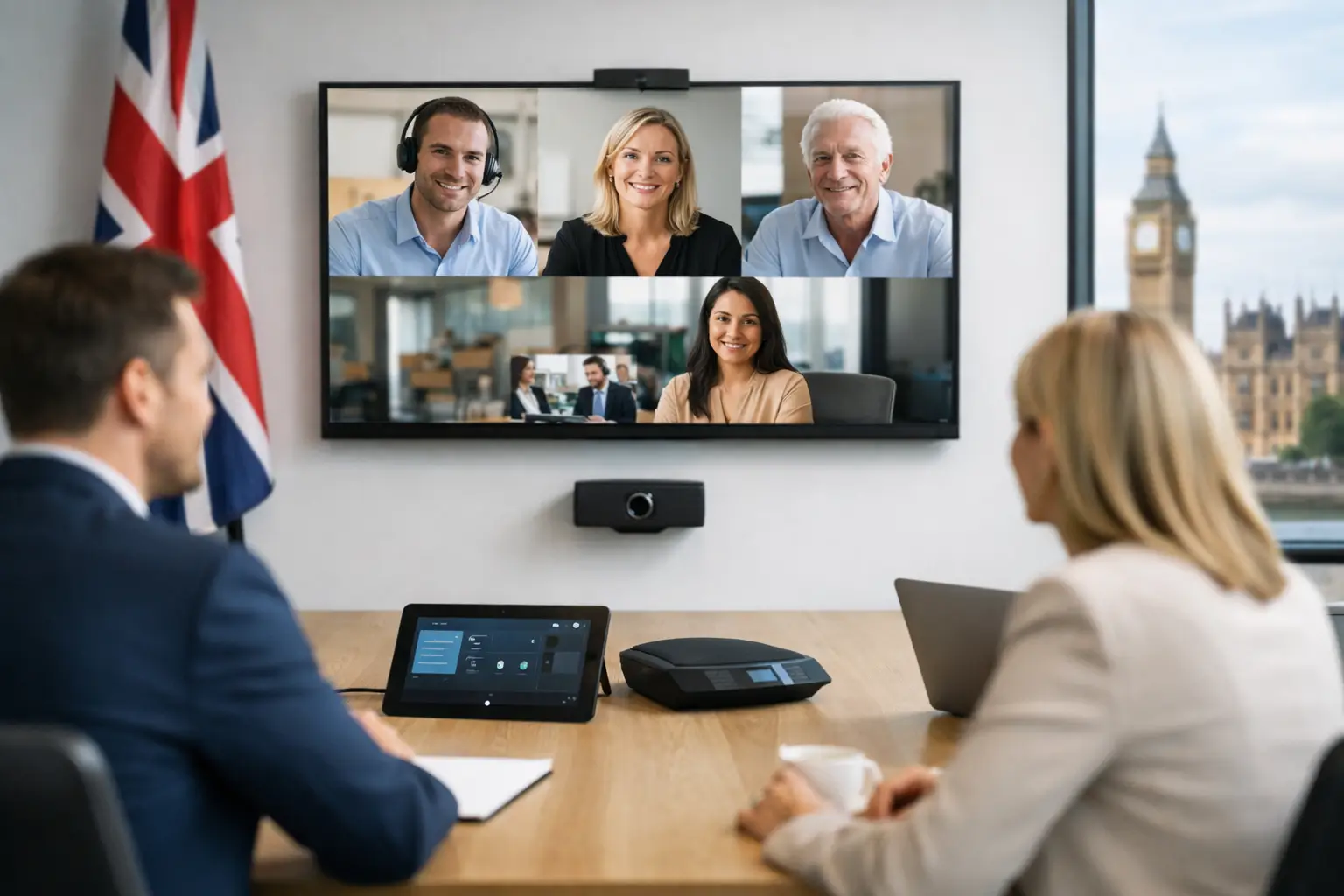
A meeting that starts three minutes late because the room system will not connect has a disproportionate cost. It disrupts the people in the room, frustrates remote participants and places another avoidable demand on IT. This Zoom Rooms review considers whether the platform delivers the straightforward, dependable meeting experience UK organisations need across modern workplaces.
Zoom Rooms is not simply Zoom placed on a large display. It is a room-based video conferencing system designed to turn meeting spaces into consistent, managed collaboration environments. When specified and installed properly, it can give users a familiar one-touch way to join meetings while providing IT teams with clearer control over room technology.
For organisations standardising hybrid collaboration across offices, the central question is not whether Zoom Rooms has useful features. It does. The more meaningful question is whether its user experience, hardware choices, management model and support requirements suit the way your people actually meet.
Zoom Rooms review: where the platform performs well
The strongest aspect of Zoom Rooms is familiarity. Many employees already know the Zoom meeting interface from their laptop, so the step from personal calls to room-based meetings is relatively small. A scheduled meeting can appear on the controller and be joined with one touch. Ad hoc meetings are also straightforward, which matters in spaces where conversations begin without a formal booking.
That simplicity is particularly valuable in busy meeting rooms. Users should not need to select inputs, find a remote control or work out which cable is connected to which screen before a client call. A well-configured Zoom Room brings the camera, microphones, speakers and display together behind a clear room interface.
The platform also supports a broad range of room types. A small huddle space may need a compact all-in-one video bar and a single display. A boardroom may require dual displays, multiple cameras, ceiling microphones, content sharing and integration with room control. Zoom Rooms can support both, provided the physical design is matched to the room rather than chosen from a standard kit list.
Management is another meaningful advantage. Administrators can oversee enrolled rooms centrally, apply settings and review device status. For multi-site organisations, this is preferable to treating every meeting room as a separate collection of consumer devices. Central visibility does not remove the need for local support, but it makes faults and inconsistent configurations easier to identify before they become recurring user complaints.
The experience depends on the room, not just the software
A Zoom Rooms licence does not guarantee a good video meeting. The platform is only one part of the overall system. Camera framing, microphone coverage, loudspeaker placement, network performance, lighting, acoustics and display position all shape the experience more than many buying teams expect.
For example, a wide-angle camera may capture everyone around a small table effectively, but it can make people appear distant in a deeper room. Speaker tracking can improve remote engagement in larger spaces, although it needs thoughtful camera positioning and reliable audio pickup to work as intended. Likewise, an all-in-one bar can be an efficient choice for a focus room, yet it may not provide sufficient microphone reach or sound quality for a long boardroom.
This is where a practical design process pays off. Room dimensions, furniture layout, glazing, ceiling height and expected meeting behaviour should influence the solution. A space used mainly for internal stand-ups has different requirements from a client-facing room used for presentations and sensitive negotiations.
Content sharing deserves the same attention. Zoom Rooms supports wireless and wired sharing options, but organisations should decide what is most dependable for their users. Wireless sharing is convenient, while a clearly labelled HDMI or USB-C connection can be the quickest fallback for guests or users working under time pressure. The best arrangement is often one that provides both without cluttering the table or creating confusing choices.
Hardware flexibility is a benefit, with a responsibility
Zoom Rooms works with certified hardware from a wide ecosystem of manufacturers. This gives buyers useful flexibility around cameras, audio, displays, room controllers, scheduling panels and compute devices. It can also make it easier to develop room standards at different price points.
However, flexibility introduces decisions. Two rooms can both run Zoom Rooms while delivering very different results because their hardware and integration standards differ. Selecting components individually without considering the full signal path, user workflow and support model can create a room that looks capable on paper but proves awkward in practice.
For most organisations, it is sensible to create a small set of repeatable room types. A focus room, small meeting room, medium meeting room and larger boardroom might each have a defined technology standard. That approach gives users a familiar experience as they move between rooms, reduces commissioning time and makes spare equipment and support more manageable.
Certified hardware should also be treated as a starting point rather than the complete answer. Certification confirms compatibility, but it does not establish whether the microphone will cover a particular table, whether the display is visible from every seat or whether the control interface meets accessibility needs. Those questions need to be resolved through survey, design and testing.
What to consider before choosing Zoom Rooms
Zoom Rooms is a strong fit for organisations that already use Zoom as their primary meeting platform and want a consistent in-room extension of that experience. It can also suit businesses seeking a clear, approachable interface for mixed technical confidence levels. Familiarity encourages adoption, and adoption is where the value of meeting room investment is realised.
It may be less straightforward where Microsoft Teams is the dominant collaboration platform, particularly if most meetings are scheduled and hosted through Microsoft 365. Interoperability options can help organisations support external meeting platforms, but they should not be mistaken for a substitute for deciding on a primary user experience. The chosen room platform should reflect how meetings are booked, launched and managed every day.
Cost needs to be considered beyond licensing. Budgeting should include certified room hardware, installation, cabling, network readiness, electrical works, furniture adjustments where required, commissioning, user training and ongoing support. For a larger deployment, room monitoring, replacement equipment and lifecycle planning should also be included from the outset.
There is a trade-off between lower upfront cost and long-term usability. A basic room kit may be appropriate for a lightly used small space. In a heavily used executive room or client suite, poor sound, unreliable sharing or an unflattering camera view can undermine the purpose of the room. The right investment level depends on usage, room importance and the cost of meetings going wrong.
Deployment and support are where value is protected
The installation process should be designed around business continuity. Room surveys should identify practical constraints before work begins, including cable routes, network provision, structural limitations and the availability of suitable power. This reduces unexpected changes on site and helps keep disruption to a minimum.
Commissioning is equally important. Each room should be tested with real meeting scenarios, including scheduled calls, ad hoc joins, content sharing, remote participant audio and camera views from typical seating positions. It is also worth testing the practical failures users encounter, such as a disconnected laptop or a user arriving without the expected cable.
Training should be brief and relevant rather than technical for its own sake. Most users need to know how to join, share and end a meeting, plus where to find help. Local champions, simple room guidance and a clear support route are often more effective than lengthy training sessions.
For IT and facilities teams, a defined support responsibility is essential. A meeting room fault can involve software, the network, the display, the camera, room control or a physical connection. Without a clear service model, internal teams can spend valuable time coordinating multiple suppliers. An integrated partner can provide design, installation, training and ongoing support under one accountable arrangement, helping technology remain usable after the project handover.
Is Zoom Rooms the right choice for your workplace?
Our view is that Zoom Rooms is a capable, user-friendly platform with particular strengths for organisations committed to Zoom and looking to standardise their room experience. Its interface is easy to understand, its certified hardware ecosystem is broad and its central management features support growth across multiple spaces and locations.
Its success, though, depends on disciplined planning. The best results come from matching the technology to the room, designing for everyday user behaviour and putting support in place before the first meeting takes place. TecInteractive approaches room systems in that context: not as a collection of devices, but as a working environment that must perform reliably for every person who walks in.
A productive meeting room should fade into the background. When people can enter, join, share and be heard without thinking about the technology, they can give their attention to the conversation that brought them there.