
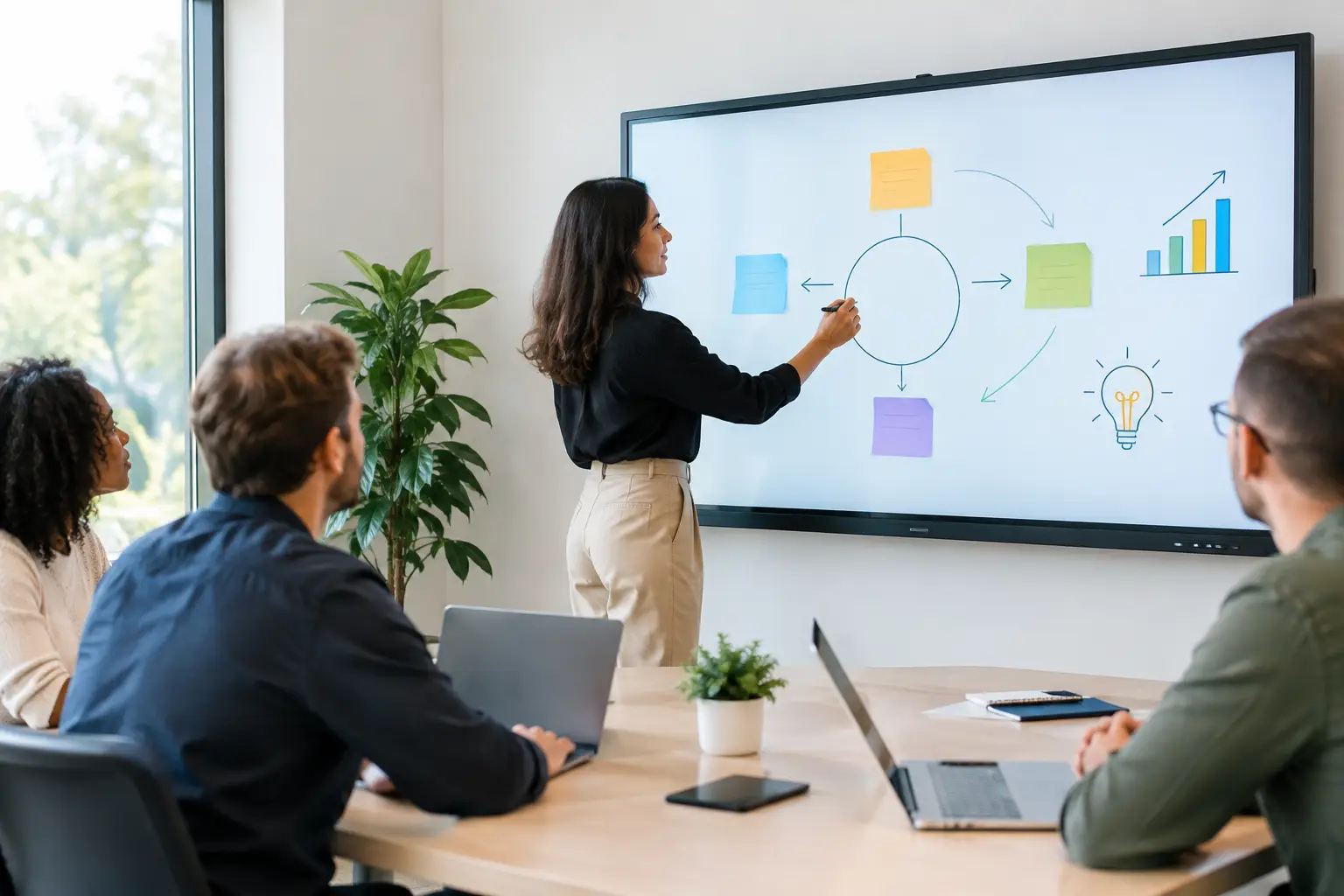
A meeting room display that takes five minutes to connect, cannot be read by remote attendees or leaves no record of decisions is not supporting collaboration. It is creating another reason for people to work around the room. Interactive whiteboards can solve these problems, but only when they are selected and deployed as part of a considered workplace technology strategy.
For organisations investing in hybrid working, the question is rarely whether an interactive display has useful features. The better question is whether people can walk into a room, start working immediately and include every participant without calling IT for help.
What interactive whiteboards do in a modern workplace
Interactive whiteboards are touch-enabled displays that allow people to write, annotate, present and share content from one central screen. In a meeting, they can replace the familiar combination of a projector, paper flipchart and conventional whiteboard with a digital workspace that is visible in the room and, when configured correctly, to remote participants.
Their value is most obvious in workshops, project planning sessions, design reviews and training. Teams can mark up documents, organise ideas, work through diagrams and save outcomes for circulation afterwards. For organisations with distributed teams, that record matters. A photograph of a physical whiteboard is often incomplete, difficult to read and disconnected from the people joining by video.
However, an interactive whiteboard is not automatically the right answer for every room. A small huddle space used mainly for quick video calls may need a simple display and video bar. A boardroom may require a larger presentation display, cameras, microphones and control technology alongside annotation capability. The best solution depends on how the space is actually used, not on the longest product feature list.
Where interactive whiteboards make the greatest difference
The strongest use cases tend to involve active participation rather than one-way presentations. A project team mapping a delivery plan, a leadership group reviewing a process, or trainers guiding a mixed in-room and remote audience all benefit when content can be changed in real time.
For hybrid meetings, the experience needs particular attention. People joining remotely should be able to see annotations clearly, hear the discussion and contribute without being treated as observers. This requires more than placing a camera in front of a screen. Camera position, microphone coverage, platform compatibility and the way content is shared all influence whether the technology supports an equitable meeting.
Interactive displays also have a role beyond formal meeting rooms. Innovation spaces, learning areas, demo suites and operational control environments can all benefit from a shared digital canvas. In each setting, usability should lead the design. If employees need a manual to begin a session, adoption will fall quickly.
Choosing the right interactive whiteboard
Start with the room, not the screen size
Screen size is important, but it is only one part of the specification. A display that looks impressive in a showroom can be uncomfortable to use in a room with poor sightlines or strong daylight. The distance from the furthest participant, furniture layout, viewing angles and typical group size should all guide the decision.
As a practical principle, people should be able to read shared content without leaning forward or moving seats. In larger rooms, this may mean a bigger display, dual screens or a different room layout. Mounting height matters too. A screen must be reachable for users who need to annotate while remaining visible to people seated around the table.
Define how people will join and share content
Teams work across a mixture of laptops, meeting platforms and personal devices. A well-designed room should make common tasks straightforward: starting a video call, sharing a presentation, opening a whiteboarding session and saving a copy of the work.
Some organisations want users to connect their own laptop by cable or wireless sharing. Others prefer a dedicated in-room computer and touch controller. Both approaches can work. Bring-your-own-device setups provide flexibility, while dedicated systems can deliver a more consistent experience and reduce setup time. The appropriate choice depends on security requirements, the preferred video platform and how frequently the room is used by visitors.
It is worth agreeing these standards before procurement. Otherwise, different rooms can end up with different connection methods, interfaces and support requirements. That inconsistency is frustrating for users and costly for IT teams.
Treat audio and video as part of the solution
A highly capable interactive display cannot compensate for poor audio. If remote participants cannot hear the discussion, they cannot contribute meaningfully to a session, regardless of how clearly they can see the whiteboard.
Room acoustics, microphone pickup, loudspeaker positioning and camera framing should be assessed alongside the display. In a medium or large meeting room, a soundbar may not provide sufficient coverage. Ceiling microphones, additional speakers or intelligent camera systems may be more appropriate, especially where several people will be writing at the screen or moving around the room.
The objective is not to specify technology for its own sake. It is to create a room where everyone can follow the conversation and contribute naturally.
The operational detail that determines adoption
The most successful meeting spaces feel predictable. Users know how to wake the room, connect, start a call and end the session. That calls for a consistent interface, sensible cable management and clear decisions about who can access which functions.
Security also deserves early consideration. Interactive whiteboards may store files, support sign-in to cloud services or enable content sharing from personal devices. Organisations should decide whether sessions need to be cleared automatically, whether user accounts can remain signed in and how guest access will be controlled. These policies need to reflect the sensitivity of the work taking place, particularly in public sector, financial or multi-site environments.
Supportability is equally important. A system with multiple disconnected components can become difficult to diagnose when something goes wrong. Standardising room types, using centrally manageable equipment and documenting the setup can reduce pressure on internal teams. It also gives facilities and IT managers a clearer view of room performance, device status and recurring issues.
Why installation and training should not be an afterthought
A display is only as useful as the room around it. Professional installation covers the details that are easy to overlook during purchasing: wall suitability, power and data provision, cable routing, ventilation, accessibility, network configuration and integration with existing meeting platforms.
User training is not about turning employees into AV specialists. It should show them the few actions they need most often and give them confidence to use the room without hesitation. Short, role-specific sessions for hosts, administrators and support teams are usually more effective than a single generic demonstration.
TecInteractive approaches interactive workplace technology as an end-to-end service, combining room consultation, bespoke design, installation, training and ongoing support. This matters when organisations need more than a screen on a wall. They need technology that works consistently across rooms, locations and teams.
A practical checklist before investing
Before selecting interactive whiteboards, establish the answers to these questions:
- Which rooms need active collaboration, and which primarily need video conferencing or presentation capability?
- How many in-room and remote participants must the space support comfortably?
- Which meeting and whiteboarding platforms are already used across the organisation?
- How will employees connect, save work, sign out and request help?
- What level of standardisation is needed across offices, departments or sites?
These decisions prevent an expensive but underused installation. They also make it easier to build a clear business case around better meeting outcomes, reduced setup time and fewer support requests.
The right interactive whiteboard should disappear into the working day. When people can enter a room, share an idea, involve colleagues elsewhere and leave with clear actions, the technology has done its job.