
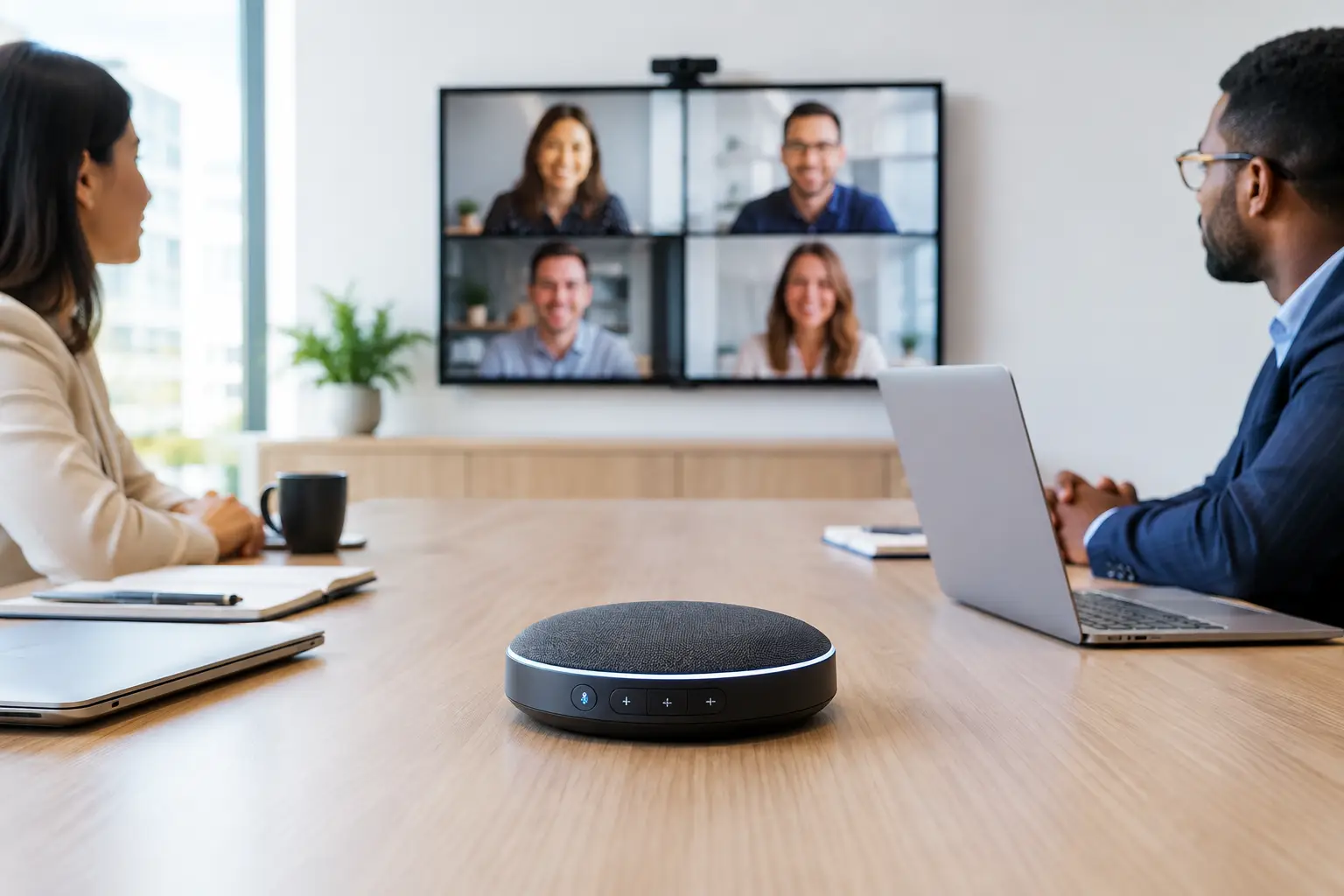
A remote participant asking colleagues to repeat themselves is not a minor irritation. It slows decisions, excludes people from the conversation and undermines confidence in the room. The best meeting room microphones make every voice clear without asking users to lean towards a device, pass a microphone around or adjust settings before each call.
For UK organisations investing in hybrid working, microphone selection should be treated as a room design decision rather than a simple peripheral purchase. The right solution depends on room size, layout, ceiling height, furnishings, video platform and the way people genuinely use the space. A compact huddle room and a 20-seat boardroom may both host Teams or Zoom calls, but they require very different audio approaches.
What makes a meeting room microphone effective?
A good microphone does more than capture sound. It must focus on the people speaking, reduce unwanted noise and work alongside the room’s loudspeakers without producing echo. This is particularly important when some participants are in the room and others are joining remotely. If the far-end experience is poor, hybrid meetings quickly become dominated by the people physically present.
Modern conferencing microphones often use beamforming technology. Rather than relying on a single fixed pickup area, an array uses multiple microphone elements to locate and prioritise speech. This can give participants more freedom to sit, stand or move to a whiteboard while remaining audible.
However, beamforming is not a cure for poor room acoustics. Hard surfaces, open partitions, loud ventilation and nearby collaboration areas can all affect speech clarity. A professional assessment considers the room as a whole, including reverberation, speaker placement and the likely level of background activity.
Best meeting room microphones by room type
There is no single best meeting room microphone for every workplace. The most suitable choice follows the purpose of the room and the behaviours it needs to support.
Huddle rooms and small focus spaces
For rooms used by two to six people, an all-in-one video bar with integrated microphones is often the most practical option. These systems combine camera, speakers and microphone array in one unit, keeping the table clear and making the room simple to operate. They work well where participants typically sit close to the display and meetings are relatively informal.
The trade-off is coverage. An integrated bar may struggle if people regularly sit beyond its recommended range, turn away to use a wall-mounted whiteboard or hold discussions around a long table. A small room can still need additional microphone coverage if its layout is unusual or it is used for client-facing calls where audio quality matters greatly.
Medium meeting rooms
For rooms seating six to 12 people, table microphones, expansion microphones or an advanced video bar are common choices. Table-mounted units can offer consistently strong pickup when seats follow a predictable layout. They are easy for users to understand and provide a visible indication that the room has been designed for meetings.
Their limitation is furniture flexibility. If tables are regularly reconfigured, a fixed cable route and microphone position may no longer serve every participant. Wireless table microphones can help in some environments, but they introduce battery management, charging and asset-control considerations.
A ceiling microphone array is often a better long-term fit for medium rooms with adaptable layouts. It keeps the table free, supports a cleaner room aesthetic and can be configured to cover a defined seating area. This is particularly useful in multipurpose rooms where furniture moves between boardroom, workshop and presentation formats.
Large boardrooms and divisible spaces
Larger rooms need deliberate audio design. A single tabletop device rarely gives reliable coverage across a long boardroom table, especially when participants are speaking at different distances or presenting from the front of the room.
Ceiling arrays are frequently the preferred approach because they can cover multiple zones without cluttering the table. In more formal rooms, gooseneck microphones may also be appropriate. They provide very clear, close-range speech pickup and are well suited to council chambers, executive boardrooms, training suites and spaces where a chairperson or presenter needs priority audio.
Divisible rooms need further planning. When partitions are opened, microphones, loudspeakers, cameras and control systems must operate as one larger environment. When the partition closes, each space should function independently. Selecting equipment without considering these room modes is a common cause of inconsistent meeting experiences.
Ceiling, table or wireless microphones?
The choice between microphone types should be based on usability and coverage, not simply appearance.
Ceiling microphone arrays are well suited to rooms where flexible furniture, a clear table surface and discreet technology are priorities. They can be designed around seating zones and linked with audio processing to reduce noise and echo. Installation is more involved, particularly in occupied offices, and the ceiling construction, lighting grid and services need to be surveyed carefully.
Table microphones are a sensible option where seating positions are fixed and users benefit from an obvious, tangible meeting interface. Boundary microphones can sit discreetly on a table, while modular systems allow additional units to be added for longer layouts. They do require cable management and may be less suitable where tables are moved frequently.
Wireless microphones offer flexibility for presenters, temporary events and rooms with changing configurations. They are not normally the first answer for everyday video meetings, since charging, pairing and storage add operational tasks. They work best as part of a wider system, such as a handheld microphone for Q&A sessions or a lapel microphone for a presenter in an auditorium.
The audio factors buyers often miss
A microphone specification cannot tell the whole story. Before selecting a solution, organisations should establish four practical details:
- how many people use the room at its busiest;
- where they sit, stand and present from;
- what noises are present during a normal working day; and
- whether the room will be reconfigured, divided or repurposed.
Acoustics deserve particular attention. Glass walls, exposed ceilings and polished floors can make rooms look impressive while making speech difficult to understand. Acoustic treatment may be needed to reduce reverberation, particularly in boardrooms and larger meeting spaces. This does not always require major building works. Targeted ceiling panels, wall finishes or soft furnishings can make a meaningful difference.
The loudspeaker system also matters. Poorly positioned speakers can cause echo, while insufficient speaker coverage means remote voices are hard to hear at one end of the table. Microphones, speakers and digital signal processing should be designed together, then tuned after installation in the finished room.
Compatibility with Teams, Zoom and room systems
The best meeting room microphones need to work reliably with the organisation’s conferencing platform and room hardware. For Microsoft Teams Rooms or Zoom Rooms, audio devices should be selected and configured to support the chosen platform, display arrangement, camera system and room controller.
It is tempting to choose a USB microphone because it connects quickly to a laptop. That can be appropriate for a small, informal space. In a permanent meeting room, though, a professionally integrated system is usually easier to support and more predictable for users. People should be able to enter the room, start or join a meeting and be heard clearly without troubleshooting cables or choosing the correct device from a menu.
Consistency is especially valuable across multi-site estates. Standardising core room types gives employees a familiar experience, helps IT teams diagnose faults more quickly and makes training simpler. Standardisation should not mean forcing the same microphone into every space. It means applying a repeatable design approach that still respects each room’s requirements.
How to make the right investment
The most effective procurement process starts with a room survey and a clear view of how each space is used. It should include stakeholders from IT, facilities and workplace teams, because each group sees a different risk: platform compatibility, installation constraints and user adoption.
Ask prospective partners how they will test coverage, manage installation disruption and support the system once it is live. The answer should go beyond supplying equipment. Commissioning, user guidance and responsive support are what turn a collection of devices into a dependable collaboration environment.
TecInteractive designs meeting room audio around the people using the space, the technology already in place and the outcomes the organisation needs. That approach avoids both under-specifying a critical room and paying for capability that employees will never use.
The right microphone should disappear into the meeting experience. When remote colleagues can contribute naturally, users stop thinking about the room technology and start focusing on the work that brought them together.