
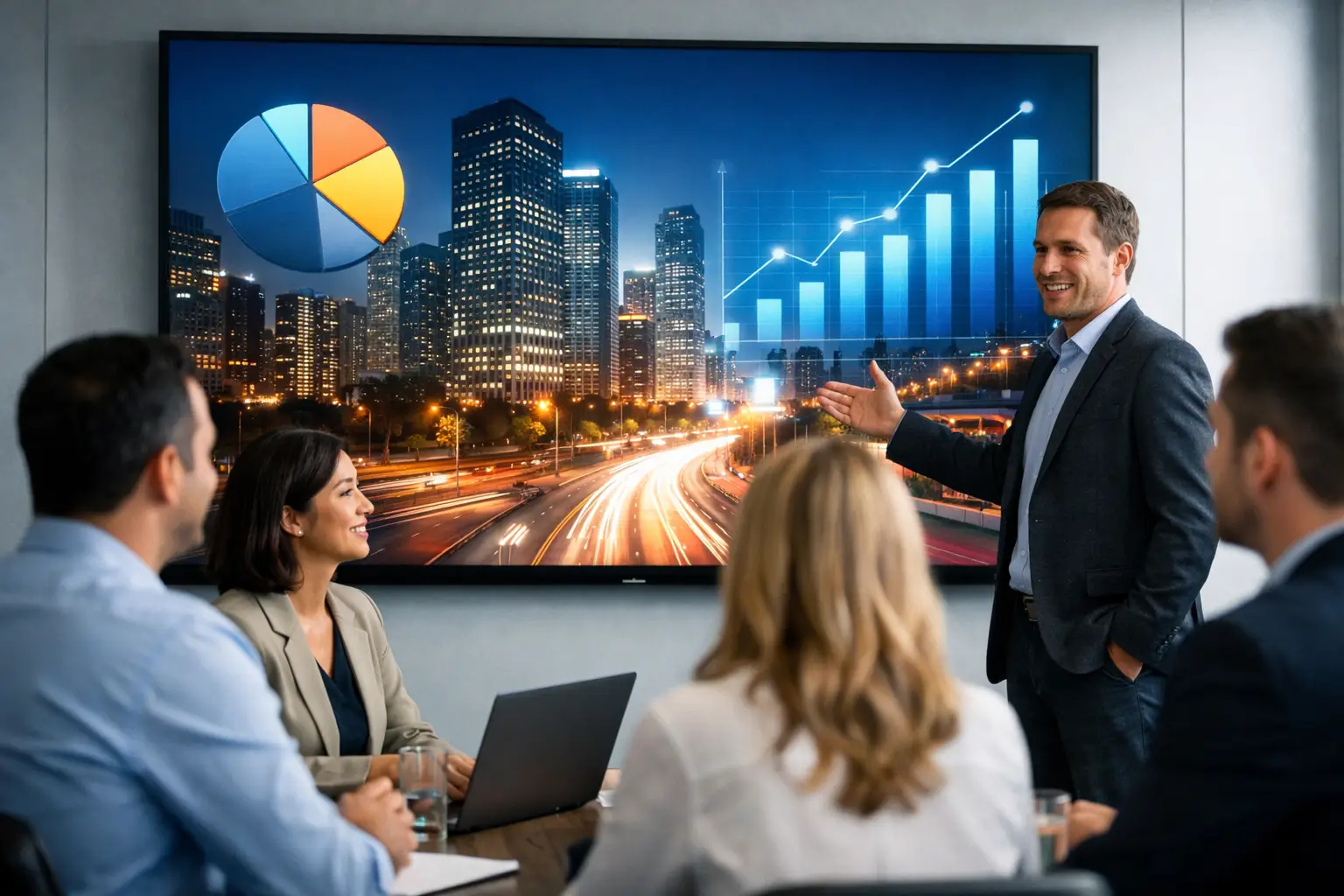
A reception display that cannot be read in daylight, a boardroom wall with visible panel lines, or a control room screen that is difficult to manage can quickly turn a high-profile investment into an operational frustration. This LED video wall guide is designed to help workplace, facilities and IT teams make practical decisions before specifying a system.
LED walls can create a far stronger visual presence than conventional displays, but the best result is not simply the largest or brightest screen. It is the one that suits the room, the audience, the content and the people responsible for operating it every day.
Start with the workplace outcome
The first question is not which LED product to choose. It is what the video wall needs to achieve. A corporate reception may need to reinforce brand presence and communicate visitor information. A town hall space may need to make presentations visible to a large audience. A network operations centre may require constantly available data visualisation, while a client briefing suite may need exceptional image quality for detailed content.
These uses place different demands on the system. A reception wall might prioritise impact, reliability and simple scheduled content. An operations environment may need multiple sources, continuous operation and a clear support model. A boardroom installation will usually need accurate colour, good viewing comfort at close range and straightforward control alongside video conferencing.
Defining the outcome early also avoids a common problem: choosing a screen based on headline specifications, then adapting the room and content around it. A consultation-led approach should establish the audience, viewing distance, room lighting, use patterns and operational ownership before a final design is agreed.
Choose pixel pitch from viewing distance
Pixel pitch is the distance, measured in millimetres, between the centres of neighbouring LED pixels. It has a direct effect on image detail, viewing comfort and cost. A smaller pixel pitch creates a higher-resolution image at a given screen size, making it more suitable where viewers stand or sit close to the wall.
For workplace applications, the right pitch depends on the nearest regular viewing position rather than the furthest person in the room. An LED wall in a boardroom, for example, may be viewed from only a few metres away. In this setting, a fine-pitch display is often required to keep text, spreadsheets and video looking clear. A large display in an atrium can use a wider pitch because most people will view it from a greater distance.
There is a financial trade-off. Fine-pitch LED uses more pixels and generally carries a higher cost, so specifying the smallest available pitch is rarely the most efficient decision. It may also be unnecessary if the wall is primarily used for moving graphics or brand-led content viewed from across a large space.
Content should influence the decision too. Fine text, dashboards and detailed presentation material need more pixel density than bold wayfinding messages or promotional video. A good design considers where people will actually stand, not just an idealised viewing-distance calculation.
Assess the room before finalising the screen
An LED video wall is part of the room environment. It needs suitable wall structure, power, ventilation, data connectivity and access for future maintenance. These considerations can affect the design as much as the display specification itself.
Wall condition and available depth are particularly important. Some installations are wall-mounted, while others need a purpose-built supporting structure. Recessed designs can create a clean finish, but they need careful coordination with building works, cable routes and ventilation. Where a wall cannot support the required load, a freestanding or structural solution may be more appropriate.
Ambient light also matters. Bright reception areas with large windows can require greater display brightness than a controlled boardroom. However, very high brightness in a smaller meeting room can cause eye strain and make video calls less comfortable. The aim is a screen that remains readable in the intended environment, with settings that can be adjusted for different times of day or room modes.
Consider acoustics and sightlines at the same time. An LED wall may be the visual focal point of a room, but it should not compromise speaker locations, camera framing or access routes. In meeting spaces, the display should support natural eye contact with remote participants rather than force everyone to face one side of the room.
Plan content and source connections early
A video wall can show a single image across its full surface, several content zones, or a mix of presentation sources, video feeds and digital signage. The right option depends on how the space will be used and who needs control.
For a reception or communal area, a centrally managed signage platform can schedule branded messages, announcements and live information without requiring someone to connect a laptop. In a boardroom or auditorium, users may need to present wirelessly, connect via HDMI or switch between room PCs and video conferencing sources. In a control environment, the system may need to show several data feeds at once while maintaining clear source labelling and predictable layouts.
This is where system design becomes more important than the display alone. The video wall controller, source switching, room control interface and network architecture must work together. A technically capable wall is of limited value if users cannot confidently select the right source or if IT teams have to attend every content change.
Keep the user experience simple. A meeting room user should not need to understand signal routing to start a presentation. Clear controls, useful presets and consistent room interfaces reduce support calls and encourage people to use the space as intended.
Build reliability into the specification
LED video walls are often installed in visible, business-critical locations. That makes reliability, serviceability and support arrangements essential parts of the buying decision.
Ask how individual modules can be accessed and replaced. Front service access may be necessary where there is no clearance behind the wall. Rear access can work well in purpose-built spaces, but it needs sufficient room for engineers to carry out maintenance safely. The chosen approach should suit the building, not just the preferred product.
Power and signal resilience should also match the application. A wall used for occasional presentations has different requirements from one supporting live operational monitoring. For critical spaces, it may be appropriate to consider backup signal paths, spare modules and monitoring that flags issues before they become more disruptive.
Ongoing support is equally important. The wall, controller and connected room systems should be documented, tested and handed over clearly. User training ensures that employees can use the system without unnecessary reliance on technical teams, while a support agreement gives the organisation a defined route for help, maintenance and future changes.
Make installation part of the wider workplace plan
An LED wall project often involves more than AV installation. It may require electrical work, network provision, joinery, structural assessment, decoration and coordination with other trades. In an occupied office, timing and disruption need careful management.
A phased approach can reduce risk. Site surveys identify physical constraints early, while detailed drawings clarify responsibilities across contractors. Before installation begins, the project team should agree delivery access, working hours, health and safety requirements, dust control and protection for occupied areas.
Testing should cover more than whether the screen powers on. It should confirm source switching, content playback, control functions, network connectivity, colour consistency and performance under normal room lighting. If the wall forms part of a hybrid meeting environment, test it with the conferencing platform, cameras, microphones and typical user devices.
TecInteractive approaches these projects as workplace systems rather than standalone screens, bringing design, installation, user training and ongoing support into one accountable delivery model. That is particularly valuable where internal IT teams need a dependable partner without adding another specialist supplier to manage.
Budget for the full lifecycle, not only the screen
The display hardware is only one part of the project cost. Budget planning should include survey and design work, mounting or structural elements, power and data installation, controllers, source equipment, integration, commissioning, training and ongoing support.
It is also worth considering how the wall may need to change. A reception may later require additional content sources. A boardroom may adopt a new conferencing platform. An organisation may want remote monitoring across multiple sites. Designing with sensible capacity and documented integration paths can reduce the cost and disruption of these changes.
The least expensive initial quote is not always the lowest-cost decision over time. A system that is difficult to maintain, poorly matched to its room or confusing for end users can create recurring support demands and shorten the useful life of the investment.
A video wall should earn its place
The strongest LED video wall installations are purposeful rather than decorative. They make key information easier to see, improve the quality of presentations, support better hybrid communication or give visitors a more confident first impression.
Before committing to a specification, ask a simple operational question: will people be able to use, manage and maintain this system easily on an ordinary working day? If the answer is yes, the technology is far more likely to deliver lasting value than a display chosen for impact alone.