
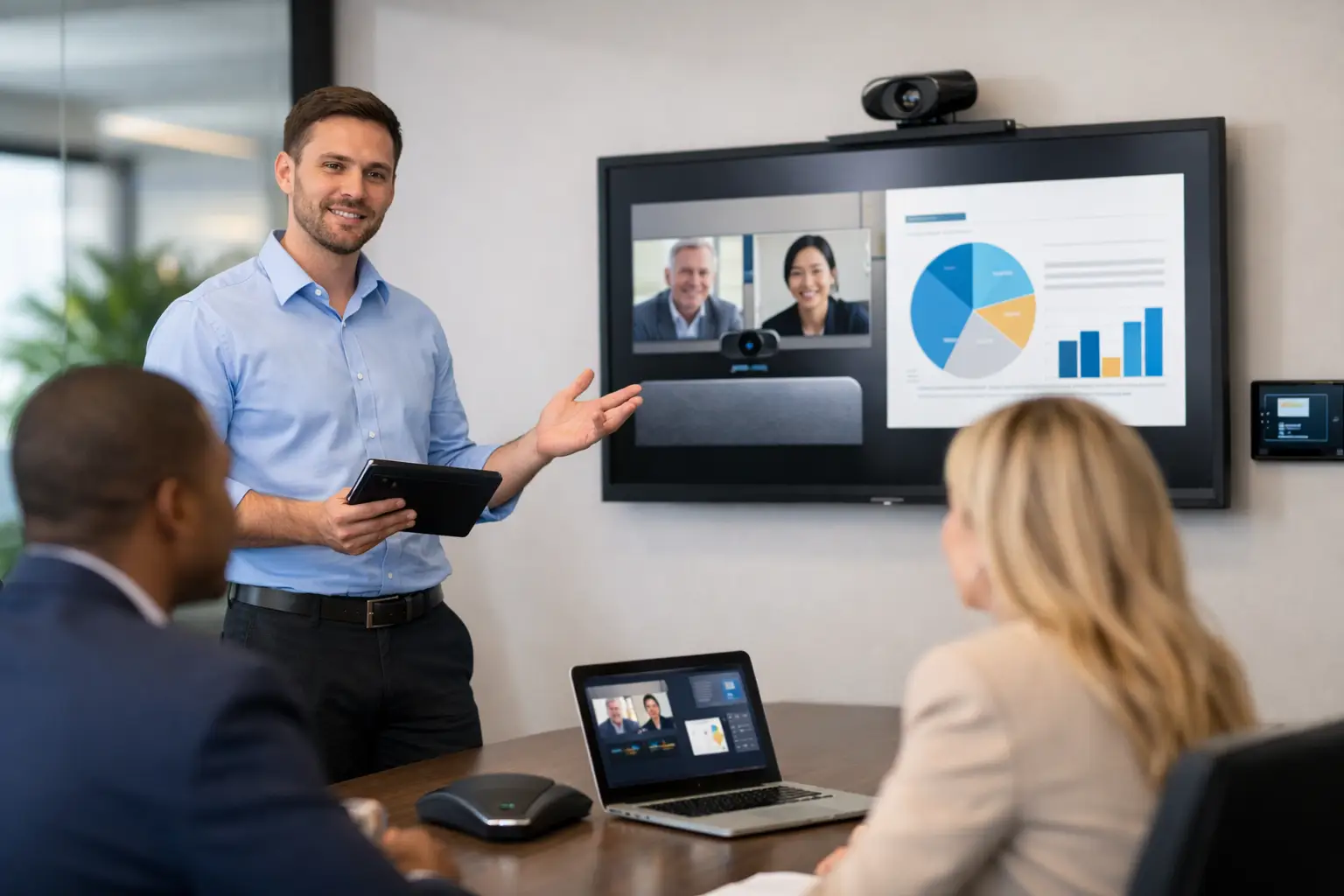
A meeting room can have a premium display, high-quality camera and the latest video conferencing platform, yet still frustrate every person who uses it. The issue is rarely one device in isolation. It is how the technology has been selected, connected, controlled and supported. So, what is an AV integrator? An AV integrator is a specialist partner that turns separate audio-visual and workplace technology products into a dependable, easy-to-use environment.
For organisations investing in hybrid working, this role goes far beyond fitting screens to walls. A capable integrator considers the room, the people using it, the way meetings are run and the ongoing demands placed on IT and facilities teams. The result should be a space where employees can walk in, start a call and collaborate without needing technical intervention.
What does an AV integrator do?
An audio-visual integrator designs, installs and supports systems that combine video, audio, conferencing and room-control technology. In a workplace, that may include meeting rooms, boardrooms, training suites, reception areas, auditoriums, huddle spaces and multi-purpose collaboration areas.
The word “integrator” matters. A display manufacturer supplies a display. A video conferencing provider supplies a platform. An AV integrator makes those elements work together as one practical solution. They determine which products are appropriate, how they will connect, where equipment should sit, how users will control the room and how the system can be maintained over time.
A typical project may involve interactive displays, USB cameras, microphones, speakers, room PCs, wireless presentation tools, room-booking panels, digital signage or LED video walls. But the technology list is not the starting point. The starting point is the working experience the organisation needs to create.
For example, a small huddle room used for short Teams calls needs a different approach from a boardroom hosting client presentations, confidential discussions and remote participants across several locations. Treating both rooms as a standard kit list can lead to wasted budget in one space and poor performance in the other.
The difference between an AV integrator and an equipment supplier
An equipment supplier can be useful when the requirement is clear and internal teams have the time and expertise to manage the rest. They can provide specific products, pricing and delivery. However, supplying equipment does not automatically resolve the practical questions that determine whether a room works well.
Who checks the camera framing from the remote participant’s perspective? Who ensures microphones capture every voice without distracting echo? Who coordinates power, network access, furniture, building works and cable routes? Who tests the system before staff use it? And when a recurring fault affects an important room, who owns the issue?
An AV integrator takes responsibility for those interdependencies. This usually includes consultation, technical design, installation, commissioning, user training and ongoing support. The scope varies by project, but the principle is consistent: one accountable partner manages the technology outcome rather than simply delivering boxes.
That accountability is particularly valuable where IT, facilities, workplace and procurement teams all have a stake in the project. Each team has legitimate priorities, from cyber security and network standards to room aesthetics, accessibility and business continuity. An integrator helps translate these requirements into a solution that can be delivered without unnecessary disruption.
Why AV integration matters for hybrid meetings
Hybrid meetings expose weaknesses that may not be obvious when everyone is in the room. Remote participants can struggle to hear side conversations, see whiteboard content or follow a presentation when a laptop is connected incorrectly. In-room attendees, meanwhile, lose patience with meeting spaces that take several minutes to join a call.
Good AV integration addresses the whole meeting experience. Camera choice and placement affect whether remote colleagues can see the room properly. Microphone coverage, speaker positioning and acoustic conditions influence clarity. Control interfaces determine whether users can join a call in a few simple actions. Network configuration and device management affect reliability after installation.
There are trade-offs. A more sophisticated room may offer better coverage and flexibility, but it must still feel straightforward for everyday users. A system designed around a single conferencing platform may be highly efficient, yet organisations that regularly host external partners may need to accommodate different platforms. The right answer depends on room use, user needs, security policy and the level of support available internally.
What is an AV integrator’s process?
The strongest AV projects are planned before products are chosen. An integrator should begin by understanding the organisation’s workplace objectives and the practical reality of each space. That includes room dimensions, natural light, acoustics, furniture layouts, network readiness, power provision and the expected number of in-person and remote participants.
Consultation and site survey
At this stage, the integrator identifies pain points and defines what success looks like. It might be reducing the number of failed video calls, making room use consistent across offices, supporting flexible layouts or taking routine AV issues away from an overstretched IT team.
A site survey is not a formality. It can reveal physical constraints that affect display sizing, camera positions, cable containment, wireless coverage and installation access. Addressing these early is usually far less costly than making changes once a room is finished.
System design and coordination
The integrator then develops a tailored design. This should explain how the system works, not just name the products included. It may cover signal flows, user controls, network requirements, equipment locations and how the design aligns with wider workplace standards.
Coordination is often one of the most valuable parts of the service. AV equipment may need to work alongside joinery, electrical works, ceiling services, interior design, IT infrastructure and construction schedules. A well-managed integrator reduces the risk of late changes, visible cabling or equipment that cannot be accessed for service.
Installation, testing and handover
Installation should be planned around the organisation’s operations, particularly in active offices, public buildings or multi-site estates. The work is then commissioned and tested in realistic conditions. That means checking audio and video quality, conferencing performance, controls, source switching and the experience of remote participants, not merely confirming that devices power on.
User training is equally important. Even a well-designed system benefits from a clear introduction, concise guidance and nominated local champions. The aim is not to make every employee an AV specialist. It is to make normal tasks feel familiar and predictable.
Support and continual improvement
Technology needs attention after go-live. Meeting-room use changes, software platforms update and individual components can develop faults. Ongoing support gives teams a defined route for resolving issues and helps prevent small problems from becoming long-running frustrations.
For larger organisations, proactive monitoring and standardised room designs can simplify management across multiple sites. Support data can also reveal patterns, such as a room that suffers repeated connectivity issues or a type of space that is consistently underused. This turns AV from a reactive maintenance task into useful workplace insight.
When should you use an AV integrator?
An AV integrator is especially useful when a project involves more than a basic single-screen setup, when several stakeholders need coordination or when reliability matters beyond the initial installation. Common examples include office moves, refurbishments, hybrid-working upgrades, executive boardrooms, client-facing demo suites, training rooms and estate-wide meeting-room standardisation.
They can also add value when previous technology investments have failed to gain adoption. In many cases, the issue is not that staff resist technology. It is that the room experience is inconsistent, controls are unclear or support is difficult to access. An integrator can assess the existing environment and recommend targeted improvements rather than replacing everything unnecessarily.
For a very small requirement, buying a ready-made device directly may be more economical. The balance changes when downtime, user frustration, internal support effort and the cost of rework are considered. A lower initial purchase price is not always the lower cost over the life of the system.
Choosing the right AV integration partner
Look for a partner that asks detailed questions about how your people work before recommending equipment. Their proposal should be clear about scope, responsibilities, assumptions, training and support, rather than relying on product specifications alone.
Experience across workplace technology matters, but so does delivery discipline. Ask how the provider manages site coordination, testing, user acceptance and post-installation support. It is also worth asking how they design for accessibility, future expansion and consistency across locations.
TecInteractive approaches AV integration as a long-term workplace technology service, combining practical consultation with system design, delivery, training and responsive support. That model gives organisations a single point of accountability while helping internal teams focus on their wider priorities.
The best AV integration is often noticed only when it is absent: meetings start on time, remote participants feel included and employees trust the room to work. That is the standard worth setting for every collaboration space.