
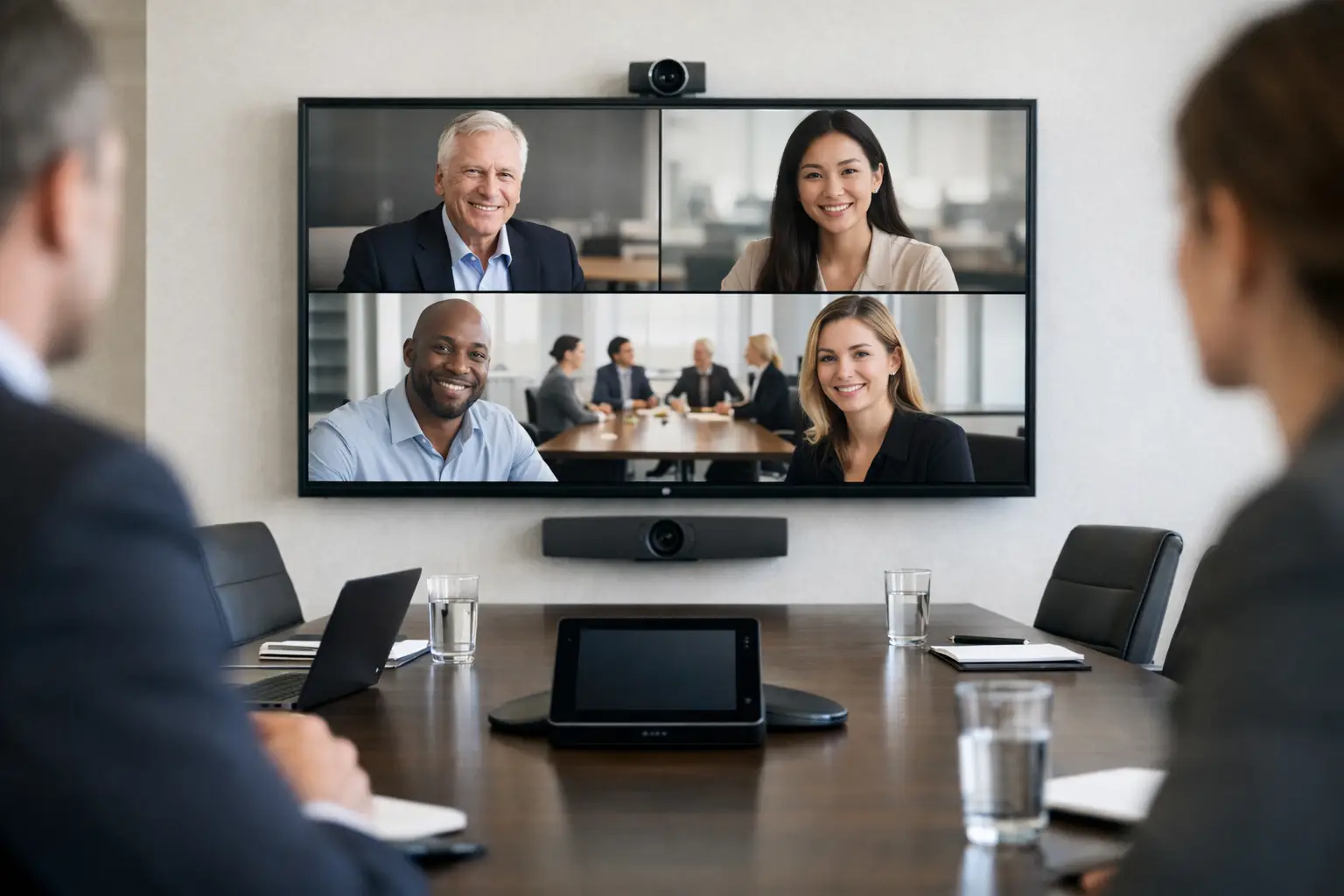
A board meeting can lose momentum in seconds when remote directors cannot hear a discussion, the camera frames only one end of the table, or nobody knows which control to press. A video conferencing system for boardrooms should remove those distractions. Its purpose is not to add more technology to the room, but to make every participant feel present and keep the meeting focused on decisions.
Boardrooms are different from standard meeting spaces. They host confidential conversations, formal presentations, client meetings and senior leadership sessions where reliability carries real weight. The right system needs to work first time, support the organisation’s chosen conferencing platform and remain simple enough for occasional users to operate without calling IT.
Start with the boardroom, not the equipment
It is tempting to begin with a preferred camera, display or conferencing platform. In practice, the best starting point is how the room is used. A 10-person executive boardroom, for example, has very different requirements from a 24-seat room used for hybrid leadership briefings and investor presentations.
Consider who attends, where they sit and how often external participants join. Does the room host one formal meeting each week, or does it need to support a constant flow of Teams, Zoom and Webex calls? Will users present detailed financial data, review design work or share content from several laptops? These answers shape the system design more effectively than a standard equipment list.
Room dimensions and finishes matter too. Glass walls, hard tables and exposed ceilings can make speech sound harsh or distant. Strong daylight behind participants can leave faces in shadow on camera. A capable integrator assesses acoustics, sightlines, lighting and cable routes before proposing technology, rather than trying to solve basic room-design issues with additional devices.
What a video conferencing system for boardrooms needs
A well-designed boardroom solution usually brings together cameras, microphones, speakers, displays, content sharing and room controls as one considered environment. The individual components matter, but their integration determines the user experience.
Clear, consistent audio
Audio is the first priority. People will tolerate an imperfect picture for a short period, but they cannot contribute effectively if speech is muffled, interrupted or affected by echo. The system should capture every speaker around the table while keeping remote participants natural and intelligible in the room.
For many boardrooms, ceiling microphone arrays offer a clean appearance and flexible coverage. Table microphones may be appropriate where a more traditional meeting format is preferred or where room acoustics demand close microphone placement. The right choice depends on table layout, ceiling construction, speaker placement and the level of privacy required.
Audio design should also account for the far end of the call. Loudspeakers need to provide even coverage without creating feedback, while digital signal processing manages echo cancellation and background noise. This is specialised work, and it is one reason why boardroom conferencing should not be treated as a simple plug-in installation.
Cameras that show the conversation
A single wide-angle camera can work in a compact room, but it may not give remote attendees the visual cues they need in larger spaces. A pan-tilt-zoom camera can frame the whole table, focus on a speaker or show a presentation area. Intelligent framing and speaker tracking can be useful, particularly where meetings involve regular discussion between several people.
However, automatic camera features are not always the answer. In formal meetings, frequent camera movement can be distracting. A fixed, well-positioned camera may create a calmer and more predictable experience. The decision should follow meeting behaviour, not product fashion.
Displays and content that remain readable
Boardrooms often need to show both remote participants and shared content at the same time. Dual displays can be valuable in rooms where presentations, reports or video participants must be visible without constant layout changes. A single large display may be sufficient for smaller rooms with simpler meeting formats.
Display size should be based on viewing distance and the type of information being shared. A screen that works for video calls may still be too small for detailed spreadsheets. Where users regularly review dense information, presentation layouts and screen positioning deserve as much attention as the conferencing hardware.
Controls people can use immediately
The most sophisticated system is a poor investment if people avoid it because starting a meeting feels uncertain. A meeting room controller should make the key actions obvious: join a scheduled call, start an ad hoc call, share content, adjust volume and end the meeting.
Teams Rooms and Zoom Rooms provide a familiar interface for organisations committed to those platforms. A bring-your-own-device approach can suit businesses that need flexibility across platforms, provided laptop connections, camera access and content sharing are dependable. Some organisations need both, allowing scheduled room meetings alongside guest or specialist software calls.
The trade-off is straightforward. A dedicated room system offers a more consistent experience and fewer laptop-related problems. BYOD may give users greater freedom but introduces variation in devices, software versions and user confidence. The right approach depends on governance, meeting patterns and internal support capacity.
Design for hybrid participation, not just video calls
Hybrid meetings can expose small weaknesses that are easy to miss when everyone is in the room. Remote attendees need to hear side conversations, see who is speaking and follow shared material without being treated as observers. In-room participants need a clear view of remote colleagues without turning their attention away from the discussion.
This means considering the full participant journey. Can a remote director hear someone speaking from the far end of the table? Does the camera capture whiteboard content or the person presenting beside the display? Are participants visible when seated naturally, rather than leaning into the centre of the room? Can users share content without taking over the main screen at the wrong moment?
Room layouts should support these behaviours. A long table may suit formal governance meetings, but can create distance between participants and make audio pickup harder. A curved or boat-shaped table can improve sightlines in some rooms. These are workplace design decisions as much as technology decisions.
Reliability depends on integration and support
Boardroom systems depend on more than the visible devices. Network performance, power, account configuration, security policies and platform updates can all affect a meeting. IT teams need clear ownership boundaries, documentation and a support route that does not leave users caught between multiple suppliers.
A properly delivered project includes testing under realistic conditions, not simply confirming that a camera turns on. That means testing calls with remote participants, checking audio at every seat, validating content sharing and ensuring the room can recover quickly if a connection is interrupted. User training should cover the everyday tasks people will actually perform, not just the technical features available in a manual.
Ongoing support is equally relevant. Conferencing platforms change, room accounts require management and users occasionally need help before an important meeting. For multi-site organisations, standardising room experiences can reduce training demands and make it easier for IT teams to diagnose issues remotely.
TecInteractive approaches boardroom technology as a complete workplace environment, combining consultation, tailored design, installation, training and continuing support. That accountable approach helps organisations avoid the common gap between an impressive equipment specification and a room that employees genuinely trust.
A practical way to plan the investment
Before committing to a system, establish the outcomes the boardroom must deliver. These may include reliable hybrid governance meetings, clearer client presentations, reduced demand on IT during calls or a consistent experience across offices. Set those priorities alongside practical constraints such as room availability, building works, network readiness and budget.
It is also worth planning for change. A boardroom installation should have capacity for platform updates, additional content sources or altered room layouts where possible. That does not mean buying more technology than needed now. It means making informed choices about infrastructure, cable pathways and compatibility so a future change does not require unnecessary disruption.
The best test is simple: imagine a senior stakeholder entering the room two minutes before an important call. They should be able to join without searching for cables, asking for assistance or worrying whether remote colleagues can hear them. When the technology supports that level of confidence, the boardroom can do what it was designed for: enabling better conversations and better decisions.