
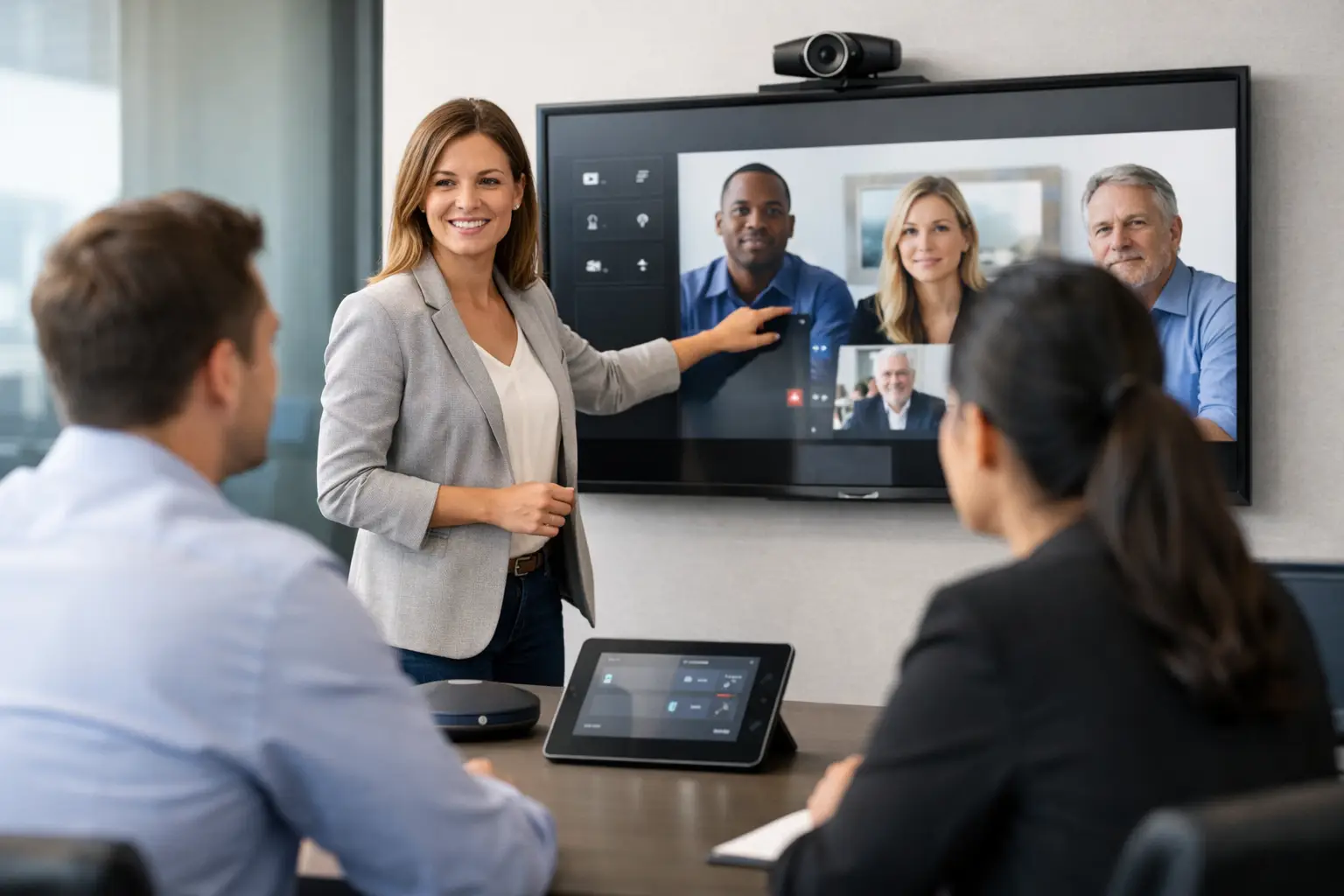
A meeting scheduled for 9:00 should not begin with ten minutes spent searching for the right cable, choosing the wrong camera or asking IT to join the call. Yet this is still a familiar experience in workplaces with well-specified technology but limited user confidence. Effective user training for meeting room systems closes that gap, turning an AV installation into a dependable part of everyday work.
For IT, facilities and workplace teams, the issue is not simply whether a room can host a video call. It is whether employees can use it consistently, whether remote participants can be heard and seen properly, and whether support requests stay manageable as the estate grows. Training is what converts technical capability into reliable adoption.
Why user training for meeting room systems matters
A modern meeting room may combine a display, video bar or separate cameras, microphones, speakers, touch controller, wireless presentation tools, room booking panel and a video conferencing platform. A well-designed interface can make this feel straightforward, but it cannot account for every variation in user behaviour, meeting type or office process.
Without training, people tend to fall back on what they know. They join calls from laptops while sitting in a room designed for hybrid meetings, use an unsuitable microphone, avoid wireless sharing after one failed attempt, or choose a smaller huddle space because the boardroom feels intimidating. The result is underused investment, inconsistent meeting quality and a growing burden of avoidable IT callouts.
Good training does more than demonstrate buttons. It explains the intended meeting experience and gives people the confidence to recover when something does not behave as expected. That distinction matters. Staff do not need to understand every element of the AV rack, but they should know how to start a meeting, share content, select the correct source, check audio and get help without disrupting the room.
Train for real meetings, not ideal demonstrations
A one-off demonstration at handover is rarely enough. It may show that the system works, but it does not necessarily prepare users for a busy day where the previous meeting overran, an external guest has joined from a browser, or several people want to present different content.
Training should reflect the ways each organisation actually meets. A leadership team using a boardroom for confidential hybrid discussions needs a different focus from a sales team hosting client presentations, or a public sector department running regular multi-site briefings. The core controls may be similar, but the scenarios, risks and confidence levels are not.
A practical session should cover the most common actions first: starting and ending a scheduled call, joining an ad hoc meeting, sharing a laptop or wireless content, adjusting volume and selecting the appropriate camera view. It should then include realistic exceptions, such as what to do when the touch panel is not responding, a participant cannot hear the room, or the intended room is occupied.
This approach also makes it easier to define what users should not change. For example, staff may be shown how to adjust call volume while being advised not to alter advanced camera, display or conferencing settings. Clear boundaries prevent well-meaning changes that create further support issues.
Different users need different levels of support
Treating every employee as a technical novice can waste time and frustrate confident users. Assuming everyone will learn through trial and error creates the opposite problem. The most effective programmes recognise the different groups who interact with a meeting room system.
Regular room users need short, scenario-based guidance that is easy to recall. Executive assistants and office managers often need deeper knowledge because they arrange high-value meetings, support guests and may be first to notice a recurring fault. IT and facilities teams need sufficient operational training to carry out first-line checks, understand escalation routes and distinguish a user issue from a technical fault.
Room champions can be particularly valuable in larger or multi-site organisations. These are not informal replacements for support teams. They are capable local contacts who understand the basics, reinforce good habits and help colleagues use the room as intended. Their presence can reduce pressure on central IT while improving confidence in offices where support is not physically based.
Make training part of the project, not an afterthought
Training is most useful when it is planned during system design and installation, rather than added at the end because a handover date is approaching. The room type, conferencing platform, user profile and support model should all shape the training plan.
For example, a simple Teams Rooms installation may require concise sessions focused on joining meetings and sharing content. A divisible space, auditorium or executive boardroom with multiple displays, presentation sources and audio zones will benefit from role-specific instruction, live walkthroughs and documented operating procedures. More complex rooms do not need to feel complex to users, but they do require a considered approach behind the scenes.
Timing is equally important. Training delivered weeks before staff return to a refurbished office is easily forgotten. Training on the day of occupation can be too rushed. A better model combines an initial familiarisation session before go-live, floor-walking support during the first days of use and follow-up sessions once real questions have emerged.
TecInteractive builds training around the installed environment and the people who will rely on it. This makes handover more than a technical sign-off. It gives organisations a clearer route from installation to confident day-to-day use.
Give users help at the point of need
Even well-trained people need a prompt occasionally, particularly in rooms they use infrequently. The right supporting materials reduce hesitation without forcing staff to read a lengthy manual before a meeting.
A concise quick-start guide in the room can be useful when it answers the questions people ask under pressure. How do I start my booked meeting? How do I share my screen? What should I check if remote attendees cannot hear us? It should use the same wording and icons seen on the room controller, rather than generic instructions that could apply to any system.
Digital guides and short videos are useful for onboarding new starters or supporting remote teams, but they should not replace hands-on experience. People learn room technology best when they have pressed the controls, shared their own device and seen how the room responds. The documentation should support that experience, not attempt to substitute it.
For larger estates, standardising room interfaces and guidance across locations is a major advantage. A user who knows how to operate a small London huddle room should feel broadly comfortable in a similar Manchester space. There will be exceptions for specialist rooms, but a consistent baseline reduces retraining and makes workplace technology easier to scale.
Measure adoption through operational signals
Attendance figures alone do not show whether training has worked. A full session can still leave users uncertain, while a short session for the right group can make an immediate difference. The more useful evidence is found in the everyday operation of the meeting room estate.
Look for patterns in support tickets. Are requests related to joining calls, content sharing, audio, booking panels or a particular room type? Do issues occur most often after new starters join, after software changes or at specific sites? These details reveal whether the problem is a training gap, a design issue or a technical fault.
Meeting feedback is also valuable, particularly from remote participants. If people regularly report poor audio or cannot see in-room contributors, the cause may be incorrect room use rather than failing equipment. Equally, repeated complaints may show that the room design or camera framing needs adjustment. Training should never be used to excuse a system that is genuinely difficult to operate.
A useful review considers four areas: the volume and type of support requests, room utilisation, feedback from in-room and remote attendees, and the confidence of local room champions. Taken together, these measures give a clearer picture of whether the technology is improving collaboration rather than creating more work.
Keep pace with change
Meeting rooms are not static once installed. Video conferencing platforms change, organisations introduce new ways of working, rooms are reconfigured and staff turnover continues. A training approach that worked at launch may need refreshing six months later.
Brief refresher sessions are particularly worthwhile after a platform update, an office move or the introduction of new room types. They also create an opportunity to correct habits that have developed over time, such as using laptop audio in a properly equipped room or bypassing the booking system.
The aim is not to make every employee an AV specialist. It is to make the right action feel obvious at the moment it is needed. When users can walk into a room, start on time and include remote colleagues properly, the workplace technology is doing the job it was bought to do.