
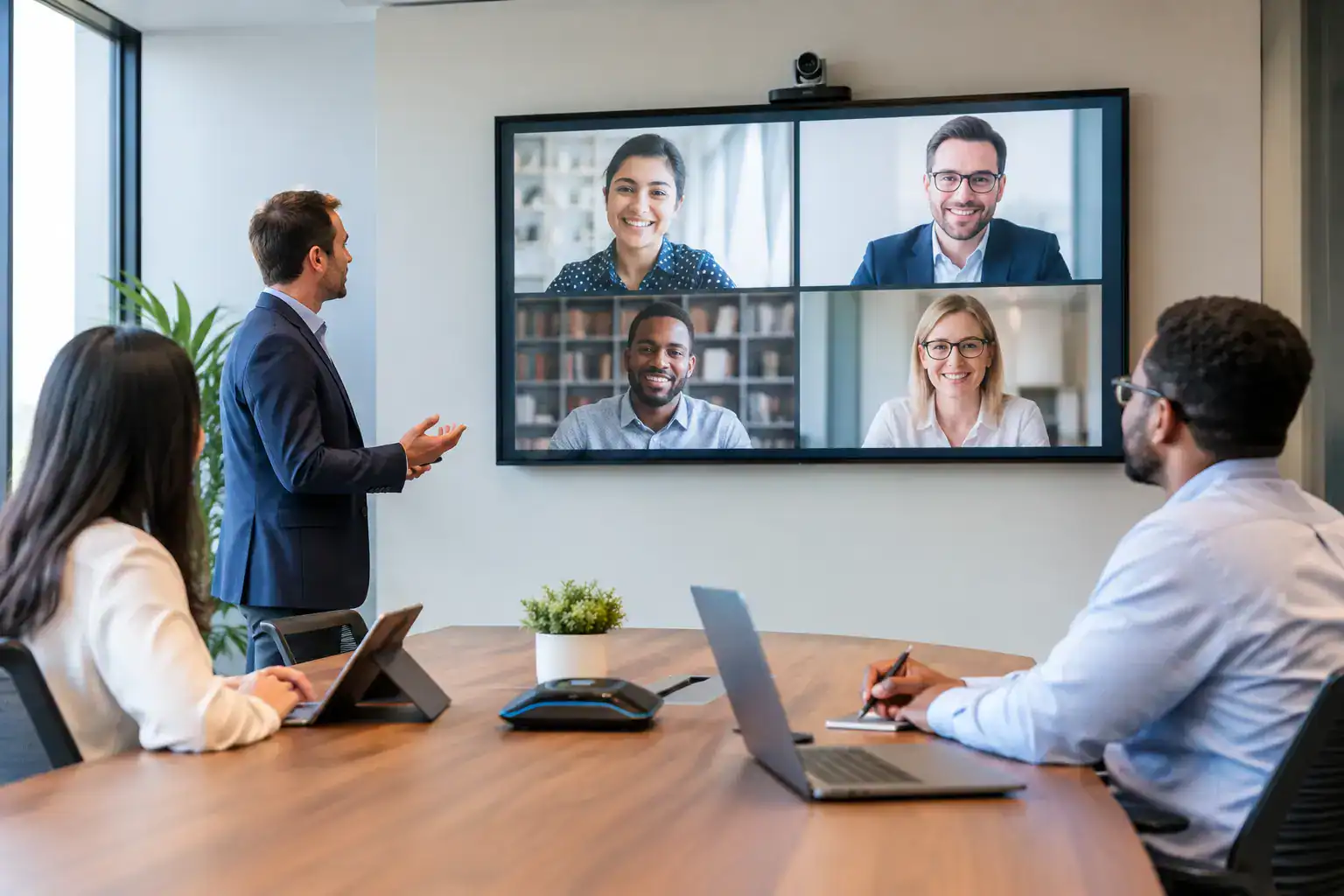
A meeting room can contain well-specified technology and still deliver a poor experience at 9:02 on a Monday morning. The difference is often not the equipment. It is whether people know how to use it without hesitation. Effective AV training gives employees the confidence to start calls, share content, manage room audio and recover from common issues quickly – without turning every meeting into a call to IT.
For organisations investing in hybrid collaboration spaces, training should be treated as part of the solution, not a final handover task. It protects the investment in workplace technology, reduces avoidable support tickets and helps teams work as intended from the first day of use.
Why AV training has a direct business impact
A modern meeting room brings together several systems: displays, cameras, microphones, speakers, video conferencing platforms, room controls and, in some spaces, room booking or wireless presentation tools. The objective is straightforward: employees should be able to walk in, begin their meeting and include remote participants properly.
Without practical training, even intuitive systems can be used inconsistently. A presenter may connect a laptop by cable when wireless sharing is available, select the wrong microphone, or restart equipment that only needs the correct input chosen. Remote attendees then experience muffled audio, poor camera framing or a delayed start while people in the room try several fixes.
These small failures add up. They waste time, undermine confidence in hybrid working and place avoidable pressure on IT and facilities teams. Training reduces that friction by showing users what the room is designed to do, how to do it reliably and when to request support.
The value is especially clear in organisations with multiple sites or varied room types. Consistent AV training gives staff a common operating model, even when a small huddle space, boardroom and auditorium have different capabilities.
AV training should reflect how each room is used
A generic demonstration rarely changes day-to-day behaviour. The most useful sessions are based on real meeting scenarios, the organisation’s preferred collaboration platforms and the actual equipment installed in each space.
In a standard meeting room, users need to know how to wake the system, join a scheduled call, present content and check that remote colleagues can hear and see them. In a boardroom, the focus may include camera presets, multiple displays, guest connectivity and formal presentations. An auditorium or training suite may require designated hosts to understand microphones, content routing, lighting integration and escalation procedures.
The depth of training should also vary by role. Most employees need a short, practical introduction that removes uncertainty. Meeting hosts, executive assistants, office managers and local champions often benefit from more detailed training because they are likely to be first responders when colleagues need help. IT and support teams need a clearer view of system status, basic fault checks and the boundary between an issue they can resolve and one that requires specialist support.
This approach avoids two common mistakes: overwhelming general users with technical detail, or giving room owners too little information to manage meetings confidently.
Start with the tasks that happen every day
Training is most effective when it begins with the actions employees carry out repeatedly. Joining a Microsoft Teams or Zoom meeting, presenting from a laptop, using the room camera and ending a session correctly are more valuable starting points than a technical tour of every menu.
A trainer should demonstrate the normal workflow, then let attendees practise it. That matters because people remember the sequence of actions better when they have completed it themselves. It also exposes small points of confusion early, such as how a laptop connects, where the microphone mute status appears or which screen displays remote participants.
Good training also covers what to do when the expected workflow does not work. Users do not need to become AV engineers, but they should know a small set of safe checks: confirm the selected device, verify the cable or wireless connection, check mute settings and restart the meeting application where appropriate. Clear boundaries are equally useful. If the room controller reports a fault or audio remains unavailable after basic checks, staff should know exactly how to report it.
Make hybrid meeting etiquette part of the session
The strongest AV training is not solely about operating hardware. It also improves the quality of collaboration.
A room camera may work perfectly, but remote attendees will still feel excluded if speakers sit outside its frame or if several people talk over each other. Ceiling microphones may capture the room well, yet side conversations can make a call difficult to follow. Technology enables better hybrid meetings; it does not automatically create them.
Include practical guidance on where to sit, when to mute, how to share documents clearly and how to bring remote participants into the discussion. This is particularly useful for leaders and frequent meeting hosts, whose habits quickly set the standard for everyone else.
There is a balance to strike. Training should not become a lengthy presentation about meeting culture when employees are waiting to learn the room controls. A concise set of habits, demonstrated in the actual space, is usually enough to make the technology work harder for the organisation.
Plan training around rollout, not after it
The timing of training affects adoption. Delivering it several weeks after installation can leave employees to form workarounds, some of which may be inefficient or create support problems. Equally, running every session too far ahead of a move or launch risks people forgetting what they learned before they need to use the room.
A phased programme generally works best. Key stakeholders and local champions can receive training before go-live, allowing them to test typical workflows and raise questions. Wider user sessions should follow close to occupancy or launch, supported by simple room-specific guidance at the point of use. Refresher sessions can then address new starters, changes to conferencing platforms or recurring support issues.
For large estates, consider a train-the-champion model alongside broader user sessions. Champions provide an approachable first point of contact on site, but they should not be expected to replace professional support. Their role is to reinforce good practice and identify trends that need attention.
Measure whether users can use the room, not attendance alone
Attendance figures can show who received training, but they do not confirm whether the session has improved the experience. Organisations should look for operational signals after launch: fewer basic support calls, quicker meeting starts, greater use of installed features and positive feedback from remote participants.
Support data is particularly valuable. If users repeatedly report that a room will not connect, the cause could be training, unclear on-screen instructions, a platform setting or a genuine technical fault. Treating every ticket as a user error is unhelpful. Patterns should inform both the training programme and the design or configuration of future spaces.
This feedback loop is one reason an ongoing technology partner adds value after installation. TecInteractive can align user training with the room design, operational needs and support model, so guidance is based on the environment people actually use rather than a generic equipment manual.
What effective training looks like in practice
The best sessions are concise, relevant and delivered in a way that respects busy employees’ time. They explain the intended user journey in plain English, give people time to practise and leave behind clear guidance for the moments when they need it.
They also acknowledge that no two organisations work in exactly the same way. A client-facing boardroom may need more emphasis on guest presentation and polished video calls. A public sector training room may need controlled access and reliable content sharing for larger groups. A multi-site business may prioritise consistency so staff can use rooms confidently wherever they are working.
Workplace technology earns its value when it disappears into the background of a productive meeting. Thoughtful AV training is what gives people the confidence to let that happen.