
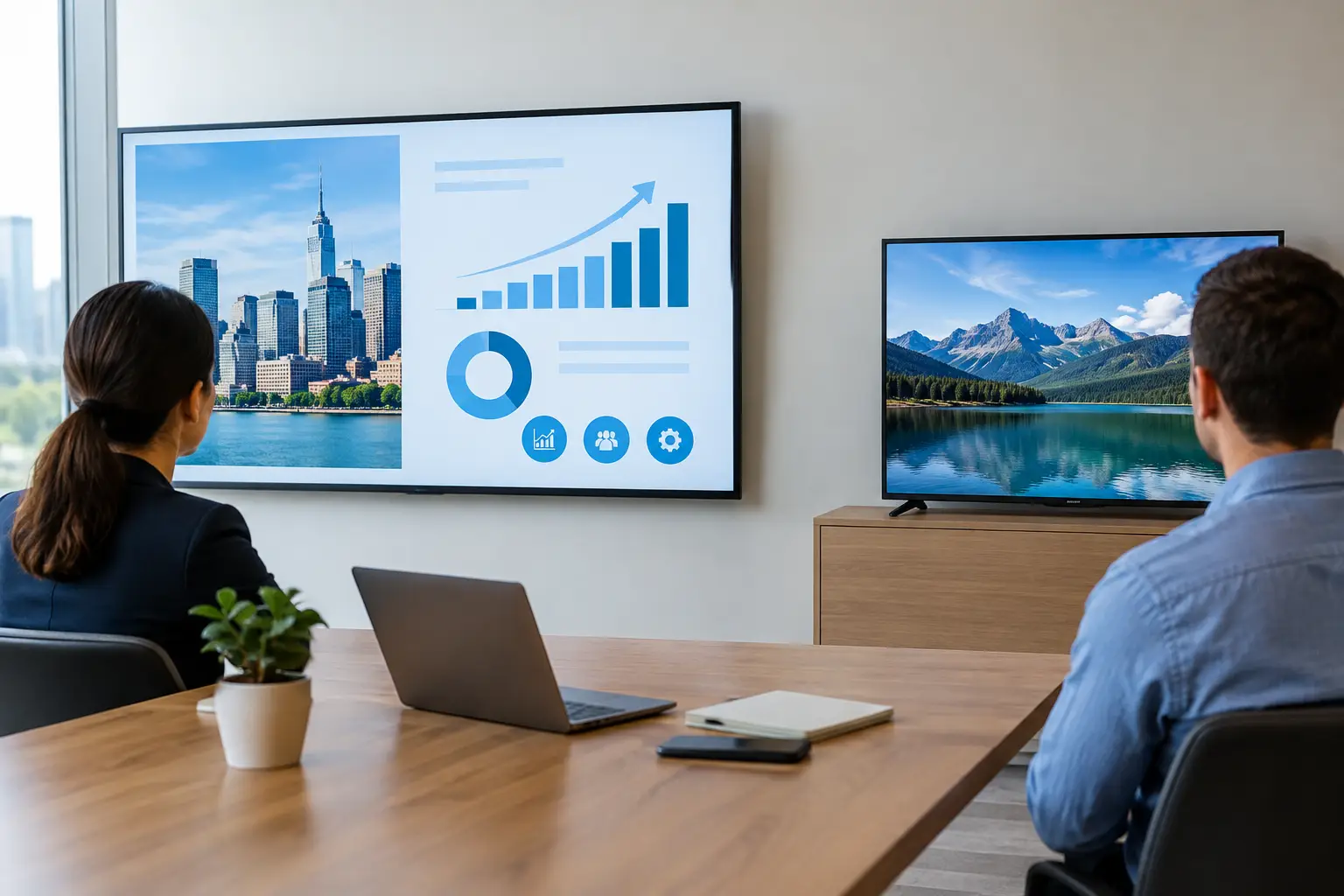
A screen that performs well in a living room can become a recurring support issue in a busy office. When weighing up commercial displays vs consumer TVs, the visible differences may appear small, but the operational differences can be significant. The right choice depends on where the screen will be used, how long it will run, who needs to manage it and what happens when it fails.
For a small breakout area with occasional screen sharing, a consumer TV may be a sensible short-term option. For meeting rooms, reception areas, digital signage and multi-site workplaces, a commercial display is usually designed to offer the reliability, control and supportability that organisations need.
Commercial displays vs consumer TVs: the practical difference
Consumer TVs are built for domestic viewing. Their priorities are picture quality, streaming features, price and ease of use for a household. Commercial displays are designed for shared, professional environments, where a screen may be used for long periods, installed in a fixed position and managed by IT or facilities teams.
That does not mean every commercial display is automatically the right answer. A high-specification display still needs to suit the room, the mounting position, the chosen video conferencing platform and the people using it. However, it is engineered around different assumptions: longer operating hours, repeatable deployment, central control and a more demanding support environment.
The distinction matters because the purchase price is only one part of the cost. If a lower-cost TV requires frequent resets, cannot be controlled remotely, develops image retention or fails outside an appropriate warranty, the initial saving can quickly disappear through internal support time and replacement costs.
Built for different operating hours
One of the clearest differences is intended usage. Many consumer TVs are designed for a few hours of viewing each day. Commercial displays are commonly rated for extended use, such as 16/7 or 24/7 operation, depending on the model.
This is particularly relevant for reception displays, wayfinding, staff communications and digital signage. A screen that is on from early morning until late evening generates heat and places sustained demand on its internal components. Commercial models typically include thermal management and components selected for that use case.
In meeting rooms, the requirement may be less about continuous operation and more about predictable availability. A display should wake when the room is booked, present the right input without delay and remain stable through consecutive meetings. That reliability supports a better user experience and reduces avoidable calls to the helpdesk.
Brightness, visibility and image performance
A consumer TV can look impressive in a dim home environment, yet struggle in a bright, glazed office. Commercial displays are often available with higher brightness levels and anti-glare treatments, helping people read spreadsheets, video participants and presentation content under workplace lighting.
Brightness should be selected carefully. More is not always better: an excessively bright screen can be uncomfortable in a small meeting room and use more energy than necessary. The room’s natural light, lighting design, viewing distance and display placement should guide the specification.
Commercial displays also tend to provide more consistent performance in portrait orientation. This matters for reception signage, floor directories and internal communications. Some consumer TVs can physically be turned vertically, but their cooling design, warranty terms and content management options may not support that installation.
Control and management across the estate
For a single screen, walking over to use a remote control might be tolerable. Across several meeting rooms or sites, it becomes inefficient and difficult to govern. Commercial displays commonly provide professional control options, including network management, scheduled power settings, serial control and integration with room control systems.
These features allow teams to apply consistent settings, turn displays on and off automatically, select inputs and investigate faults without visiting every room. In a managed workplace, this is not simply convenient. It reduces energy waste, supports standardisation and gives IT teams clearer visibility of the technology estate.
Consumer TVs frequently prioritise smart TV interfaces and consumer apps. In a business setting, those features can create inconsistency, introduce unwanted prompts and complicate security or device-management policies. A commercial display is generally designed to sit as one component of a wider AV solution, rather than act as a standalone entertainment device.
Integration matters more than screen size
A display is only one part of a functional collaboration space. Its inputs, power behaviour, mounting, camera position, audio coverage and control method all affect whether meetings start easily. Choosing a screen without considering these dependencies can lead to a technically capable room that feels frustrating to use.
For example, a large display in a boardroom may need to work with wireless presentation, a video bar, room booking status, Microsoft Teams Rooms or Zoom Rooms equipment, and an in-room control panel. Commercial displays are more likely to offer the connectivity and predictable behaviour needed for these integrations.
Warranty and support should influence the decision
Warranty terms are often overlooked until there is a failure. Consumer TV warranties may limit commercial use or provide cover that does not match the demands of a workplace installation. Commercial displays usually come with warranties intended for professional use, although the exact length and coverage vary by manufacturer and model.
Before purchasing, check whether the warranty permits the planned operating hours, orientation and location. Also establish the practical route to resolution. Will a replacement be supplied? Is onsite support available? Is the display part of a wider support agreement covering the meeting room as a whole?
For organisations with limited internal AV resource, a joined-up support model is valuable. It avoids the familiar situation where a screen supplier, conferencing provider, cabling contractor and IT team each own only part of the problem.
The cost question: cheaper to buy is not always cheaper to run
Consumer TVs often have an attractive upfront price, especially at larger screen sizes. That can make them suitable for low-risk, low-use spaces where replacement would be straightforward and the screen has no critical operational role.
Commercial displays usually cost more because they include business-focused design, longer-duty components, professional connectivity and warranty cover. The case for them becomes stronger where downtime is disruptive, where screens are deployed at scale or where central management will save ongoing administration.
A useful comparison considers the total cost over the expected life of the installation. Include installation, mounts, cabling, configuration, energy use, warranties, support calls, replacement risk and the cost of a room being unavailable. For a customer-facing reception area or a heavily used hybrid meeting room, downtime can carry a cost well beyond the price of the panel itself.
When a consumer TV may be appropriate
There is no need to specify commercial hardware for every screen in every building. A consumer TV can be proportionate for an informal staff area, a temporary project space or a lightly used room with no need for remote management. It may also be appropriate where budget is tightly controlled and the organisation accepts the limitations around warranty, operating hours and replacement.
The key is to make that decision deliberately. Problems arise when a domestic product is selected for a business-critical room because it looked similar on a specification sheet, then is expected to perform like a commercial device for years.
Choosing the right display for your workplace
Start with the experience the room needs to deliver. Consider how many hours the screen will operate, whether users need to share content or join video calls, how much ambient light the room receives and whether the display must be managed remotely. Then consider the consequences of failure and the level of support available internally.
For most organisations, standardising on a carefully selected range of commercial displays makes deployment and support more straightforward. It creates consistency between rooms, simplifies user training and makes future upgrades easier to plan. TecInteractive takes this wider view when designing collaboration spaces, matching display technology to the room, the users and the support model rather than treating the screen as an isolated purchase.
The best display decision is rarely about choosing the largest screen for the lowest price. It is about giving people a dependable room that starts on time, presents clearly and works without placing another burden on the teams responsible for keeping the workplace running.