
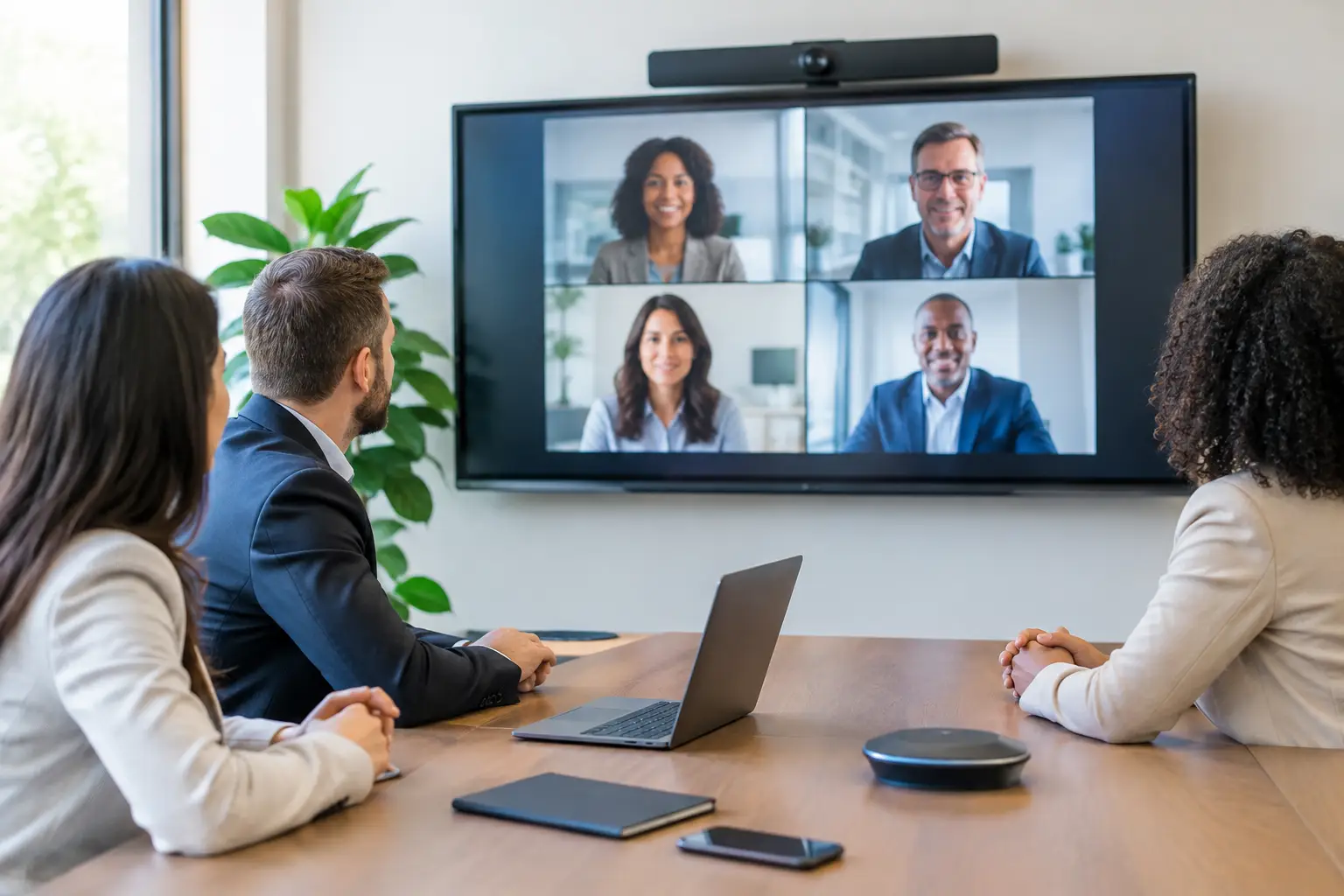
A council committee meeting starts at 10am. One participant is joining remotely, a presentation needs to be shared, and the clerk must record clear audio for the public record. If the room technology is slow, confusing or unreliable, the impact is not simply an awkward meeting. Decisions are delayed, staff time is lost and confidence in the service suffers. That is why public sector AV transformation must be approached as an operational improvement programme, not an equipment refresh.
For public bodies, audio-visual investment sits at the point where people, places and public services meet. The right solution makes hybrid collaboration easier, helps teams use estate space more effectively and reduces pressure on IT support. The wrong one adds another set of devices that nobody feels confident using.
Why public sector AV transformation needs a different approach
Public sector organisations are rarely starting with a blank sheet of paper. They may be working across a mixture of civic offices, depots, libraries, education facilities, courtrooms, contact centres or community venues. Building fabric varies, network capability can differ between sites, and teams often use a combination of legacy meeting platforms and newer cloud services.
There are also duties that go beyond the needs of a typical commercial office. Accessibility, information governance, procurement requirements, public-facing communication and business continuity all shape the brief. A boardroom system designed purely around executive convenience may be entirely unsuitable for a committee chamber, emergency planning room or multi-agency coordination space.
The aim is not to standardise every room into an identical template. It is to create a dependable, consistent experience where it matters, while tailoring the design to the way each space is used. A small interview room may need a simple video bar and a clear joining experience. A council chamber may require multiple cameras, intelligible speech reinforcement, controlled content sharing, recording and integration with existing hearing assistance systems.
That distinction is central to successful public sector AV transformation. Consistency should reduce user friction and support effort. It should not force a specialist environment into a generic design.
Start with service outcomes, not a product list
Specifications often begin with screens, cameras and microphones. Those are necessary decisions, but they should follow a clearer question: what must this space enable people to do?
For a hybrid meeting room, the outcome may be that every participant can hear, be heard and contribute equally, whether they are in the room or joining remotely. For a training suite, it may be that facilitators can switch quickly between teaching, demonstrations and remote attendees without calling IT. For a public reception area, it may be timely, accessible information that staff can update without technical intervention.
A practical discovery phase should examine room usage, participant numbers, existing platforms, acoustic conditions, network readiness and support arrangements. It should also involve the people who use the spaces daily. Facilities teams understand access and building constraints; IT teams understand security and network standards; democratic services, learning teams or operational managers understand the real workflow.
This work exposes issues that a product-led survey can miss. A high-quality camera cannot compensate for poor room layout. More microphones do not solve excessive reverberation. A sophisticated control panel is of limited value if the common task is simply joining a scheduled meeting and sharing a laptop screen.
Design for simple, repeatable use
The strongest workplace technology often feels unremarkable to the user. They walk into a room, start the meeting, share content and leave without having to think about cables, inputs or audio settings. That simplicity is particularly valuable where staff move between sites, rooms are booked by different departments or meeting hosts have limited confidence with technology.
A well-designed standard room experience might include a single familiar meeting join process, automatic camera framing, intelligent microphone coverage and one-touch room controls. Where room booking is needed, it should accurately reflect availability and integrate with the organisation’s normal calendar workflow. The priority is not adding features for their own sake. It is removing the small points of friction that turn a five-minute setup into a support call.
Usability must also include accessibility. Screen content needs to be visible from appropriate positions in the room. Audio should be clear for participants with different hearing needs. Control interfaces should be understandable and physically reachable. Captions, compatible assistive technologies and clear visual prompts may be essential, depending on the service and audience.
Build a platform that IT can support
AV systems are now part of the wider technology estate. They rely on networks, identity management, cloud collaboration services and device management, so they cannot be treated as isolated hardware installations.
That does not mean every IT team needs to become an AV specialist. It means the solution should be designed to make support manageable. Standardised room types, documented configurations, remote monitoring and clear ownership reduce the burden considerably. They also make it easier to spot faults before a scheduled meeting is affected.
Security and governance need the same early attention. Public bodies should understand what data is captured, where recordings are stored, how accounts are provisioned and who can access room controls or management portals. The appropriate approach depends on the use case. A public consultation space, for example, may have different recording and privacy requirements from an internal project room.
A capable AV partner will coordinate with IT rather than hand over a finished installation and leave the internal team to resolve integration issues. This includes agreeing network requirements, testing real meeting scenarios and providing documentation that is useful after project completion.
Plan delivery around live services
Many public sector sites cannot simply close while work takes place. Meeting rooms may support statutory functions, customer appointments or operational coordination. Installations therefore need careful phasing, site management and clear communication with stakeholders.
A staged rollout can be the sensible choice when an organisation has multiple locations or a large portfolio of rooms. It allows a pilot space to validate the user experience, technical standard and support model before investment is extended. However, a pilot should be representative enough to test real conditions, rather than being a showcase room that bears little resemblance to the wider estate.
Installation quality matters as much as the technology selected. Cable management, equipment ventilation, screen positioning, audio tuning and commissioning all affect long-term reliability. The final handover should include user training for everyday tasks as well as deeper guidance for local champions and support teams.
Measure adoption, not just completion
A project is not successful because equipment has been installed on time. It is successful when staff use the rooms confidently, meetings begin reliably and internal support demand falls rather than rises.
Useful measures may include room utilisation, meeting start-time issues, recurring incident types, remote participant feedback and time spent by IT resolving AV faults. These indicators show whether the design is working in practice and where adjustments are required. They can also inform future estate decisions, such as whether there is a shortage of small collaboration rooms or whether larger spaces are being used inefficiently.
Ongoing support is particularly important after a change in working patterns, meeting platforms or estate strategy. Firmware, room software and collaboration services evolve. Without a support plan, a system that worked well at handover can gradually become inconsistent or difficult to maintain.
Make investment decisions for the full lifecycle
Lowest initial cost is not always lowest cost over the life of the system. A cheaper solution that creates frequent call-outs, requires complex workarounds or becomes unsupported early can be far more expensive in lost productivity and replacement spend.
Lifecycle planning should consider warranty, support coverage, software subscriptions, replacement cycles and the availability of compatible components. Standardisation can provide real value here, but only when it is based on properly tested designs that meet the needs of each room category.
TecInteractive approaches this work as a partnership between workplace requirements and technical delivery. Consultation, bespoke design, installation, training and ongoing support should form one connected service, giving internal teams a clear route for accountability when priorities or issues change.
The most effective public sector AV transformation is rarely the one with the most visible technology. It is the one that lets staff focus on the public service in front of them, confident that the room will do its job when it is needed.