
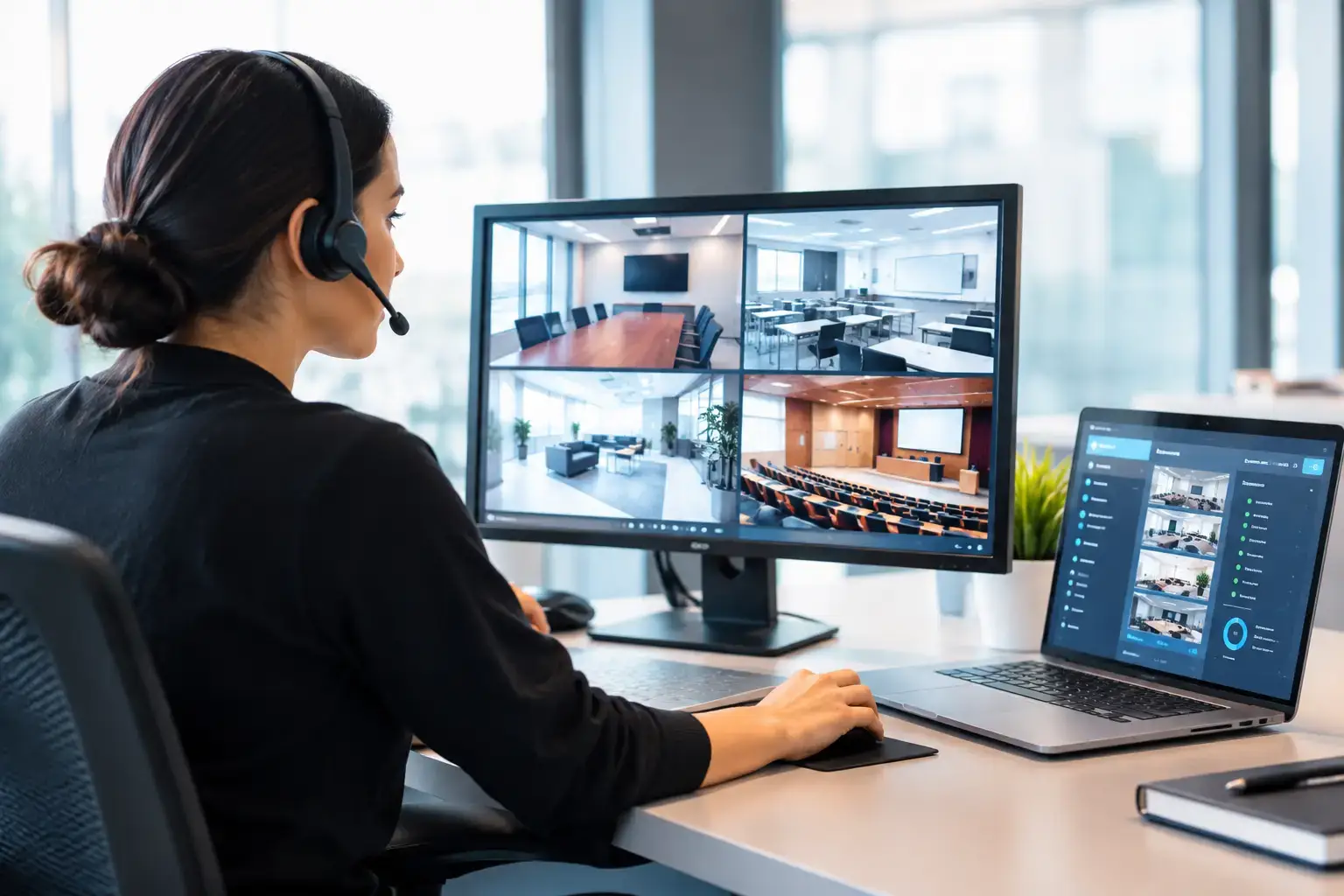
A meeting room issue in one office is inconvenient. The same issue repeated across ten offices becomes an operational problem: delayed client calls, frustrated employees, inconsistent support requests and an IT team forced to troubleshoot technology they cannot see. Knowing how to support multisite AV starts with treating rooms, devices and user experience as a connected service rather than a collection of individual installations.
For organisations with regional offices, campuses, retail sites or distributed public-sector estates, the goal is not to make every space identical. It is to make every space dependable, familiar to use and straightforward to support. That requires clear standards, practical visibility and a support model that reflects how people actually work.
How to Support Multisite AV Through Consistent Standards
Consistency is the foundation of manageable AV support. When each site has different screens, cameras, control panels, conferencing platforms and connection methods, every fault investigation begins from scratch. Support becomes slower, replacement parts are harder to hold, and employees need to relearn the room each time they travel.
A standard does not mean applying a one-size-fits-all design to every room. A boardroom has different requirements from a two-person focus room, and an auditorium needs different audio coverage from a standard meeting space. The standard should sit within each room type. For example, all medium meeting rooms might follow the same user journey: enter the room, connect or join the meeting from the room controller, use a consistent camera position and share content in the same way.
This approach gives users confidence and gives support teams a known baseline. It also makes future rollout decisions more commercially predictable. Hardware, configuration, training materials and support procedures can be reused where they make sense, rather than recreated for each site.
A sensible standard should define the conferencing experience, display and camera specification, audio approach, control interface, network requirements and preferred manufacturers. It should also allow for exceptions. An older building, a listed site or a specialist operational environment may need a tailored solution, but those deviations should be documented and intentional rather than accidental.
Design for the Support Team, Not Just the Handover
Many AV systems perform well on the day they are commissioned, then become difficult to maintain because operational support was not considered early enough. The questions to ask during design are practical: Who will reset a room after a local power issue? Can first-line support identify whether the problem is the network, the conferencing platform or the room equipment? Is there a clear process for replacing a failed component?
Good multisite AV design makes common faults easy to resolve. That can include labelled connections, accessible equipment racks, documented signal paths and simple room controls. It also means avoiding unnecessary complexity. A room with multiple ways to start a call may appear flexible, but it often creates uncertainty for users and inconsistent calls to the helpdesk.
The best meeting spaces reduce the decisions employees need to make. They should not need specialist AV knowledge to join a Teams or Zoom meeting, present a laptop or adjust a camera. Where intervention is needed, the system should provide clear prompts rather than technical error messages.
This usability-led approach also protects internal IT teams. If users can resolve minor issues themselves, and service desk staff have simple diagnostic guidance, only genuine technical faults need escalation.
Establish Clear Ownership Across Sites
Multisite AV support can fail when responsibility is fragmented. Facilities may manage the physical room, IT may manage the network and collaboration platform, while a local office manager is left to deal with day-to-day user concerns. Each team may be doing its part, but the employee only sees a room that does not work.
A service model needs one clear route for reporting issues and defined ownership behind it. That does not mean one person must fix everything. It means the organisation has agreed who triages faults, who communicates with users, who attends site when required and who is accountable for resolution.
For larger estates, a tiered approach is often effective. Local teams can check basic conditions such as power, cables and room availability. A central service desk can carry out initial diagnostics and resolve common platform issues. AV specialists can then investigate configuration, equipment or integration faults remotely, with an engineer dispatched only when hands-on work is necessary.
This model is particularly valuable where offices have different levels of local technical resource. A smaller regional site should receive the same quality of support as a headquarters building, without needing a dedicated on-site AV technician.
Use Remote Monitoring to Find Issues Earlier
Support should not rely entirely on a user reporting that a meeting room has failed. By that point, the disruption has already happened. Remote monitoring gives support teams a view of device status, connectivity and selected performance indicators across the estate.
Depending on the technology in place, monitoring may show whether a room system is online, whether a display is powered on, whether a conferencing appliance has signed in correctly or whether a device needs a software update. This information helps teams distinguish between a local fault and a wider issue affecting several sites.
Remote access can also reduce downtime considerably. A support specialist may be able to restart a device, check configuration or review logs without travelling to site. That matters for organisations with geographically dispersed offices, where a site visit can delay resolution and increase cost.
Monitoring is not a substitute for planned maintenance or knowledgeable support. It is a way to focus those resources where they are needed. It also produces useful management information. If one room repeatedly loses connectivity or has a high number of call failures, the organisation can investigate the underlying cause rather than repeatedly treating the symptoms.
Keep AV, Network and Collaboration Platforms Aligned
AV systems do not operate in isolation. A room may appear to have a camera or screen fault when the real issue is network performance, a platform policy change or an expired account credential. Supporting multisite AV therefore requires cooperation between AV, IT infrastructure, cyber security and unified communications teams.
The practical requirement is shared change management. If a collaboration platform update changes supported device behaviour, the impact on meeting rooms should be assessed before it reaches every site. If network segmentation or security policies are adjusted, room systems need to be included in testing. If a site changes internet provider or moves office, AV requirements should be captured early rather than addressed after the first failed meeting.
Asset records are equally important. Teams need to know what is installed in each room, the software and firmware versions in use, warranty status, configuration details and any site-specific constraints. An accurate asset register shortens diagnosis, supports lifecycle planning and reduces the risk of unsupported technology remaining in service unnoticed.
Train for Real Meetings, Not Technical Demonstrations
A handover session that demonstrates every button on a control panel is rarely enough. Users remember technology when training mirrors the situations they face: joining an external call, sharing a presentation, switching between in-room and remote participants, or recovering when something does not work as expected.
Training should be proportionate to the room and audience. Most employees need a short, practical introduction and clear in-room guidance. Executive assistants, office managers and local champions may benefit from deeper familiarisation so they can help colleagues with routine queries. Service desk teams need a more detailed understanding of first-line checks and escalation information.
The format matters too. Short videos, quick-start guides and concise support instructions are often more useful than a long manual stored in an unfamiliar location. As rooms, platforms and working practices change, training should be refreshed rather than treated as a one-off task at installation.
Plan Lifecycle, Spares and On-Site Response
Even well-designed systems need maintenance. Devices reach end of life, software support changes and meeting requirements evolve. A multisite estate needs a lifecycle plan that identifies what should be refreshed, when and why. This is more cost-effective than waiting for widespread failures or replacing technology in an emergency.
The right spares strategy depends on the estate. A large office with many similar rooms may justify local spare devices or replacement screens. Smaller sites may be better served by centrally held stock and a defined engineer response. In either case, standardisation improves resilience because compatible replacement equipment is easier to source and configure.
Service levels should reflect business impact, not simply room size. A boardroom used for client presentations, a training suite supporting mandatory learning or an executive briefing room may require faster response than a lightly used space. Agreeing these priorities in advance prevents debates at the point of failure.
Measure the Experience, Not Just Ticket Volumes
A low number of support tickets does not always mean AV is working well. Users may avoid certain rooms, bring their own equipment or accept a poor meeting experience because they do not believe reporting will help. Support data should be considered alongside room usage, repeat faults, call quality trends and direct feedback from users.
This creates a more accurate picture of workplace performance. A room that is technically available but consistently avoided is still failing to deliver value. Equally, a heavily used room with occasional minor requests may be serving the organisation well.
TecInteractive approaches multisite support as an ongoing service relationship, combining system knowledge with the operational perspective needed to keep collaboration spaces usable. The objective is not merely to close incidents, but to reduce the conditions that create them.
The most effective AV support model gives employees confidence that the room will work when the meeting matters, while giving internal teams a clear route to resolve problems without carrying every technical burden themselves. Build that confidence site by site, and the technology becomes a dependable part of how the organisation works rather than another source of avoidable friction.