
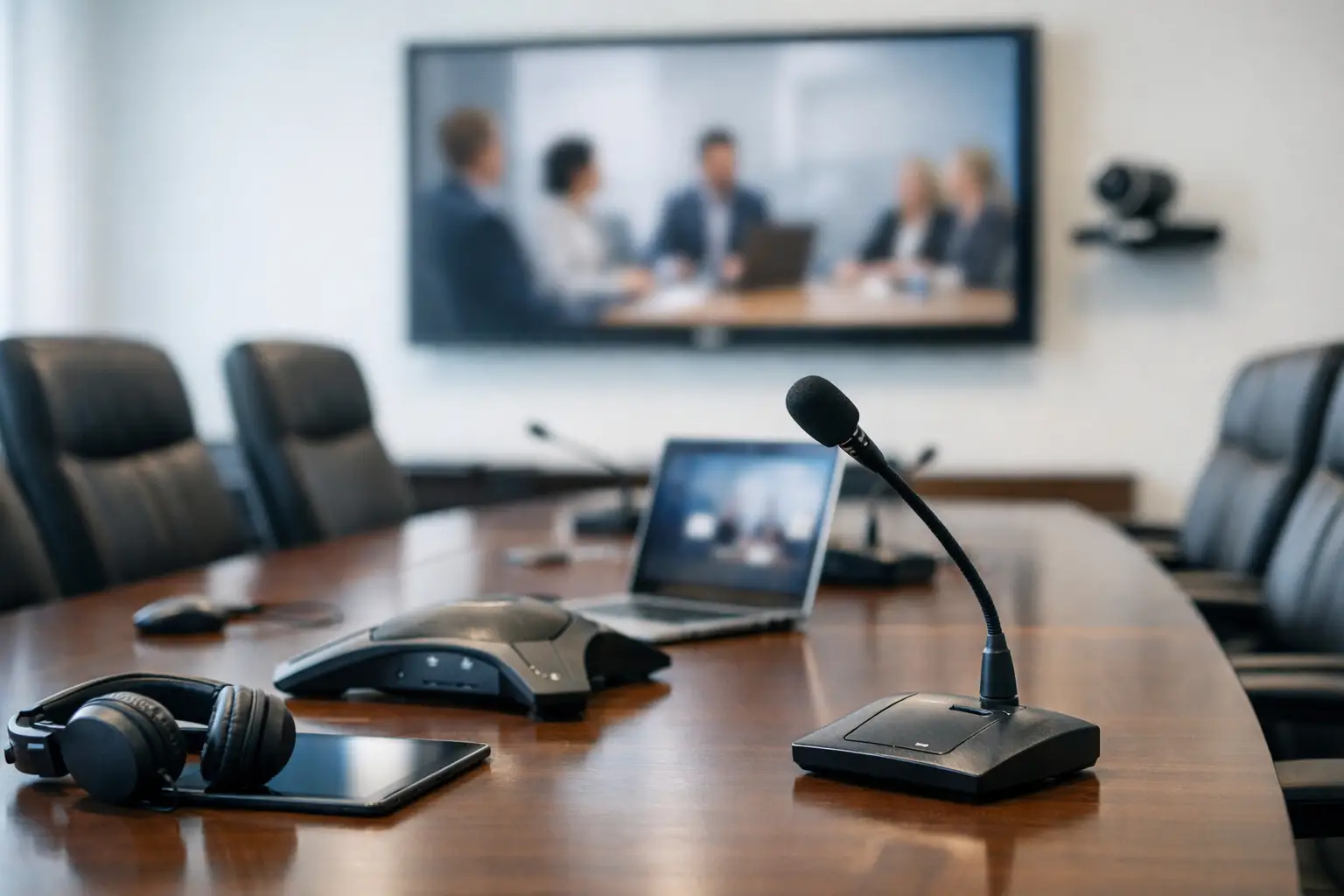
A board meeting can lose momentum in seconds when remote attendees cannot hear a quiet speaker at the far end of the table, or when in-room voices arrive as an indistinct wash of sound. The challenge in how to choose boardroom audio systems is not simply selecting microphones and speakers. It is designing an experience where every participant can contribute naturally, regardless of where they are sitting or joining from.
For UK organisations investing in hybrid collaboration, audio is often the deciding factor in whether a boardroom feels dependable or frustrating. Video can tolerate an occasional imperfect frame. Poor audio makes discussion, decision-making and client-facing meetings difficult almost immediately.
Start with the boardroom, not the equipment
A boardroom audio system should be specified around the room’s real use, rather than a standard product list. Begin with the physical environment: room dimensions, ceiling height, table shape, glazing, hard finishes, ventilation noise and the distance between participants. A long table with twelve seats presents a different pickup challenge from a square executive room for six.
Acoustics deserve attention early. Glass walls, exposed ceilings and timber or concrete surfaces can create reflections that make speech less intelligible. In some rooms, acoustic treatment will improve meeting quality more than adding another microphone. Treatment need not change the room’s character; discreet ceiling panels, wall finishes or soft furnishings can reduce reverberation while retaining a premium appearance.
Also consider how the space will be used. Is it reserved for formal board meetings, or does it host project workshops, investor presentations and video calls throughout the day? Will people move around the room to present? Are external guests likely to join? Clear answers prevent a system being designed for one type of meeting and compromised for all the others.
How to choose boardroom audio systems for hybrid meetings
The central requirement is speech intelligibility. Remote participants should hear each person clearly and consistently, without needing speakers to lean towards a device or repeat themselves. Equally, people in the room need clean, comfortable playback of remote voices without echo, feedback or distracting volume changes.
A good design balances four connected elements: microphone coverage, loudspeaker placement, digital signal processing and the conferencing platform. They must work as one system. A high-quality microphone on its own cannot resolve poor loudspeaker positioning, and a capable conferencing platform cannot correct a room with excessive reverberation.
Select microphones around behaviour and room layout
Table microphones can offer excellent voice capture and make it obvious where people should speak. They suit formal boardrooms where seating positions are consistent and the table is not frequently reconfigured. Their trade-off is visual clutter, cabling considerations and reduced flexibility if the room is used for different layouts.
Ceiling microphone arrays are often preferred in contemporary boardrooms because they keep the table clear and can cover several speaking positions. Advanced models use beamforming to focus on active talkers and reduce unwanted room noise. They are particularly useful where people may stand to present or move around the space. However, their performance depends on thoughtful positioning, ceiling height, room acoustics and careful commissioning.
Wireless microphones may be appropriate for large boardrooms, presentations or guest speakers. They provide freedom of movement but introduce practical needs around battery management, storage and user training. For many rooms, the strongest result combines fixed room microphones for discussion with a handheld or lapel microphone for formal presentations.
Treat loudspeakers as part of the conversation
Loudspeakers should distribute remote speech evenly, so people are not tempted to turn the volume up simply because the far end of the table sounds weak. Ceiling speakers can provide discreet, even coverage in many rooms. Wall-mounted speakers may be suitable where ceiling access is limited or where the room layout calls for more directed audio.
The aim is natural speech at a comfortable level, not high volume. Speaker locations must work with microphone positions to avoid feedback and echo. This is why boardroom audio should be assessed as an integrated design rather than a collection of separate products.
Do not overlook digital signal processing
A digital signal processor, often called a DSP, is the system’s control point for audio quality. It manages echo cancellation, background noise reduction, microphone mixing, equalisation and gain levels. In practical terms, it helps prevent remote callers hearing their own voice returned to them, reduces the impact of typing or air conditioning, and maintains consistent sound as different people speak.
The best processing will not make a poor room sound perfect, but it gives a well-designed system the intelligence to cope with real meetings. It should also be configured and tested against the room’s preferred conferencing platform, whether that is Microsoft Teams, Zoom or another approved service.
Make usability a design requirement
Board members and visitors should not need to understand AV settings to start a meeting. A room that demands several remotes, manual input selection or regular calls to IT will quickly become underused, regardless of audio quality.
Keep the user journey simple: enter the room, connect or select the scheduled meeting, and begin. The room control interface should make essential actions clear, including joining a call, adjusting volume, muting microphones and sharing content. Where privacy matters, microphone status must be unambiguous.
This is also where room booking and occupancy information can add value. A clear indication of room availability, combined with reliable technology when users arrive, improves confidence in the workplace and reduces wasted time between meetings.
Plan for the people who support the room
IT, facilities and workplace teams will live with the operational consequences of the specification. Before committing to a solution, consider how faults will be diagnosed, how firmware will be managed, and whether the system can be monitored remotely. A boardroom may only be used for a few critical hours each week, but failure during those hours can carry a disproportionate cost.
Standardising core technology across multiple sites can simplify support, training and replacement planning. That does not mean every room must be identical. A headquarters boardroom may need more sophisticated coverage than a regional office, but the control experience and support model can remain familiar.
Ask potential providers how they approach commissioning. Audio systems need more than installation. Proper commissioning includes tuning microphones and loudspeakers in the finished room, checking echo performance with real calls, testing typical seating positions and confirming that users can operate the room without assistance. Training should cover everyday use as well as simple first-line checks for local support teams.
Set a budget around outcomes and lifecycle
The cheapest route is often a single video bar or USB speakerphone. In a small, quiet room with a handful of people, that can be a sensible choice. In a larger boardroom, however, it may leave distant speakers poorly heard and create an uneven experience for remote attendees.
A professionally integrated audio system has a higher initial cost, but it can be justified by greater reliability, clearer calls, a cleaner room aesthetic and reduced support demand. Consider the full lifecycle: installation access, future room changes, warranty, support coverage and the availability of replacement parts. Selecting equipment only on purchase price can create avoidable costs when a component fails or the room needs to support a new meeting platform.
It is also worth protecting contingency for the issues uncovered during site survey, such as limited ceiling voids, heritage restrictions, cable routes or acoustic improvements. These are common practical constraints, not signs that a project has been poorly planned.
Choose a partner that can take accountability
Boardroom audio sits at the intersection of AV, IT networks, room design and user adoption. A provider should be able to translate business requirements into a design, coordinate installation with minimal disruption, test the complete room and remain available after handover.
TecInteractive approaches boardroom projects as workplace collaboration environments rather than equipment purchases. That means considering the meeting experience, the demands on internal teams and the support needed to keep the room performing over time.
A useful final test is simple: picture the quietest person at the far end of the table speaking during a high-stakes hybrid meeting. If every attendee can hear them clearly, the controls are intuitive, and your support team can resolve an issue quickly, the audio system is doing the job it was chosen to do.