
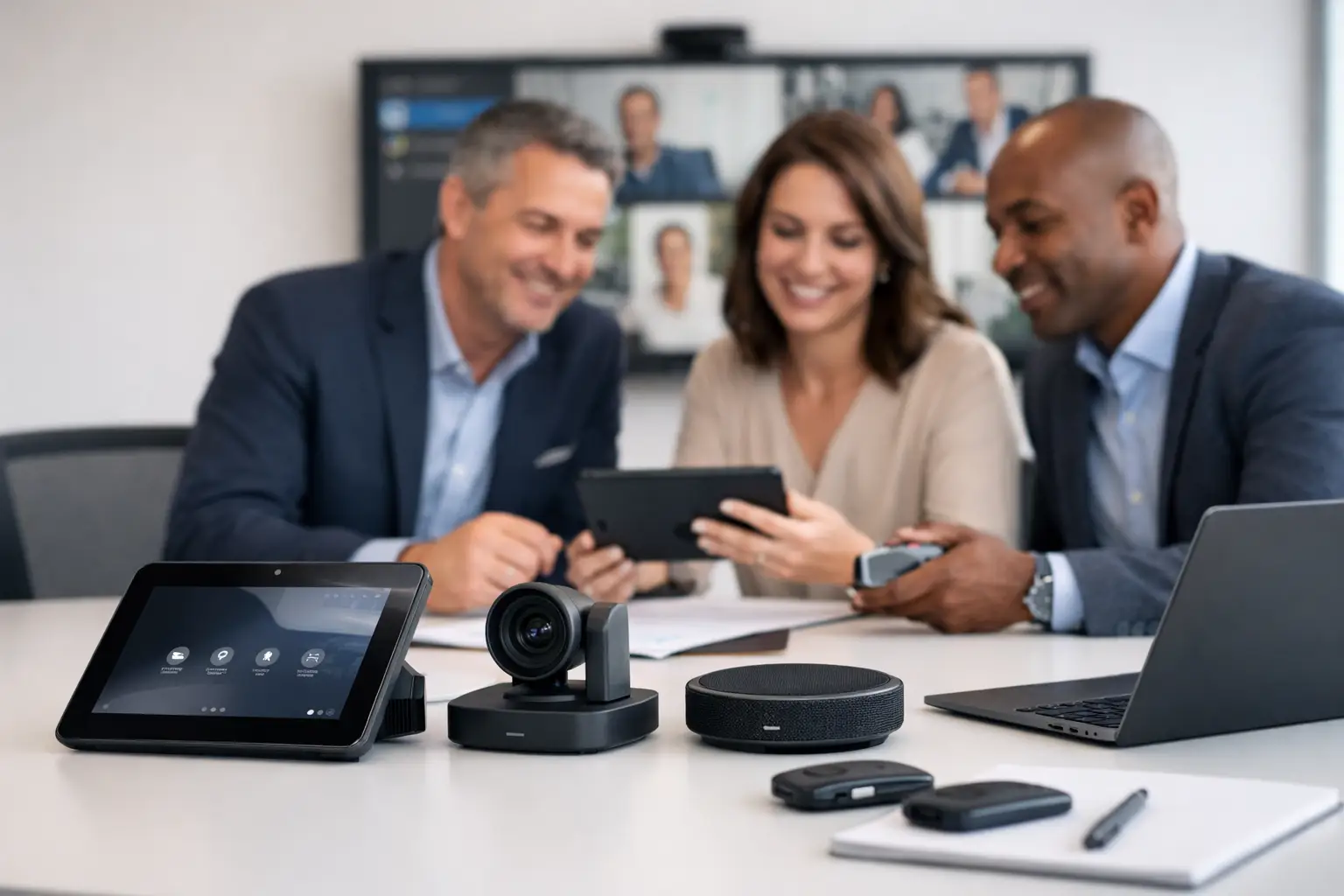
A meeting room can look impressive on handover day and still create daily frustration. A camera that frames the wrong person, a touch panel with too many choices, or a room that only works after a call to IT all undermine the value of the investment. Effective meeting room technology procurement begins with how people actually meet, present and collaborate – not with a list of products.
For UK organisations managing hybrid working, the goal is straightforward: employees should be able to enter a room, start a meeting and include remote colleagues without specialist support. Achieving that consistently requires procurement decisions that account for users, rooms, networks, support teams and future change.
Start meeting room technology procurement with outcomes
The first question should not be which video bar, display or room platform to buy. It should be what each room needs to enable. A small focus room used for quick one-to-one calls has very different requirements from a boardroom hosting client presentations, or a divisible training room used by 40 people.
Speak to the people who use and support the spaces. Office managers can explain booking pressures and room turnover. IT teams can identify identity, network and security requirements. Facilities teams understand access, power, furniture and construction constraints. Frequent meeting hosts will quickly identify the points where current rooms waste time.
This discovery work should result in a clear set of use cases. For example, a standard meeting room may need one-touch joining for Microsoft Teams or Zoom, wireless content sharing, clear voice pickup for everyone around the table and a simple way to call for support. A client-facing boardroom may also require presentation switching, higher-quality audio, room control and discreet cable management.
Standardisation is usually the right direction, but it should not mean forcing every space into one design. Standardise the experience and support model where possible, then vary the technology only where the room purpose demands it.
Define a room standard people can use
The strongest room standards make the user journey predictable. If someone can walk into a four-person room and understand how to start a call, they should be able to do the same in a larger space. That consistency reduces training needs and limits avoidable IT tickets.
A practical standard covers more than the core equipment. It should define the meeting platform, room controller behaviour, display size principles, camera position, microphone coverage, cable and connectivity provision, booking integration, accessibility considerations and support handover. It should also set expectations for naming rooms, managing settings and keeping software current.
Ease of use deserves proper weighting in any evaluation. A technically capable system that needs a manual is unlikely to deliver reliable adoption. Ask suppliers to demonstrate the full journey: booking a room, joining a scheduled meeting, sharing content, adjusting volume, ending a call and recovering from a common fault. Demonstrations should reflect your own meeting scenarios, not a polished showroom script.
Choose the right platform approach
Platform decisions need to reflect your existing estate and governance. Organisations committed to Microsoft Teams may favour Teams Rooms, while others need Zoom Rooms or flexible bring-your-own-device connectivity. There is no universal answer.
A dedicated room system gives a consistent join experience and central management, but it creates a closer dependency on a chosen platform and requires licensing, lifecycle management and administration. BYOD can offer flexibility, particularly in smaller spaces, but puts more responsibility on the person running the meeting and can introduce variation in call quality. Many workplaces use a considered mix of both.
The key is to avoid buying equipment that duplicates capability or creates unnecessary exceptions. Each exception adds a support burden that may not be visible in the initial purchase price.
Assess the full cost, not just the equipment price
Low capital cost can become expensive if a system takes too long to install, creates regular support calls or needs replacement before the rest of the room does. Procurement should consider whole-life cost over a realistic period, typically three to five years, rather than comparing hardware prices in isolation.
Include design, site surveys, installation, project management, configuration, commissioning, user training, licences, warranties, support, software management and planned refresh. Factor in the practical cost of disruption too. Closing a high-demand boardroom for repeat remedial works is not a minor inconvenience.
Technology lifecycles are not identical. Displays, compute devices, cameras and audio equipment may have different replacement patterns, while operating system and conferencing platform changes can affect compatibility. A good procurement plan identifies these dependencies early and avoids designs where one obsolete component compromises the whole room.
It is also worth specifying what must be included in a proposal. Without a common scope, suppliers may appear to offer similar solutions while making very different assumptions about cabling, installation hours, network readiness, training or aftercare. A transparent bill of materials and clear statement of works make comparison more meaningful.
Test the room, not only the product
Meeting room technology is a system, and room conditions affect performance. Ceiling height, daylight, glazing, table shape, acoustics, seating layout and background noise all influence how well video and audio work. A camera specification alone cannot confirm that remote participants will see faces clearly from every seat. Nor can a microphone specification guarantee intelligible speech in a reverberant room.
Site surveys and, where appropriate, proof-of-concept rooms reduce this risk. They allow stakeholders to test real workflows before committing to a wider rollout. This is particularly valuable for complex boardrooms, multipurpose spaces, auditoriums and rooms with challenging acoustics.
A pilot should have clear acceptance criteria. Test scheduled calls with external participants, content sharing from different devices, wireless connectivity, camera framing, microphone pickup, room booking updates and recovery after a restart. Include users with different levels of confidence, not only technology enthusiasts. Their feedback is often the best measure of whether the design is genuinely usable.
Build procurement around delivery and support
Equipment selection is only one part of the decision. A meeting room is often delivered across several trades, including electrical, data, furniture, joinery and construction teams. Weak coordination can lead to missing power, inaccessible service points, unsuitable display walls or cable routes that were never agreed.
Look for a delivery partner that can take accountability from consultation through to installation, commissioning and training. The project plan should establish responsibilities, dependencies, site access arrangements, programme milestones and test procedures before equipment arrives on site. For multi-site organisations, a repeatable rollout playbook is particularly valuable, while still allowing for local building constraints.
Support arrangements deserve equal attention. Consider who will monitor rooms, manage software updates, respond to faults and provide a clear escalation route for users. Internal IT teams may be well placed to manage some elements, but often benefit from specialist AV support for room-specific issues. TecInteractive approaches this as an ongoing operational relationship, helping organisations maintain reliable meeting experiences rather than simply completing an installation.
Measure success after handover
Handover should not be the end of the procurement process. Review room usage, support tickets, recurring faults and user feedback after the first weeks and months. If one room type receives repeated requests for help, investigate the design, configuration or training before replicating it elsewhere.
Useful measures include meeting start delays, first-time join success, room utilisation, fault resolution time and satisfaction from regular hosts. These measures connect technology performance to workplace outcomes. They also give procurement and workplace teams evidence for future investment decisions.
Avoid common procurement mistakes
The most frequent mistake is buying a collection of devices rather than a coherent room experience. Other avoidable issues include specifying display sizes without considering viewing distance, overlooking acoustic treatment, treating user training as optional, and accepting an unclear support boundary between IT, facilities and suppliers.
Another risk is over-specifying every room. Premium technology has a place where the meeting purpose justifies it, but a small huddle space does not always need the same control and audio infrastructure as an executive boardroom. Match investment to use, then protect consistency in the basics: reliable joining, intelligible audio, useful video and simple content sharing.
Procurement teams should also allow enough time for stakeholder alignment. Rushing to meet a fit-out date can lead to late changes, expensive variations and systems that have not been tested properly. Early consultation is usually less costly than correcting a poor room after occupancy.
A well-procured meeting room should fade into the background. When users spend their time contributing to the conversation rather than troubleshooting the technology, the investment is doing its job.