
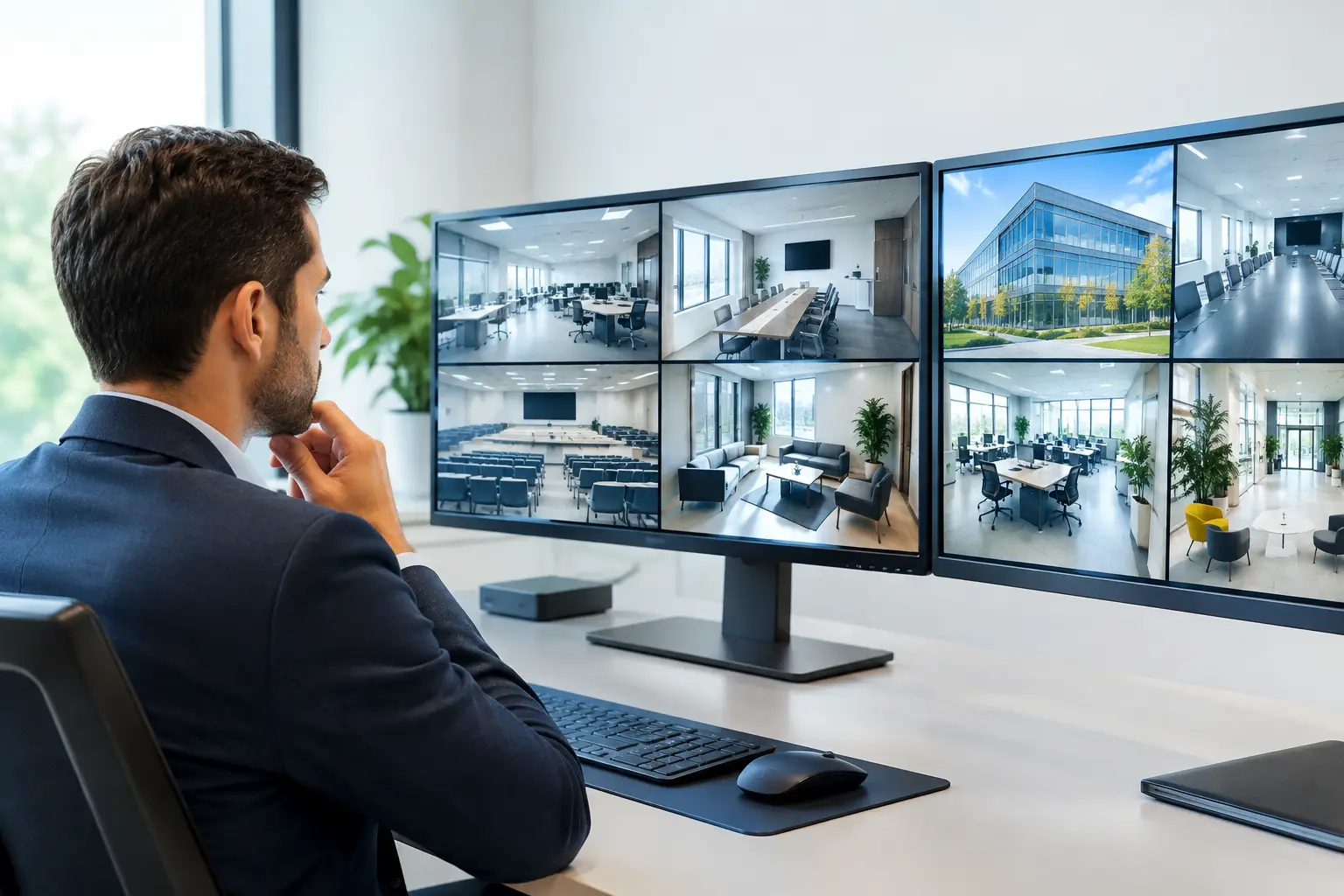
A meeting that works perfectly in London but fails in Leeds creates more than a frustrating user experience. It weakens confidence in the workplace, increases calls to IT and makes hybrid working feel unnecessarily difficult. A considered multi-site AV strategy prevents this by giving teams a familiar, dependable way to meet wherever they work.
For organisations with multiple offices, the challenge is rarely choosing a screen or video bar. It is creating a repeatable standard that works across different buildings, room types, network environments and user needs, without forcing every location into an identical design that does not suit it.
Why multi-site AV strategy needs more than standard equipment
Standardisation is often interpreted as buying the same equipment for every room. That can be part of the answer, but it is not the strategy. A boardroom, a four-person focus room and a training suite each need different levels of functionality, even when they should all feel familiar to use.
The real objective is consistency of experience. Employees should know how to start a call, share content, adjust the room and ask for help without having to learn a new process at every office. IT and facilities teams should also have visibility of what is installed, how it is performing and where recurring issues are appearing.
Without this foundation, organisations tend to make local purchasing decisions as sites are refurbished or teams raise urgent requirements. Over time, this produces a mixed estate of room systems, connection methods, support arrangements and user experiences. That fragmentation becomes costly to maintain and difficult to improve.
Start with the workplace experience, not the product list
A strong strategy begins by understanding how people use each location. This requires looking beyond room capacity and asking practical questions: who uses the space, what type of meetings take place, where are remote participants located and what causes friction today?
For example, a regional office with frequent client meetings may need polished presentation capability, clear room audio and simple guest connectivity. A smaller satellite office may place greater value on reliable video calls and straightforward room booking. A central training space may need cameras, microphones and displays designed around a presenter moving through the room.
This assessment should include the building infrastructure as well. Network capacity, Wi‑Fi coverage, available power, acoustic conditions, ambient light and existing furniture all influence what will work reliably. A technically impressive system can still disappoint if poor room acoustics make remote participants hard to hear or if a display is difficult to see in daylight.
Build room types around real use cases
Rather than designing every space separately, define a limited number of repeatable room types. These might include focus rooms, small meeting rooms, standard collaboration rooms, boardrooms and training or town hall spaces. Each type should have a clear purpose, baseline functionality and agreed user journey.
This approach gives procurement and support teams control while allowing sensible variation. A standard collaboration room may use the same video conferencing platform, control method and content-sharing process at every site, while screen size, camera coverage or audio design changes to suit the room itself.
The key is to specify what users must be able to do, not simply which products must be installed. That keeps the strategy relevant when equipment changes or a building presents a different technical constraint.
Create standards that make support easier
A multi-site AV strategy should reduce the operational burden on internal teams. This depends on establishing clear technical and service standards before rollout begins.
Platform alignment is particularly important. Where possible, meeting rooms should support the organisation’s chosen collaboration platform in a consistent way. Users should not need to guess which rooms can join a scheduled call, whether they need to bring a laptop or how to share content with colleagues in another office.
It is equally valuable to standardise control interfaces, room naming conventions, cabling principles and documentation. These details may appear minor, but they make a material difference when a user calls for assistance or an engineer needs to diagnose a fault remotely. A support team that understands one well-documented room type can resolve issues far more efficiently across the estate.
This does not mean every site must use a single supplier or model forever. Technology evolves, and some locations may have legitimate exceptions. The important point is that exceptions are intentional, recorded and supported rather than the result of unplanned local decisions.
Plan governance before the rollout gathers pace
Multi-site projects often lose momentum when nobody has clear ownership of decisions. IT may own the network and collaboration platform, facilities may manage buildings and furniture, while local leaders have strong views on what their teams need. Each perspective is valid, but the programme needs a defined governance model.
A central working group should agree the room standards, approve exceptions, manage budgets and set the sequence of delivery. Local stakeholders should provide input on site access, business-critical periods and practical requirements. This balances central control with the knowledge held by people who work in each office every day.
Phasing also matters. A pilot site or a small set of representative rooms can test the standards before wider deployment. It provides evidence on user adoption, network readiness and installation practicalities, allowing adjustments before the same issue is repeated across ten or twenty locations.
A sensible delivery plan usually covers five connected areas:
- site surveys and infrastructure readiness
- agreed room designs and equipment standards
- installation scheduling around business operations
- user training and launch communications
- ongoing monitoring, maintenance and improvement
The aim is not simply to complete installations quickly. It is to avoid avoidable disruption and give each site confidence that its new spaces are ready for use from day one.
Treat user adoption as part of the technical design
Even well-designed meeting rooms fail to deliver value if employees avoid them. Common signs include staff bringing personal devices into every meeting, relying on ad hoc workarounds or booking rooms but joining calls from their desks instead.
Simple, familiar workflows are the best defence. A user should be able to walk into a room, join a scheduled meeting and share content with minimal instruction. Clear on-screen guidance, sensible cable management and an interface that behaves consistently from site to site all reduce hesitation.
Training should be proportionate to the room and audience. Most users do not need a technical demonstration. They need to know how to start a meeting, share content and get help. Executive assistants, office managers and local champions may need additional guidance because they support more complex meetings or assist colleagues regularly.
At TecInteractive, this usability-led approach is central to making workplace technology feel like a practical business tool rather than another system employees have to work around.
Build support and measurement into the strategy
Installation is a milestone, not the end of the programme. AV systems need ongoing management, particularly across multiple sites where minor issues can go unnoticed until they affect an important meeting.
A support model should define how users report faults, who owns first-line response, what can be resolved remotely and when an on-site visit is required. Monitoring tools can help identify offline devices or recurring faults before they become widespread, but they work best alongside clear service processes and accurate asset records.
Usage data is also valuable when interpreted carefully. Booking patterns, room occupancy, device status and support tickets can reveal whether rooms are the right size, whether certain spaces are underused and where users are struggling. Data should inform improvements, not simply measure activity. A frequently booked room may be successful, but it may also indicate that other spaces are not meeting the same need.
Allow for growth without over-specifying every room
A scalable AV estate should accommodate office moves, headcount changes and new ways of working. That does not require fitting every room with the most advanced technology available. Over-specification wastes budget and can make rooms harder to operate.
Instead, use a modular design approach. Select standards that can be repeated, supported and upgraded, with room infrastructure that allows sensible future changes. Consider how a small meeting room could evolve if hybrid attendance increases, or how a training space could accommodate recording or larger audiences later.
Commercial planning matters too. A multi-site programme can benefit from phased purchasing and consistent installation practices, but only if the organisation protects quality. The lowest upfront cost is rarely the best value if it creates a patchwork of systems, more support calls and premature replacement.
The most effective multi-site AV strategy gives people confidence before they enter the room: the call will start, colleagues will be heard, content will be visible and help will be available if it is needed. When that expectation is met consistently, each office becomes a more capable place to collaborate rather than another technical exception to manage.