
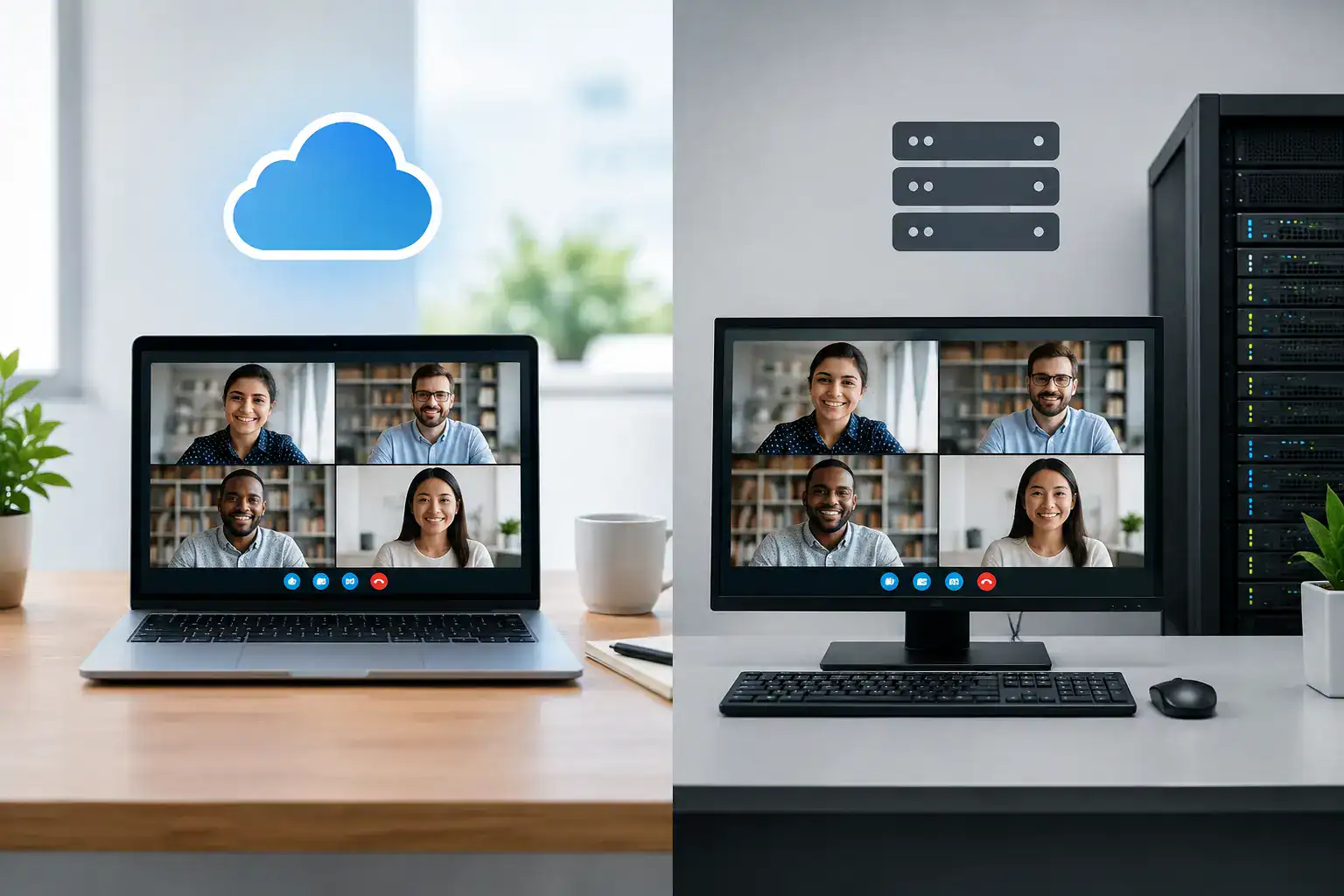
A meeting that starts late because a room system will not join the call is rarely an isolated technical issue. It affects confidence in hybrid working, wastes senior time and often leaves internal IT teams troubleshooting under pressure. The decision around cloud video conferencing vs on premises therefore goes beyond where software is hosted. It shapes how easily people can meet, how systems are supported and how much control an organisation retains.
For many UK organisations, cloud conferencing is now the default starting point. Yet on-premises infrastructure still has a clear role where resilience, data governance, existing investments or specialist workflows demand it. The right answer depends on the workplace, not on a one-size-fits-all technology preference.
Cloud Video Conferencing vs On-Premises: The Core Difference
Cloud video conferencing uses a service hosted and operated by a provider. Meeting scheduling, calling services, management portals and software updates are largely delivered through the internet. Organisations typically pay through licences or subscriptions, while room systems connect to the chosen platform through certified hardware and software.
An on-premises deployment places more of the conferencing environment within the organisation’s own data centre or private infrastructure. This can include call control, bridging, management and recording services, depending on the design. The organisation has greater responsibility for maintenance, updates, capacity and security controls.
There is also a middle ground. Many organisations use cloud platforms for everyday collaboration while retaining on-premises elements for meeting room integration, specialist video workflows, local recording or resilient communications. This hybrid model is often more practical than treating the choice as entirely cloud or entirely on-premises.
Why Cloud Has Become the Default for Hybrid Work
Cloud services suit organisations that need people to collaborate across offices, homes and customer locations without building and maintaining extensive internal conferencing infrastructure. Users can join from a meeting room, laptop or mobile device, while administrators manage users and policies through a central platform.
The main benefit is speed. New users, locations and meeting spaces can usually be brought into the service quickly, particularly where the organisation already uses a cloud productivity suite. This makes cloud conferencing attractive for multi-site businesses, growing teams and workplace transformation projects with phased roll-outs.
Cloud platforms also simplify software lifecycle management. Providers release features, security updates and service improvements on an ongoing basis, reducing the burden of manually maintaining server infrastructure. For stretched IT teams, this can be significant, provided room devices are also monitored, updated and supported properly.
However, cloud does not automatically mean a better meeting experience. A premium boardroom still needs correctly specified cameras, microphones, speakers, displays, network configuration and room controls. If staff must find a cable, select the right input and call IT before each meeting, the platform choice has not solved the usability problem.
Where cloud conferencing works particularly well
Cloud is usually well suited to organisations with distributed staff, a high proportion of external meetings or a requirement to standardise collaboration across several offices. It can also support faster changes to room usage, such as converting enclosed offices into huddle spaces or creating bookable hybrid meeting rooms.
The recurring cost model needs to be assessed carefully. Subscription spending may be easier to budget for than large capital expenditure, but it should account for room licences, advanced features, device management and support. A low initial cost can become less attractive if licences are assigned without governance or if room hardware is replaced prematurely.
When On-Premises Conferencing Still Makes Sense
On-premises video conferencing can be the right choice where an organisation has strict requirements around control, security architecture or operational continuity. Public sector bodies, highly regulated organisations and businesses handling sensitive information may need closer oversight of how communications are routed, stored and administered.
It can also be appropriate in environments where connectivity is limited, unpredictable or deliberately isolated. A site that cannot rely on a stable external connection should not assume that a cloud-only model will meet its operational needs. Local services and carefully designed network resilience may provide greater confidence for critical communications.
Existing investment matters too. Some organisations have well-established room estates, internal video networks and specialist facilities such as command centres, training suites or auditoriums. Replacing everything simply because cloud is fashionable can create unnecessary cost and disruption. The more sensible approach may be to modernise the user experience and integrate proven infrastructure where it remains fit for purpose.
The trade-off is responsibility. On-premises systems require expertise to manage capacity, security patches, certificates, interoperability and upgrades. They can offer exceptional control, but only if that control is backed by clear ownership and sustained operational resource.
Security is about design, not just location
It is understandable to see on-premises deployment as inherently more secure because the infrastructure is controlled internally. Yet security depends on the full operating model: identity management, access policies, network segmentation, encryption, device configuration, patching, monitoring and user behaviour.
Cloud providers can offer mature security capabilities and extensive investment in service resilience. At the same time, organisations must understand where data is processed, which administrative controls are available and how their chosen platform aligns with internal governance requirements. A cloud service configured poorly can create risk, just as an unpatched on-premises server can.
For sensitive rooms, the physical environment matters as much as the platform. Camera placement, microphone pickup, display visibility and access to room controls should all be considered. A secure meeting cannot rely on software settings alone.
Compare the Decision Through the Meeting Experience
The most useful question is not, “Which deployment model has the most features?” It is, “Can our people start and run productive meetings without friction?” That brings the decision back to outcomes that matter to workplace, facilities and IT teams.
Consider how a typical meeting begins. Does the room system join the scheduled call with one touch? Can a visitor present without altering the room configuration? Is the microphone clear for remote attendees? Can support teams see device status before a meeting fails? These practical details determine whether employees trust the office as a productive place to collaborate.
A cloud platform often makes it easier to standardise this experience at scale, especially when meeting rooms are designed around a common platform. An on-premises environment can achieve the same simplicity, but it generally requires more deliberate integration and operational management.
Interoperability deserves attention as well. Most organisations do not meet exclusively with people using the same platform. Room systems should support straightforward joining for external calls, with policies that protect security without forcing users through unnecessary workarounds. This is an area where expert design and user testing prevent costly frustration later.
A Practical Framework for Choosing
Before selecting a model, assess the organisation’s meeting patterns, risk profile and support capacity. The following questions usually expose the real priorities:
- How many meeting rooms, offices and users need to be supported, both now and over the next three years?
- Which meetings are business-critical, and what level of resilience is required if internet connectivity or a platform service is disrupted?
- Are there data residency, compliance or internal governance obligations that affect hosting and recording?
- Does the internal team have the time and specialist knowledge to operate conferencing infrastructure, or is managed support more appropriate?
- Which existing room systems and network investments can be retained, upgraded or integrated?
These questions should be answered before comparing hardware specifications. A room estate that looks consistent on a floor plan can contain very different requirements: a two-person focus room, executive boardroom, training suite and divisible event space should not receive identical technology simply for procurement convenience.
Build for Support, Not Just Installation
The quality of ongoing support often determines whether either model succeeds. Meeting room technology sits between IT, facilities, workplace teams and end users, which can leave faults without a clear owner. Proactive monitoring, clear escalation routes and regular performance reviews reduce that risk.
Training is equally valuable. Staff do not need to become AV specialists, but they should know how to start a call, share content, report a problem and use the room appropriately. Simple interfaces, consistent room standards and clear in-room guidance make adoption far more likely.
TecInteractive approaches conferencing projects around these operational realities, combining room design and installation with user-focused handover and ongoing support. That helps organisations avoid a common failure point: deploying capable technology without a practical plan for keeping it dependable.
The best choice is the one that gives your people confidence to meet without thinking about the technology. Whether that is cloud, on-premises or a considered hybrid approach, start with the working day your teams need to have, then design the platform and rooms around it.