
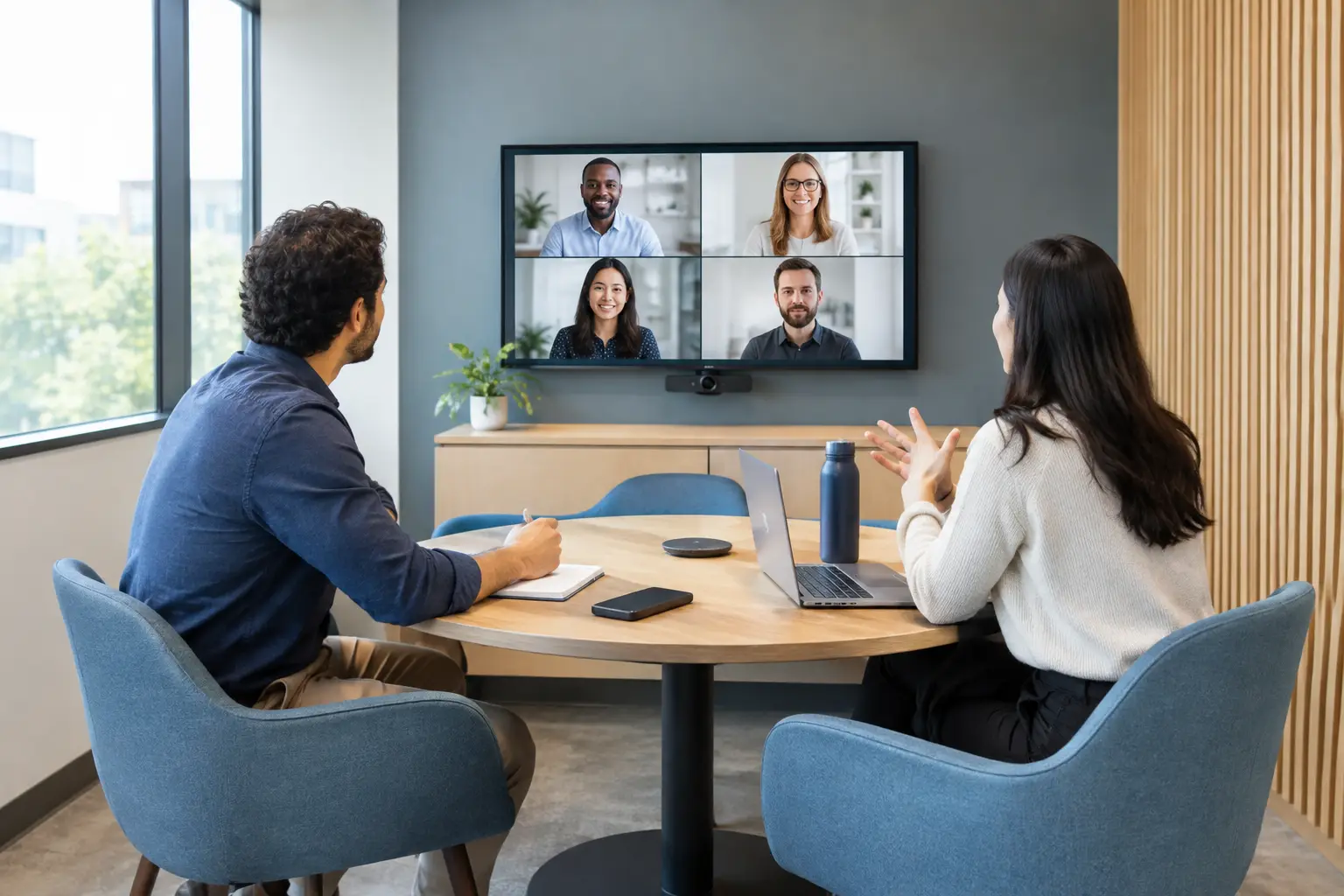
A spare corner with a screen is not automatically a useful collaboration area. Effective huddle space design gives small groups a place to make decisions quickly, bring remote colleagues into the conversation and return to focused work without reserving a formal meeting room.
For organisations managing hybrid working, these spaces can improve office capacity as much as meeting quality. However, they only deliver value when the room, technology and expected ways of working are considered together. A poorly planned huddle space soon becomes a noisy video-call booth, an underused display, or another point of failure for an already stretched IT team.
What a huddle space needs to achieve
A huddle space is typically intended for two to six people. It supports short, informal sessions: a project check-in, a supplier call, a quick design review or a focused discussion that does not warrant a boardroom. The defining feature is ease. People should be able to enter, connect and start working in moments, with no need to find cables, alter obscure settings or call for help.
That does not mean every huddle space should look identical. A finance team making frequent video calls may need excellent framing and clear speech pickup. A product team sharing detailed plans may place greater value on display size and annotation. A client-facing team may need a more polished setting with consistent branding and reliable room availability.
The right brief starts with behaviour rather than a list of devices. Ask who will use the space, how often remote participants join, which collaboration platforms are approved, and whether conversations may involve confidential information. These answers shape every subsequent decision.
Start huddle space design with the room itself
The room’s physical conditions often determine the quality of a meeting before any technology is installed. A compact enclosed room, an open-plan nook and a partially screened collaboration zone each need a different approach.
Plan for sightlines and comfortable seating
Everyone in the room should see the display without twisting or craning, and remote attendees should be able to see the group rather than a row of profiles. A screen mounted too high, a table that is too deep, or seating pushed against a wall can make a small room feel awkward very quickly.
For a typical four-person space, a 55-inch or 65-inch display may be appropriate, depending on viewing distance and the type of content being shared. Detailed spreadsheets and technical drawings often justify a larger screen or a higher-resolution display. Bigger is not always better, though. An oversized display in a tight room can dominate the space and place participants uncomfortably close to the camera.
Choose furniture that supports the intended meeting style. A small table with power access suits laptop-led collaboration, while soft seating can work for informal catch-ups. Soft seating is less suitable where staff regularly need to type, share documents or participate in hour-long video calls. The best choice depends on the balance between comfort and practical work.
Treat acoustics as a core requirement
Poor audio is one of the fastest ways to undermine hybrid collaboration. In open-plan offices, nearby conversations, passing footfall and hard surfaces can make it difficult for remote colleagues to follow discussion. Inside small enclosed rooms, excessive reverberation can have the same effect.
Acoustic treatment, suitable flooring, fabric finishes and thoughtful placement away from busy circulation routes all help. Privacy also matters. If teams cannot discuss customer information or people matters without being overheard, the space will not be used for the conversations it was intended to support.
The microphone and loudspeaker arrangement should match the room. A soundbar may be effective in a small, well-controlled space, while a larger or acoustically challenging room may require separate microphones and speakers. Technology should compensate for realistic conditions, not rely on staff holding a conversation in ideal silence.
Control light and camera framing
Natural light is welcome, but windows behind participants can leave faces in shadow on camera. Blinds, lighting control and the position of the table can resolve this without making the room feel closed in. Avoid highly reflective surfaces behind the display and consider what remote attendees will see in the camera shot.
A camera should frame everyone naturally at a seated position. Intelligent framing features can be useful, particularly in flexible spaces, but they do not correct poor furniture placement or unsuitable lighting. Test the view from the perspective of a remote participant before signing the room off.
Make joining a meeting genuinely simple
The technology in a huddle room should reduce steps, not introduce new ones. Users should understand how to join a scheduled meeting, share content and adjust volume without specialist training. If the process varies from one room to another, adoption falls and support calls rise.
A consistent room experience normally includes a display, camera, microphone and speaker solution, plus a simple method of joining meetings and presenting content. Depending on the organisation’s standards, that may mean a dedicated room system for Microsoft Teams or Zoom, or a bring-your-own-device arrangement with a one-cable connection. Both models can work well, but they serve different operational needs.
Dedicated room systems provide a repeatable experience, calendar integration and one-touch join for scheduled calls. They are particularly valuable for organisations with frequent hybrid meetings, multiple sites or a need for clear room governance. Bring-your-own-device spaces can be more flexible and lower in initial cost, but they rely on users’ laptops, software updates and connection habits. They can also create inconsistency if different teams use different platforms.
Wireless presentation can be useful, especially where people regularly share from several devices. It should not be the only way to present, however. A reliable wired connection remains a sensible fallback when a visitor’s device, network permissions or wireless settings cause problems.
Build for management, not just installation
A room that works on handover day is only part of the project. Workplace technology needs to remain available, secure and straightforward to support. This is where huddle space design should account for the organisation’s operational model.
Standardising core components across rooms makes a practical difference. It simplifies user training, helps IT teams diagnose faults and reduces the number of spare parts or replacement products required. Standardisation does not mean forcing every room into one template. It means using proven, compatible solutions while adapting the layout and equipment to each space.
Consider management from the outset: software updates, device monitoring, network access, power resilience and the process for reporting faults. Equipment hidden behind displays or built into inaccessible joinery may look tidy but can make routine maintenance unnecessarily disruptive. Good installation design allows service access without dismantling the room.
Room booking can also improve utilisation where demand is high. For formal spaces, booking panels and occupancy data can help teams find a suitable room and help workplace leaders understand whether capacity is genuinely constrained. In small huddle areas, the right approach may be lighter touch. A highly managed system can be excessive for spaces intended for brief, spontaneous use.
Common huddle space design mistakes
The most frequent errors are rarely caused by choosing the wrong brand of display or camera. They come from treating the space as a simple equipment purchase rather than an environment people need to use every day.
Common issues include:
- Installing a display without addressing acoustics, privacy or glare.
- Designing around maximum room capacity rather than comfortable everyday use.
- Providing several connection methods without making the preferred method obvious.
- Assuming staff will adopt unfamiliar controls without a clear introduction.
- Creating a bespoke room that internal teams cannot easily support or maintain.
Avoiding these problems requires early coordination between IT, facilities, workplace teams and the people who will use the room. It is far easier to allow for power, data, acoustic treatment and suitable furniture during planning than to retrofit them once complaints begin.
Test the experience before rollout
For organisations planning several huddle spaces, a pilot room is often the most sensible first step. It gives users an opportunity to test the experience with real meetings, not a staged demonstration. Feedback should cover how quickly people can join calls, whether remote participants can hear clearly, screen visibility, comfort and the reliability of content sharing.
This stage also reveals differences between user groups. Senior leaders may value a more formal, polished experience, while project teams may prefer flexibility and quick laptop connection. The aim is not to satisfy every preference with a different room type. It is to establish a clear set of standards that serve the majority of use cases well.
An experienced workplace technology partner can translate those findings into a design that is practical to install, intuitive to use and manageable over its full life. TecInteractive approaches huddle spaces in that way: considering room conditions, user journeys, platform choices and ongoing support as one connected service.
The most successful huddle spaces tend to become almost invisible. Teams trust that the call will start, colleagues will be heard and shared content will be clear. That confidence is what turns a small part of the office into a dependable place for better decisions.