
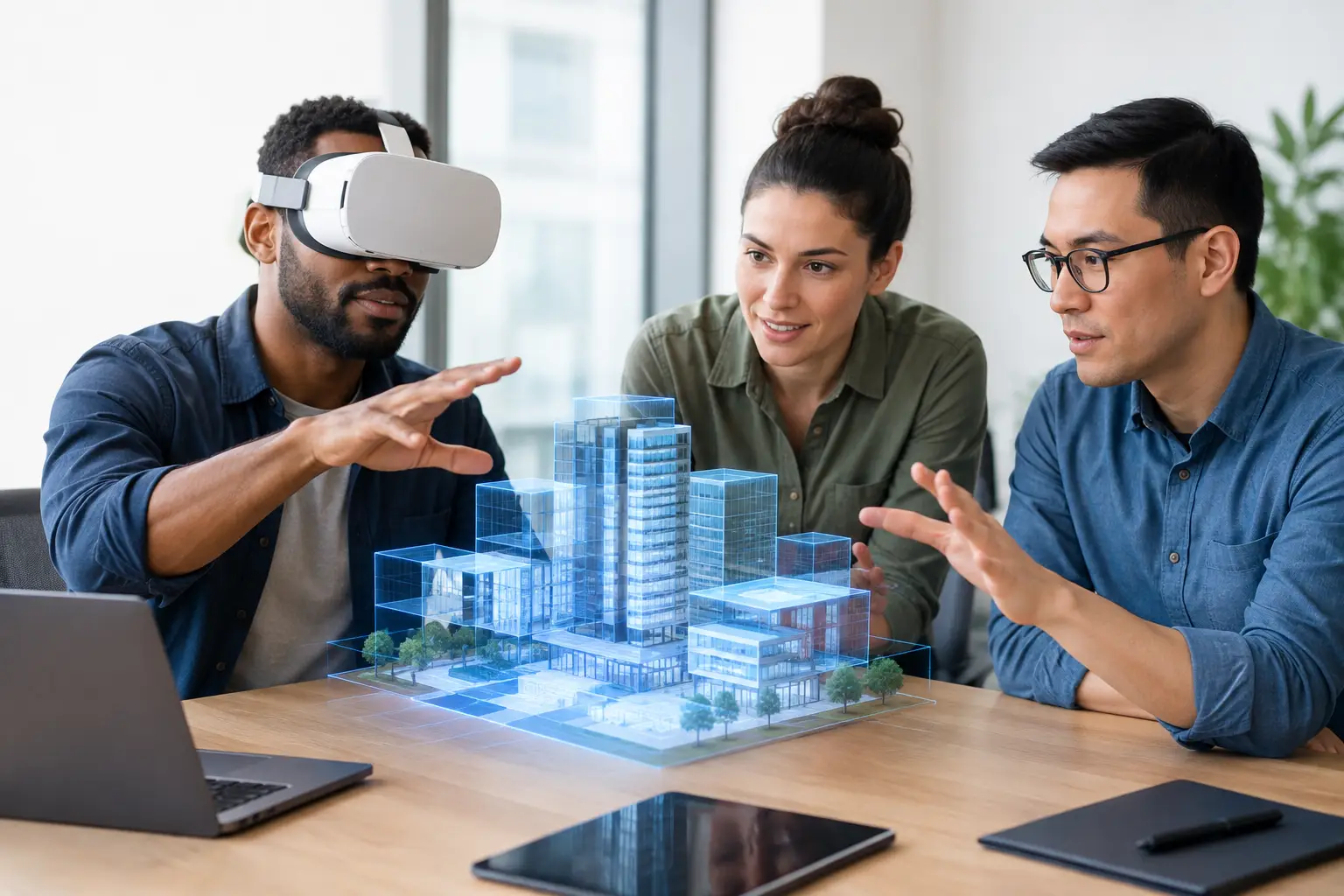
A boardroom can have excellent cameras, premium displays and a powerful video platform, yet still leave remote participants feeling like observers rather than contributors. That gap is where immersive collaboration technology trends are having the greatest impact. For UK organisations refining their hybrid workplace strategy, the priority is no longer simply getting people onto a call. It is creating meeting experiences where every attendee can see, hear and participate with equal confidence.
The most useful developments are not necessarily the most dramatic. They are the technologies that remove friction: clearer room control, better audio coverage, more natural content sharing and data that helps workplace teams make sound investment decisions. The right approach depends on how people work, the spaces available and the level of support an organisation can sustain.
Why immersive collaboration now matters
Hybrid working has changed the standard against which meeting spaces are judged. A room designed for face-to-face discussion alone may work poorly when half the group joins remotely. Voices become difficult to follow, handwritten notes are lost, and the people in the room naturally dominate the conversation.
Immersive collaboration aims to narrow that divide. It combines audio, video, displays, room controls and collaboration platforms into an environment that makes remote participation feel more present and purposeful. This does not mean every meeting room needs a large-format video wall or extended reality headset. For many organisations, an immersive experience starts with consistent, simple technology that users can operate without calling IT.
This is particularly relevant for multi-site businesses, public sector teams and organisations with distributed specialists. When an important workshop or decision meeting includes people in several locations, the quality of the room experience affects both the speed and quality of the outcome.
Immersive collaboration technology trends shaping workplaces
Intelligent cameras are improving meeting equity
Traditional meeting room cameras often present a wide, static shot of the room. That is adequate for small groups, but it can make facial expressions and non-verbal cues difficult to read. Intelligent cameras use speaker tracking, framing and multi-camera views to give remote attendees a clearer view of who is contributing.
The practical value is meeting equity. If a remote colleague can quickly identify the speaker and see reactions around the table, they are more likely to contribute rather than wait for an opening. In larger boardrooms and training spaces, properly designed camera coverage can make discussion feel far less fragmented.
There are trade-offs. Automated framing is useful only when camera positioning, lighting and room layout have been considered carefully. A feature-rich camera cannot compensate for poor sightlines or a table arrangement that turns some participants away from the lens. Consultation and room design remain as important as the equipment selection.
Audio is becoming the foundation of the room experience
Video attracts attention, but poor audio is still the fastest way to undermine a hybrid meeting. If remote attendees cannot hear quieter voices, if sound is distorted, or if echo interrupts conversation, the session becomes tiring and unproductive.
Ceiling microphone arrays, intelligent soundbars and advanced audio processing are making it easier to cover a wider area without filling a table with microphones. Systems can distinguish speech from background noise, focus on active voices and help suppress unwanted sound. In the right setting, this creates a more natural conversation for those joining remotely.
However, audio design is not a one-size-fits-all purchase. Room acoustics, ceiling height, furniture, glazing and occupancy all affect performance. A huddle space with soft furnishings needs a different approach from a formal boardroom with hard surfaces and high ceilings. Acoustic assessment should sit alongside AV design, particularly where a room will host senior meetings, client presentations or training.
Interactive displays are supporting more active workshops
Shared whiteboards and interactive displays are increasingly being used beyond presentation purposes. They support project planning, design reviews, training sessions and collaborative workshops where teams need to build ideas together rather than passively view slides.
Their effectiveness depends on the workflow around them. A display that works well with an organisation’s chosen video conferencing and collaboration tools can allow remote colleagues to view, annotate and retain workshop outputs. That continuity matters. If teams have to photograph a physical whiteboard and manually re-create notes after every session, the technology has not solved the underlying problem.
For smaller spaces, an interactive display may be the centrepiece of a flexible collaboration room. In larger settings, it may sit alongside dual displays or LED visualisation to give facilitators enough space for video participants and shared content at the same time.
Spatial design is becoming part of the technology decision
Immersion is shaped as much by the room as the devices inside it. Meeting spaces are increasingly designed around sightlines, seating layouts, lighting and display positioning, so remote participants remain visible to everyone in the room.
For example, a long boardroom table can make remote faces appear distant from those seated at either end. A revised layout, additional display or different camera position may create a substantially better experience without requiring a full room rebuild. Similarly, movable furniture and flexible technology can allow a room to switch between a formal client presentation, a team workshop and a hybrid training session.
This trend has implications for facilities, IT and workplace teams. Decisions cannot sit in isolation. Early collaboration between these functions avoids the common situation where AV is specified after the furniture, electrics and finishes have already constrained what the room can achieve.
Platform consistency is taking priority over feature volume
Most organisations now have a primary video conferencing platform, but individual rooms often vary widely in how they connect to it. Users may encounter different control panels, cable requirements and content-sharing methods from one floor to the next. That inconsistency creates avoidable support calls and weakens adoption.
A strong current trend is towards standardised room types with a familiar user experience. A small meeting room, medium collaboration space and executive boardroom may have different capabilities, but the essential actions should remain recognisable: join the meeting, share content, adjust the room and end the session.
Standardisation does not mean treating every room identically. Specialist spaces may need additional cameras, advanced microphones, room booking integration or presentation switching. The objective is to retain a predictable experience while designing each environment around its purpose.
Workplace data is informing better investment
Room booking systems, occupancy sensors and collaboration platform analytics can help organisations understand how their spaces are actually used. A regularly booked boardroom may host only two people at a time. Another room may be avoided because users find its technology unreliable or difficult to operate.
Used responsibly, this information helps workplace leaders prioritise improvements based on evidence rather than assumptions. It can reveal demand for focus rooms, identify underused collaboration areas and support more accurate capacity planning. It can also show whether investment in a new room standard is genuinely improving adoption.
Data needs context. A low booking rate might reflect a room’s location, its poor acoustic privacy or a team culture that books meetings informally. Technology data is most valuable when considered alongside user feedback and operational observation.
Turning trends into a workable technology plan
The most successful projects begin with the meeting behaviours an organisation wants to improve. That could mean making remote colleagues more visible in leadership meetings, reducing the time lost starting calls, creating better spaces for client demonstrations or easing demand on internal IT teams.
From there, it is possible to define room categories, user journeys and support requirements. A technology partner should test proposed solutions against real scenarios: a visiting presenter connecting a laptop, a hybrid workshop with remote contributors, a confidential board meeting or an all-hands session across several offices. If the system is difficult in these everyday moments, impressive specifications will not deliver value.
Training and ongoing support deserve equal attention. Even intuitive rooms benefit from clear user guidance, particularly after a new rollout. Support arrangements should cover fault monitoring, updates, user queries and a clear route for resolving issues before they affect a significant meeting. TecInteractive approaches workplace collaboration as an operational service, not simply an installation project, because reliability is built over time.
Design for participation, not spectacle
The next stage of immersive collaboration will not be defined by a single device. It will be defined by how effectively organisations combine dependable room technology, thoughtful space design and straightforward support around the people using them.
For decision-makers, the most productive question is not which trend looks most advanced. It is whether a proposed solution makes participation easier for every person in the meeting, wherever they are working. That is the standard that turns a technology investment into a better workplace experience.