
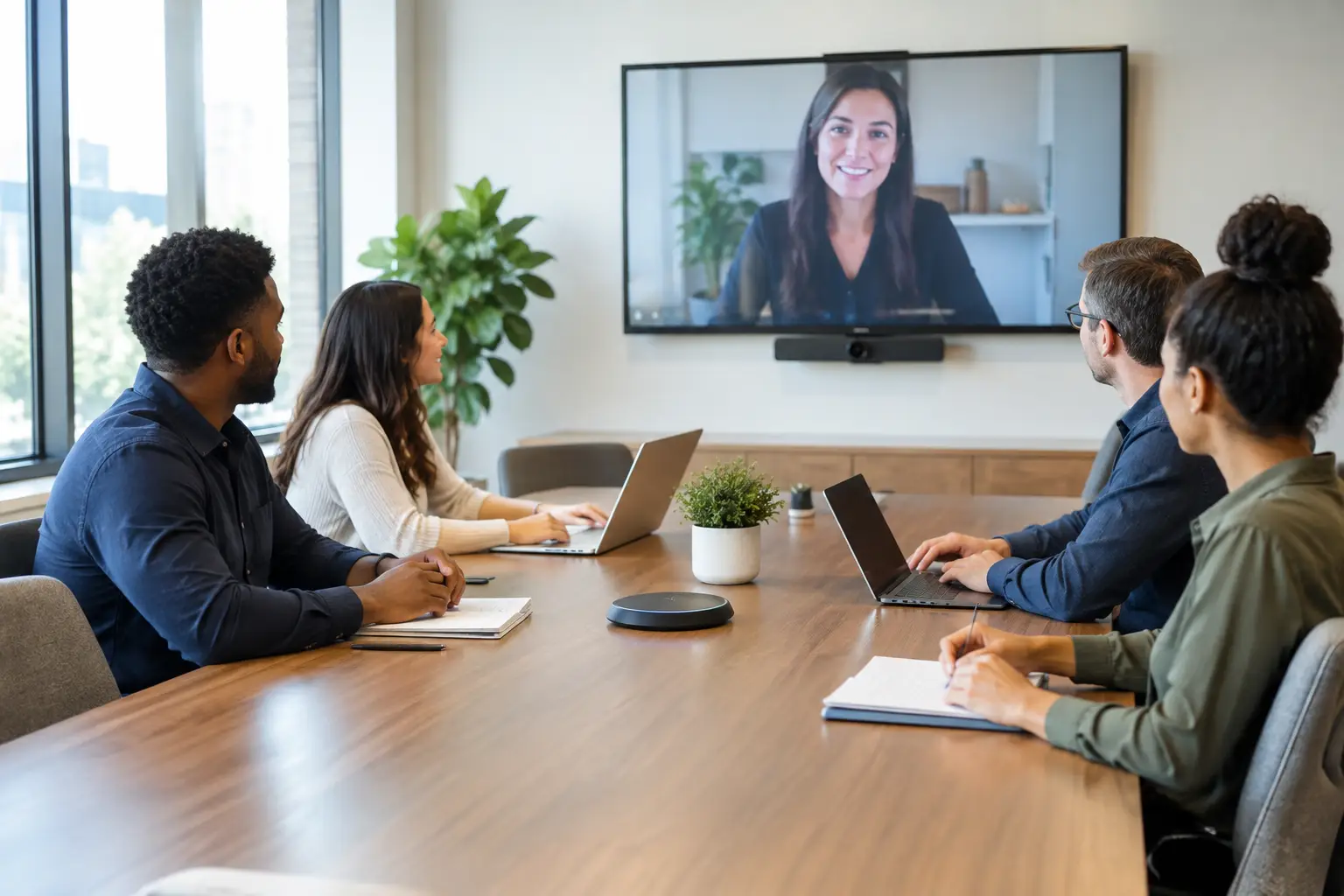
A missed client presentation exposed the real cost of this organisation’s meeting room problems. The display took several minutes to connect, remote attendees could not hear discussion at the far end of the table, and the internal IT team had to step in while the meeting was already under way. This meeting room upgrade case study examines how a growing UK organisation addressed those recurring frustrations with a practical, usability-led AV refresh.
The business had invested in hybrid working, but its meeting spaces had not kept pace. Staff could collaborate easily at their desks using laptops and headsets, yet formal meetings became unpredictable the moment people entered a room. The objective was not to install technology for its own sake. It was to make every booked room dependable, intuitive and suitable for both in-person and remote participants.
The starting point: capable rooms that nobody trusted
The organisation operated from a main office with a mix of boardroom, medium-sized meeting rooms and smaller collaboration spaces. Equipment had been added at different times, often to solve an immediate issue rather than as part of a wider room strategy. As a result, no two rooms worked in quite the same way.
Some spaces relied on ageing USB cameras connected directly to a presenter’s laptop. Others had wall-mounted displays but no consistent method for joining a video call. Audio quality varied significantly, particularly when remote participants joined meetings with six or more people in the room. Staff arrived early to test cables, adapters and conferencing settings, or avoided certain rooms altogether.
For the IT and facilities teams, the impact extended beyond individual meeting failures. Support requests were difficult to diagnose because they involved a mixture of laptops, software versions, loose connections and older AV equipment. There was no clear ownership of the complete user experience. A room might look available in the calendar, but that did not mean it was ready to support a productive hybrid meeting.
The organisation set three priorities. First, users needed a consistent way to start and control calls. Second, rooms needed audio and camera coverage appropriate to their size and layout. Third, support teams needed better visibility of room status without adding unnecessary administrative work.
Meeting room upgrade case study: planning before products
The first step was a consultation and room-by-room assessment, rather than selecting a standard kit and fitting it everywhere. The boardroom had different demands from the smaller rooms: longer sightlines, more participants and regular external presentations required stronger audio pickup, clearer camera framing and more flexible content sharing. Smaller spaces needed speed and simplicity above all else.
The assessment also considered how people actually used each room. Were calls predominantly on Microsoft Teams, or did users regularly join meetings hosted on other platforms? Did participants sit around a fixed table, move between workshop layouts or present from different parts of the room? Was natural light affecting display visibility? These details influence design decisions that can otherwise appear minor but have a lasting effect on usability.
A common mistake in room upgrades is to focus solely on the visible display or camera. A high-quality screen cannot compensate for poor audio, awkward control or an unreliable network connection. Equally, a technically sophisticated system can create resistance if a guest cannot understand how to share content within a few seconds.
TecInteractive’s approach was to design the rooms around a familiar meeting journey: enter the room, connect or join, share content, be heard clearly, see remote participants, and leave the space ready for the next meeting. That sequence informed every decision.
The solution: consistent experiences, scaled to each space
The organisation introduced dedicated video conferencing systems in its most heavily used rooms, with touch controls positioned where users naturally expected to find them. This removed the need for a meeting host to rely on a personal laptop for core room functions. Joining a scheduled call became a straightforward action rather than a series of device checks.
In the boardroom, the upgrade combined a larger commercial display, a camera designed to frame participants accurately, ceiling or table-based microphone coverage selected for the room’s acoustics, and integrated speakers. Wireless and wired content sharing gave presenters a reliable option regardless of device type or visitor access requirements.
Medium-sized rooms received a standardised video bar and display configuration. This delivered a clear improvement in both sound and image quality while keeping the interface familiar across the estate. Smaller spaces used simpler collaboration setups, where appropriate, so that investment was matched to usage rather than applied uniformly.
This distinction matters. Standardisation does not mean making every room identical. It means giving employees a recognisable experience while ensuring the technology is appropriate for the room’s capacity, layout and importance. A boardroom used for client briefings may justify greater resilience and presentation capability than a huddle room used for short internal catch-ups.
Room booking panels were also considered as part of the wider upgrade. In spaces with high demand, visible availability indicators reduced interruptions and made it easier for staff to find a suitable room. However, these panels were not treated as a standalone fix. Booking technology is most useful when calendar data is reliable and room behaviours are agreed across the business.
Installation with minimal disruption
The organisation could not afford to close its meeting areas for an extended period. Installation therefore had to be carefully phased around room occupancy, key events and office attendance patterns. Pre-installation planning covered cabling routes, power requirements, network readiness and mounting locations before engineers arrived on site.
This preparation reduced avoidable disruption and limited last-minute design changes. It also helped avoid a frequent source of project delay: discovering that the proposed AV design conflicts with building fabric, furniture, existing services or network policies.
Where rooms were taken out of service, the work was scheduled in manageable stages. Each completed space was tested against agreed use cases, including scheduled video calls, guest joining, content sharing and audio performance from different seating positions. Testing the room as a user would experience it is essential. A system can pass a technical commissioning check and still create frustration if controls are unclear or camera framing is unsuitable.
Adoption: the part that determines whether the investment pays off
The technology was deliberately designed to reduce the need for formal training, but simplicity does not eliminate the value of a good handover. Staff received concise guidance focused on everyday tasks: joining a call, sharing content, adjusting room controls and getting help when needed. Local champions and office teams were shown how to handle common questions without becoming informal AV support specialists.
Clear ownership also helped. Users knew where to report issues, while the IT team had a defined support route for matters requiring further investigation. This reduced the familiar cycle in which meeting room problems are reported inconsistently, fixed temporarily and then reappear without a clear record of cause.
For organisations managing multiple sites, this model can be extended with standard room types, documented configurations and central support. The precise products may change over time, but the operating principle remains consistent: employees should not have to relearn how to run a meeting every time they move between offices.
What changed after the upgrade
The most meaningful improvement was confidence. Employees began choosing meeting rooms because they expected them to work, rather than selecting them only when no alternative was available. Meeting hosts spent less time dealing with adapters and settings, allowing conversations to begin on time and keeping the focus on the agenda.
Remote attendees reported a more balanced experience because voices from around the room were clearer and visual framing made it easier to follow discussion. This is particularly significant for organisations trying to maintain fair participation between office-based and remote colleagues. Hybrid meetings are not improved simply by adding a camera; they improve when sound, sightlines, controls and meeting habits work together.
The internal support burden also became more manageable. Consistent equipment and room configurations made issues easier to identify, while professionally installed systems removed several of the weak points associated with ad hoc laptop-based setups. That does not mean support needs disappear. Software updates, changing work patterns and physical wear all require attention. But predictable rooms are far easier to support than a collection of one-off arrangements.
Lessons for organisations planning an upgrade
A successful meeting room project starts with operational questions, not a product list. Consider which rooms cause the most disruption, what meetings take place there and where users lose time. Then assess the full experience, from booking through to call control and ongoing support.
It is also worth being realistic about trade-offs. A lower-cost setup may be suitable for an occasional-use room, while a leadership boardroom or client-facing space may need higher-quality audio, more flexible presentation options and greater resilience. The right investment depends on usage, risk and the value of the conversations taking place in that room.
The strongest meeting room upgrades make technology less visible to the people using it. When a team can enter a room, start on time and include every participant without calling IT, the workplace is doing what it should: helping people work together with less friction.