
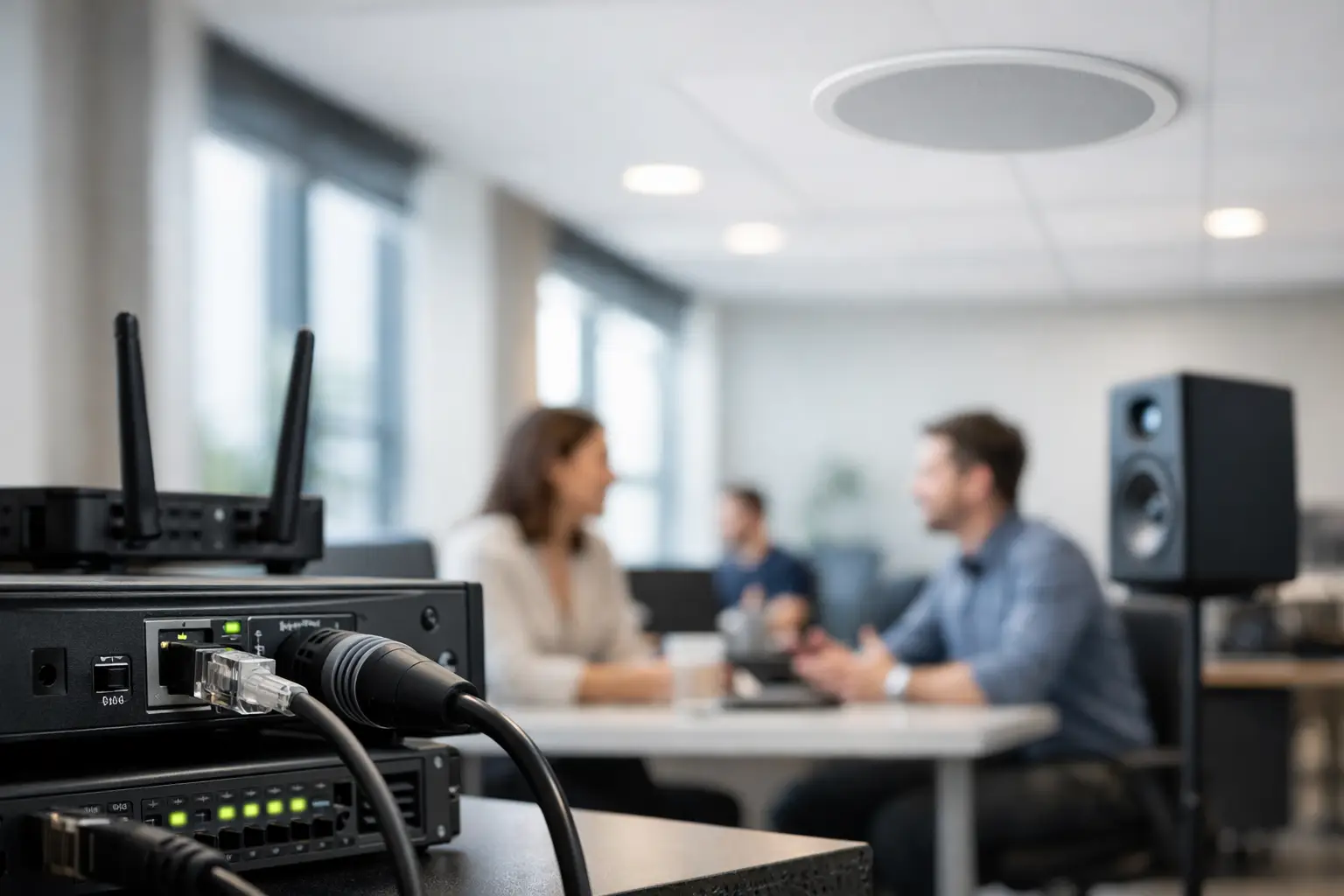
A boardroom can have an excellent camera, a high-quality display and a familiar video platform, yet still fail the people using it because one remote participant cannot be heard. Networked audio addresses that weak point by treating sound as a managed workplace service rather than a collection of disconnected microphones, speakers and amplifiers.
For organisations with hybrid meetings, divisible spaces or multiple sites, this approach can improve intelligibility, simplify expansion and give IT teams clearer visibility of what is connected. It is not simply a way to move audio over a network. Properly designed, it is the foundation for consistent, usable sound across the workplace.
What is networked audio?
Networked audio sends digital audio signals across standard data networks rather than relying solely on point-to-point analogue cabling. Microphones, loudspeakers, digital signal processors, conferencing systems and amplifiers can exchange audio through network switches, with each device assigned and managed within the wider system.
In a conventional installation, a ceiling microphone might run directly back to an AV rack, then through dedicated processing and amplification before reaching speakers. That model remains suitable for some rooms, particularly smaller, self-contained spaces. However, it becomes harder to manage when rooms need multiple microphones, flexible layouts or shared resources.
With networked audio, devices can be positioned where they are needed and connected to the network infrastructure designed for the building. Audio routes are configured in software, allowing inputs and outputs to be assigned without extensive physical re-cabling. This creates more flexibility, but only when the network, AV design and ongoing support model have been considered together.
Why workplace audio is often the real meeting-room problem
People will tolerate a few seconds of video delay more readily than they will tolerate poor speech. If meeting attendees must strain to hear a colleague, repeat questions or move closer to a table microphone, attention quickly shifts from the meeting agenda to the technology.
This matters even more in hybrid working. Remote participants rely entirely on the room’s microphones and speakers to follow the conversation. A room that sounds acceptable to those physically present may still produce muffled speech, feedback or uneven volume for people joining online.
The issue is not always the microphone itself. Poor results can come from room acoustics, speaker positioning, incorrect gain settings, untreated reverberation, incompatible devices or a system that was added to gradually without a coherent design. Networked audio gives organisations a more controlled way to address these factors, especially where rooms and user needs vary across an estate.
Where networked audio delivers the greatest value
The strongest case is usually not a single small meeting room. It is an environment where audio needs to be flexible, consistent and straightforward to support.
Boardrooms and executive spaces
Boardrooms often require discreet microphones, high-quality loudspeakers and integration with cameras, displays and video conferencing platforms. Networked systems allow multiple microphones and audio zones to be managed precisely, while keeping equipment layouts cleaner and more adaptable for future changes.
For example, an executive room may need to support a standard video meeting one day and a presentation to a larger in-room audience the next. The audio system should switch between these use cases without users having to understand signal routing. A well-programmed control interface can make this feel simple, even where the underlying system is sophisticated.
Divisible rooms and training suites
Training rooms and multi-purpose spaces create a different challenge. When a partition is open, two rooms may need to operate as one. When it is closed, each space needs its own microphones, speakers and conferencing connection.
Networked audio can support these changes through programmed room-combining modes. Audio sources, microphones and speakers can be reassigned to match the physical configuration, reducing the need for manual patching or separate, duplicated systems. The value here is operational: staff can prepare the space quickly and users can start meetings without calling for technical help.
Reception areas, town halls and shared spaces
Larger communal spaces may need background audio, presentation sound, paging or event support. These environments benefit from zoned control, so audio levels and sources can be appropriate for each area rather than broadcasting the same content everywhere.
The right solution depends on the purpose of the space. A reception area requires clarity without becoming intrusive. An auditorium needs controlled coverage and speech reinforcement. A town hall space may need a mix of local presenters, remote contributors and audience questions. Treating every room as the same would compromise usability.
Multi-site organisations
For organisations with offices across the UK, standardisation can reduce the burden on central IT and workplace teams. A consistent audio architecture, room experience and support process make it easier to deploy new spaces and resolve faults.
That does not mean every office must contain identical equipment. A small regional meeting room does not need the same specification as a headquarters boardroom. It does mean that core technologies, management methods and user interactions should be selected with consistency in mind.
The benefits are practical, not just technical
The most visible benefit of networked audio is better sound quality, but decision-makers should look beyond this. The wider value lies in how the system is installed, operated and maintained.
First, it can reduce cabling complexity. Digital audio can often travel over structured cabling, which may simplify installation in larger projects and make future changes less disruptive. This is particularly useful during office refurbishment, where ceiling access, room layouts and service routes can affect programme time and cost.
Second, it supports scalability. Adding an additional microphone, speaker zone or adjacent room may be more straightforward than extending a conventional point-to-point system. There are still limits around network capacity, power, switch availability and platform compatibility, but the architecture is better suited to planned growth.
Third, it can improve supportability. Centralised management and clear system documentation help technical teams understand how devices relate to each other. When paired with monitoring and responsive support, issues can often be diagnosed more efficiently than in a system made up of isolated components.
Finally, it helps create a more consistent user experience. Employees should not need to know whether their room has ceiling microphones, table microphones or networked speakers. They need confidence that they can join a meeting, be heard clearly and leave the room ready for the next group.
Design decisions that should not be overlooked
Networked audio is not automatically the right answer for every space. A simple room with a USB video bar may deliver excellent results at a lower cost and with less complexity. The decision should follow the room’s function, occupancy, acoustic conditions and expected level of flexibility.
Network readiness is central. Audio traffic requires suitable switches, adequate bandwidth, appropriate quality-of-service settings and a clear approach to network segmentation and security. AV and IT teams need to agree responsibilities early, rather than discovering technical constraints during installation.
Interoperability also matters. There are several audio networking protocols and ecosystems, and not every device works natively with every other device. Gateways can solve some compatibility challenges, but they add cost and points of management. Selecting a coherent platform is often more valuable than pursuing individual products with attractive specifications.
Audio quality is also affected by the room itself. Hard surfaces, exposed ceilings and glass partitions can make speech difficult to understand. Acoustic treatment, microphone selection and loudspeaker placement should be assessed as part of one design exercise. No amount of digital processing can fully compensate for an unsuitable physical environment.
From design to day-to-day confidence
A successful project starts with a clear understanding of how each space will be used. That means asking practical questions: How many people will typically attend? Will remote participants join regularly? Are rooms likely to be reconfigured? Who will support the system when an issue occurs? What experience should a first-time user have?
The answers inform system design, interface programming, installation planning and training. They also help avoid over-specification. A system should be capable enough for the organisation’s real needs, while remaining intuitive and maintainable.
TecInteractive approaches integrated audio as part of the wider workplace experience. The goal is not to introduce complexity for its own sake. It is to make meetings, presentations and shared spaces work reliably for the people who depend on them, while giving internal teams a clear route to support when they need it.
The most useful test is simple: when someone speaks from the far end of the room, can every participant understand them without thinking about the technology? When that becomes the normal experience, the workplace is better equipped for the conversations that matter.